
Laravel e-Commerce Multi-Tenant SaaS POS Module
$ 499.00 Buy ExtensionLive demo| Compatibility | Bagisto v2.5.0 |
| Last Update | 02 Nov 2026 |
| Created | 5 years ago |
| Offer | 3 Month Free Support |
| Document | User Guide |
| Developer | Bagisto |
| Support | Bagisto Support |

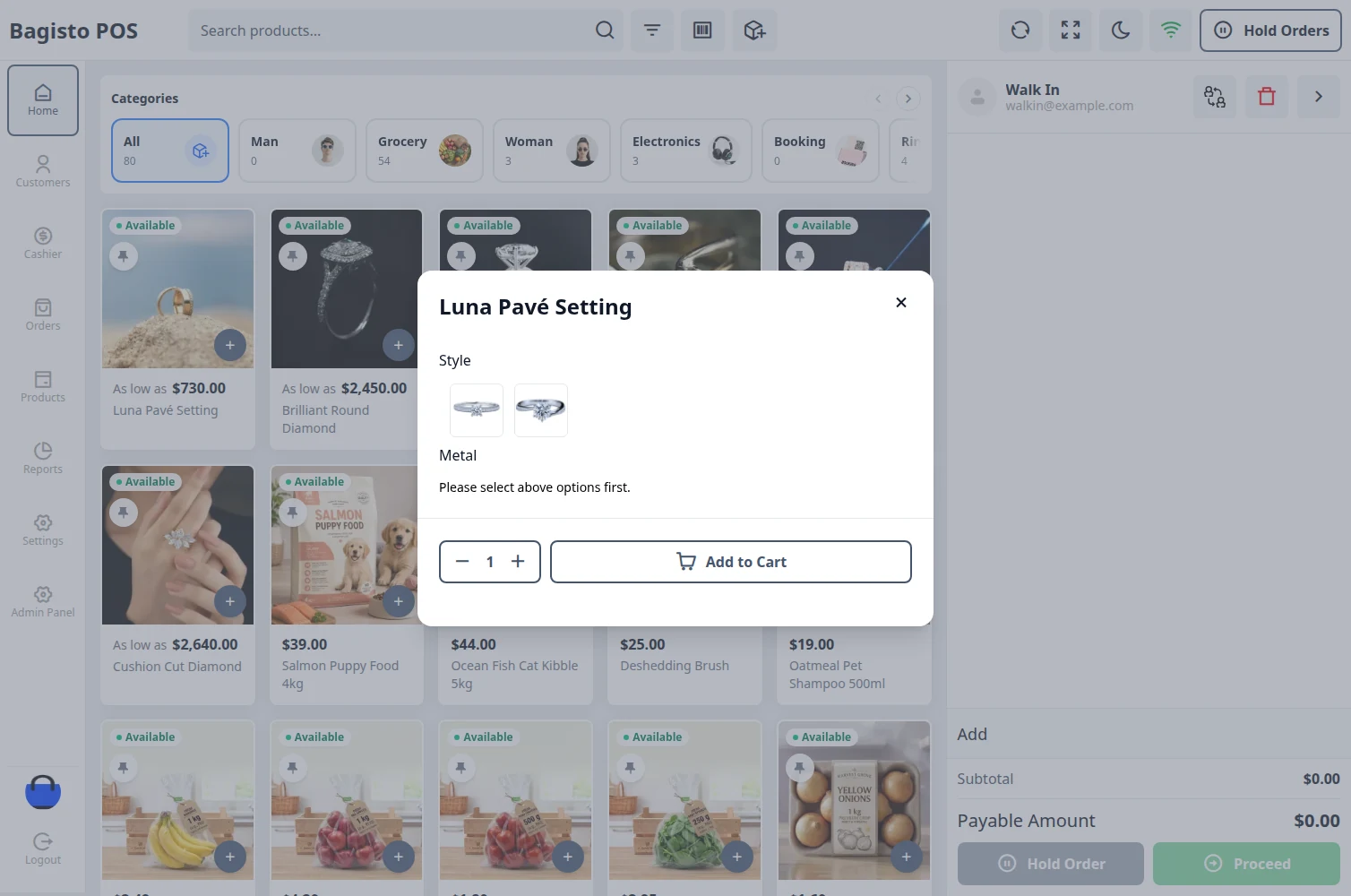
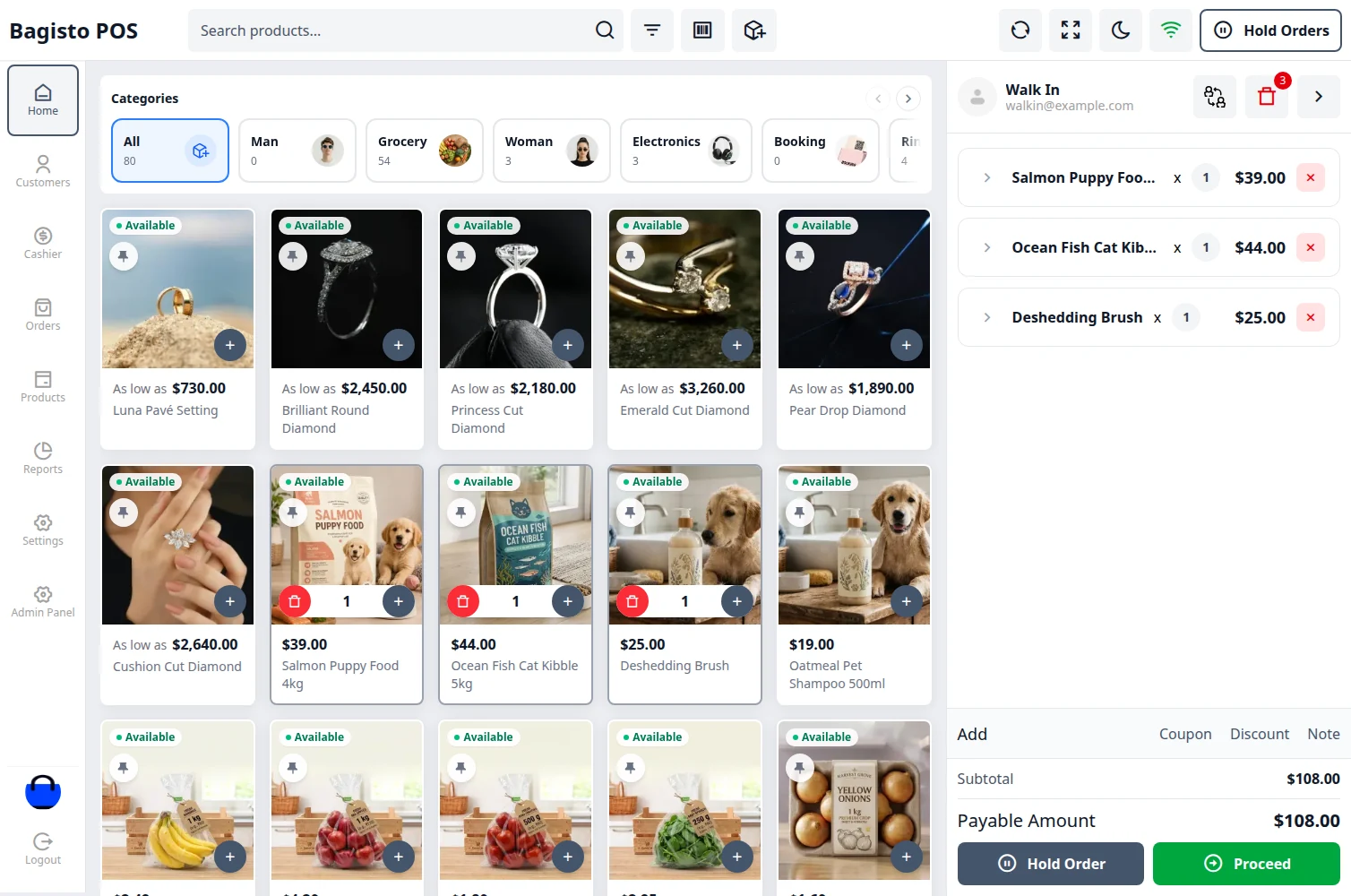
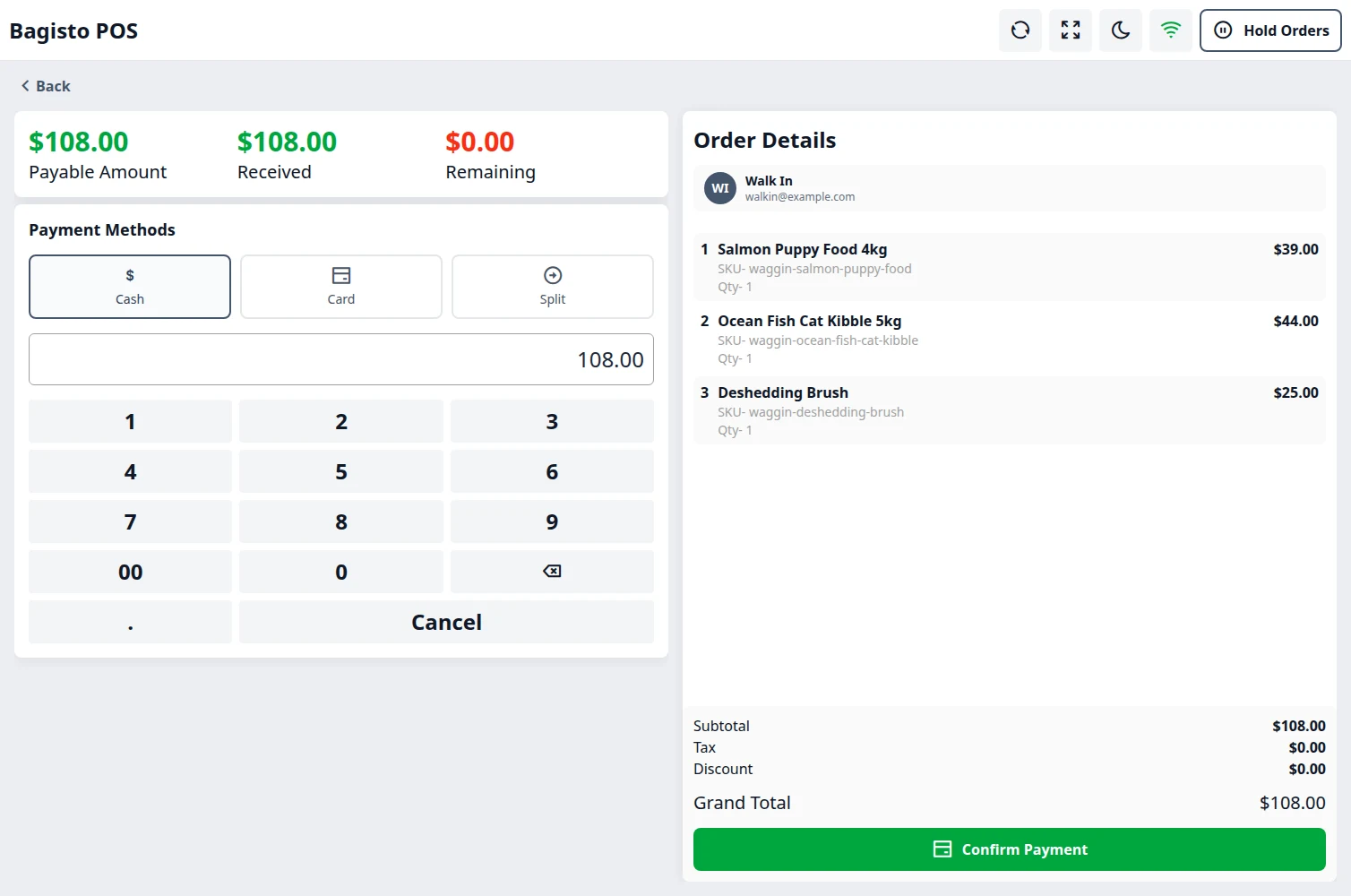
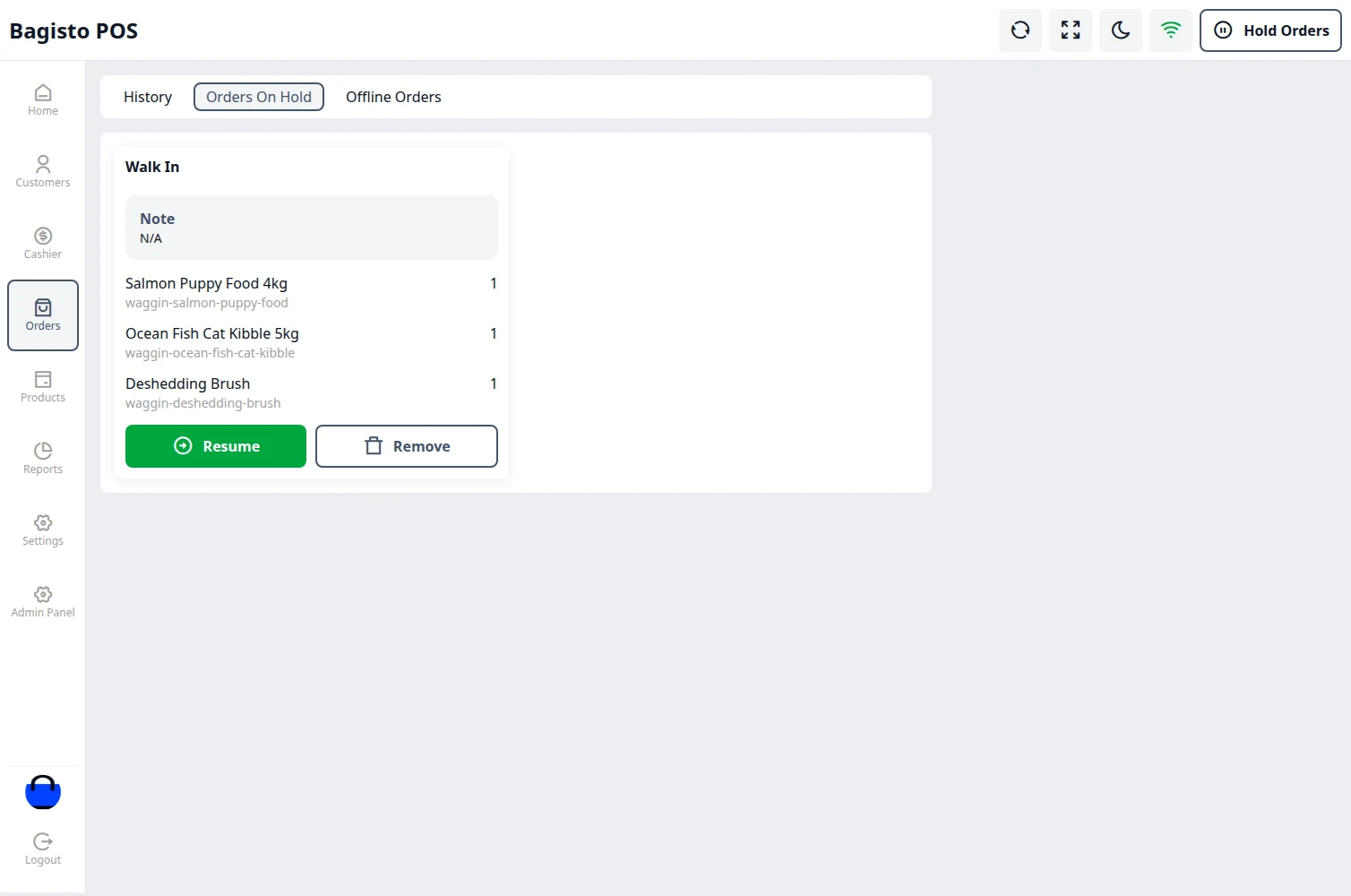
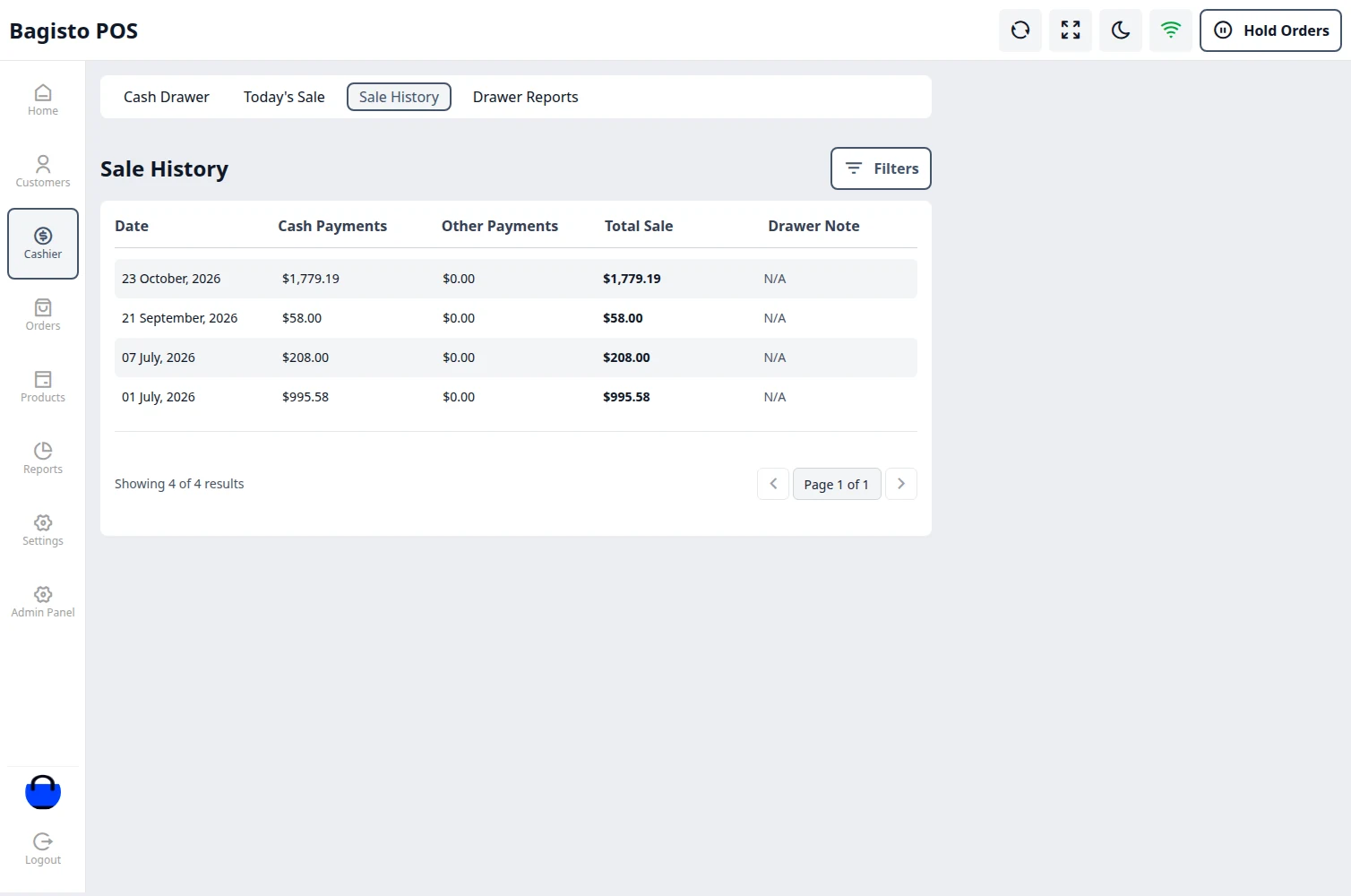
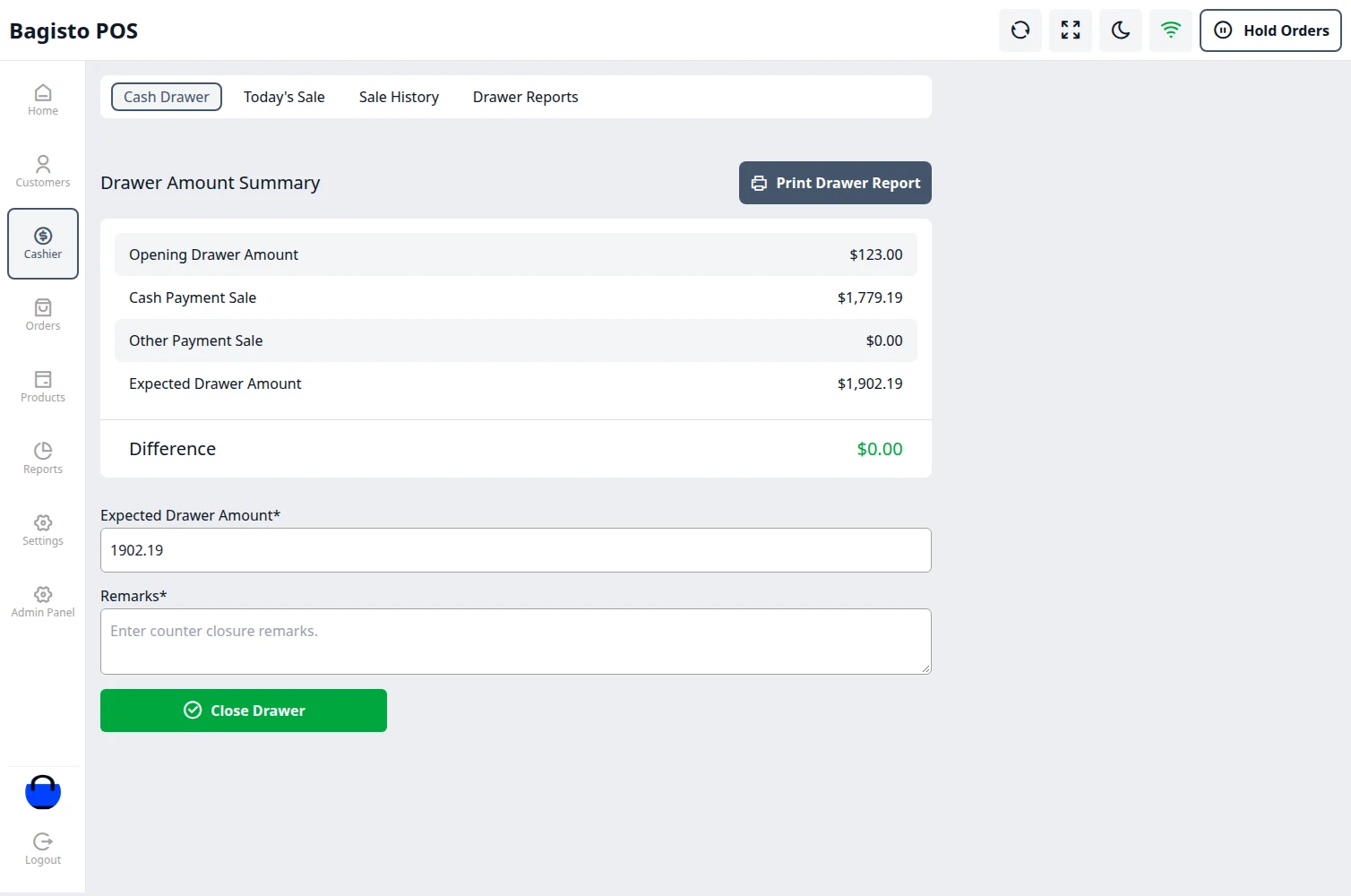
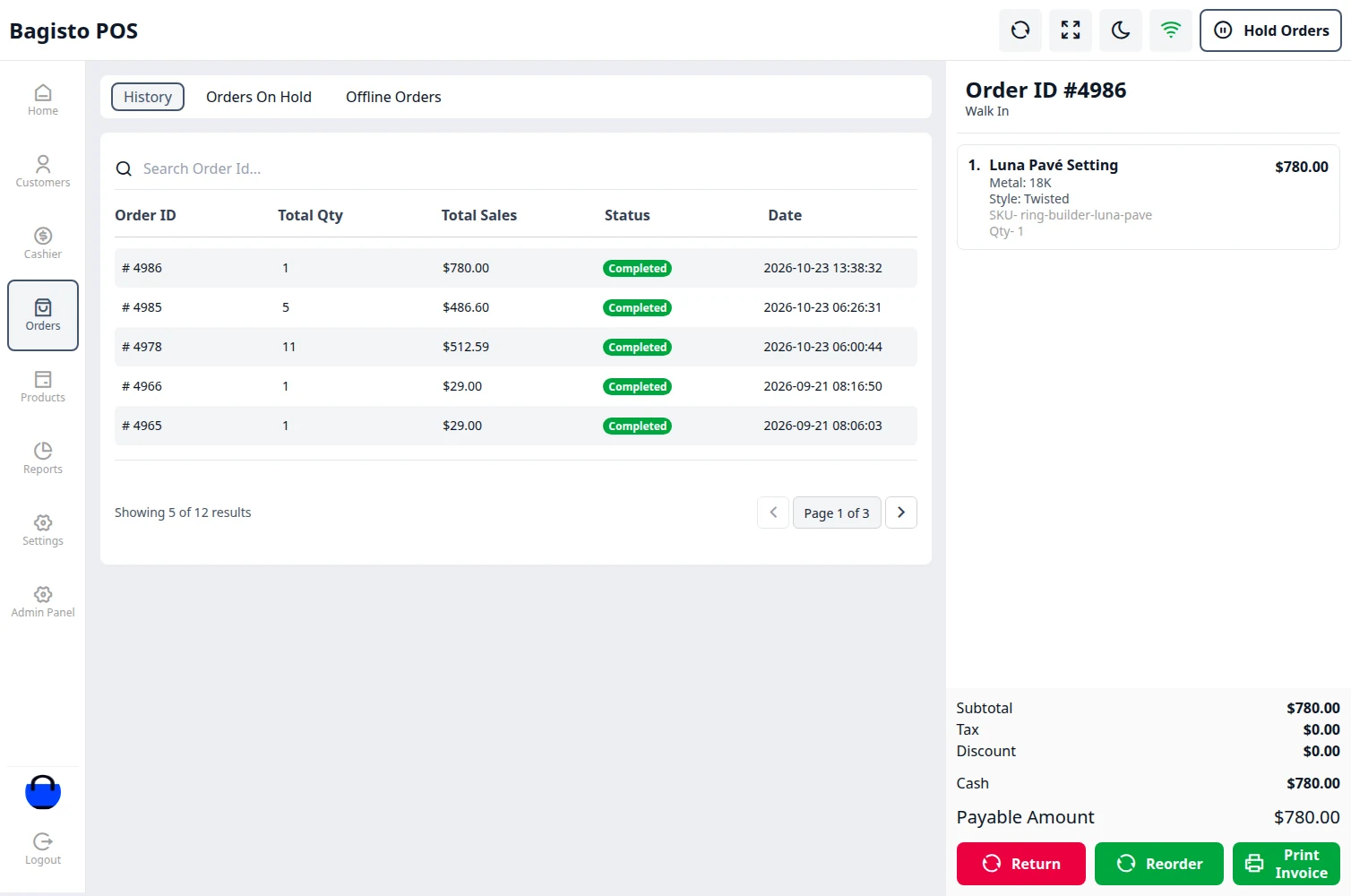
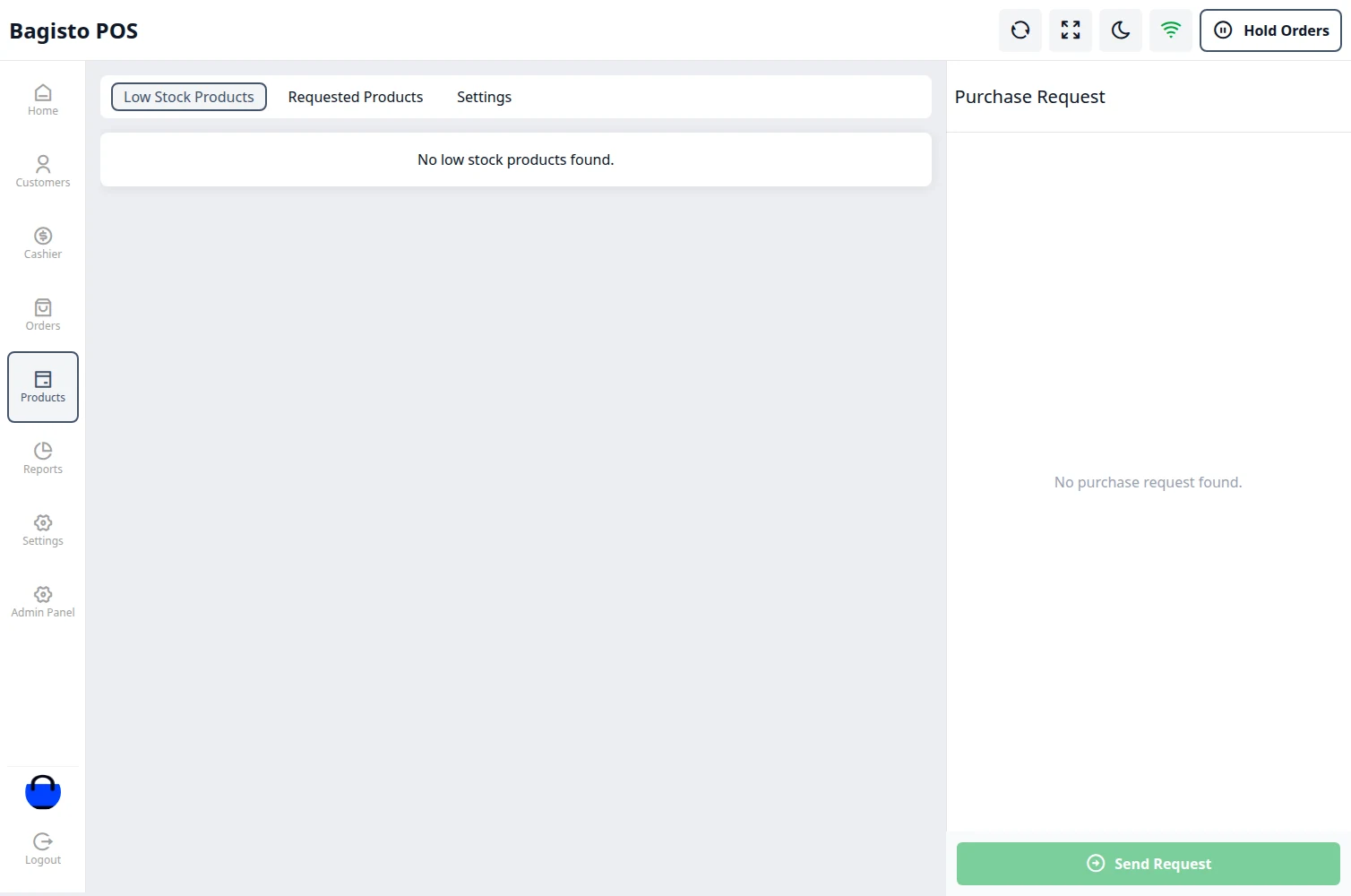
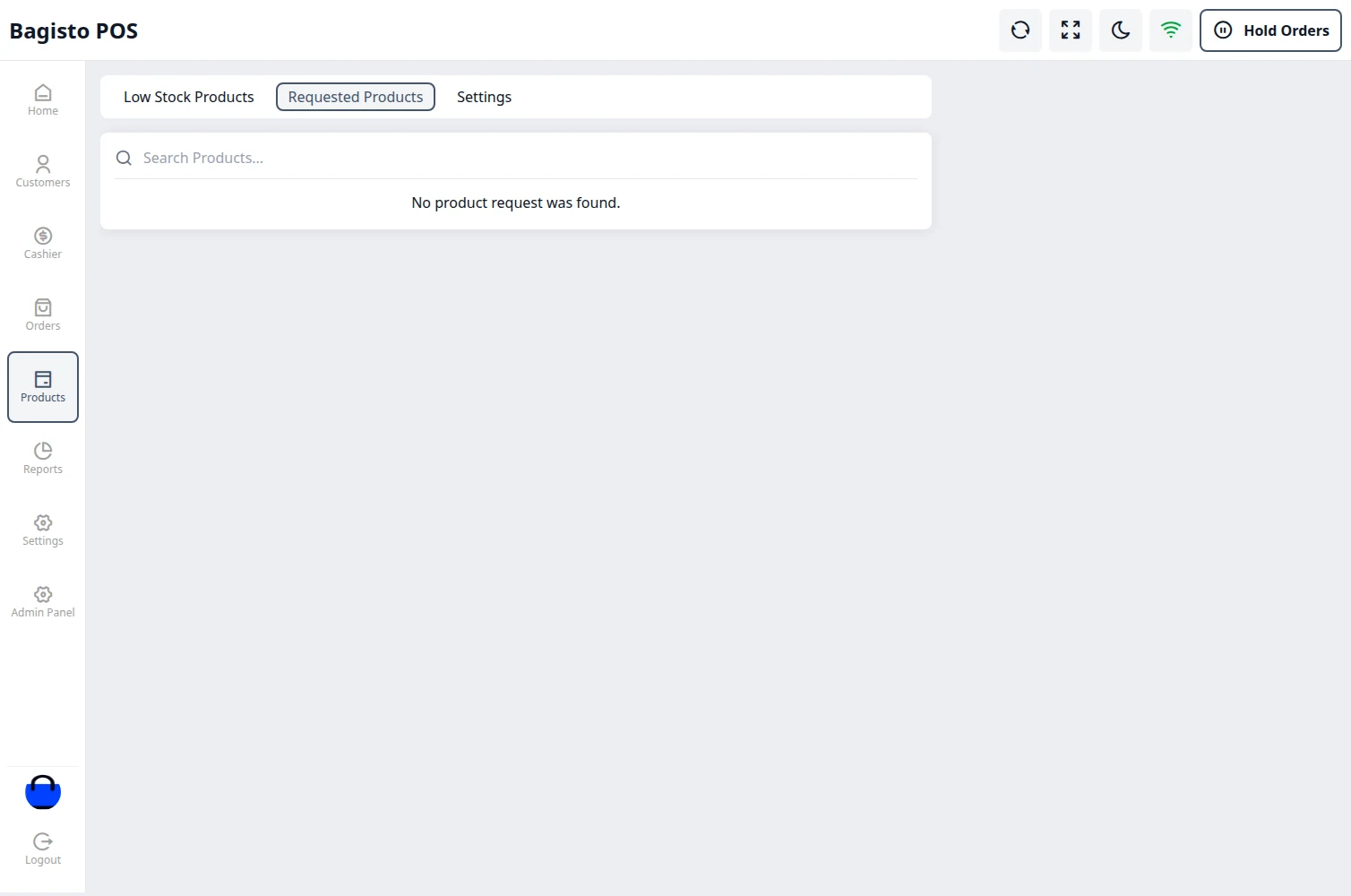
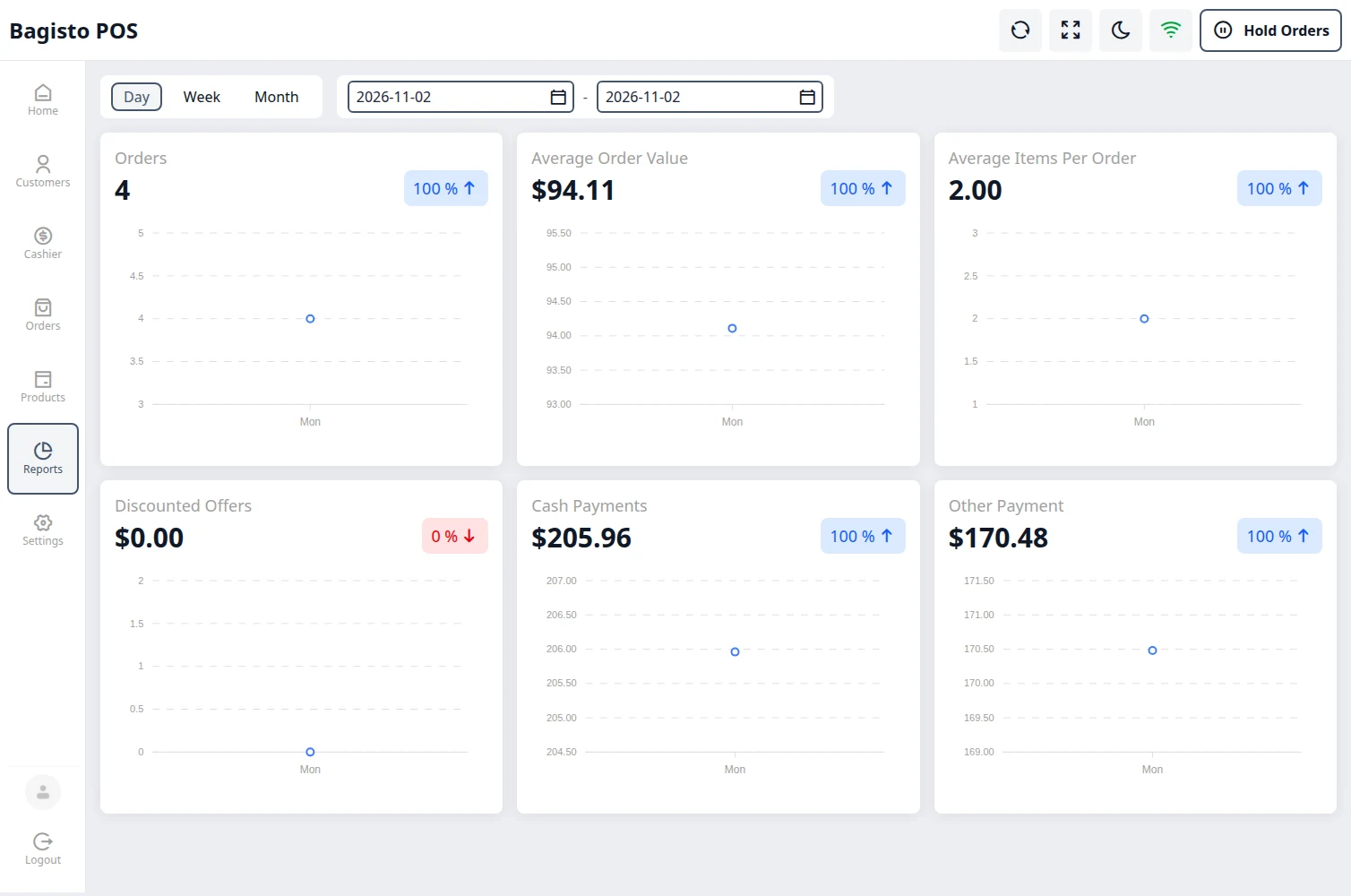
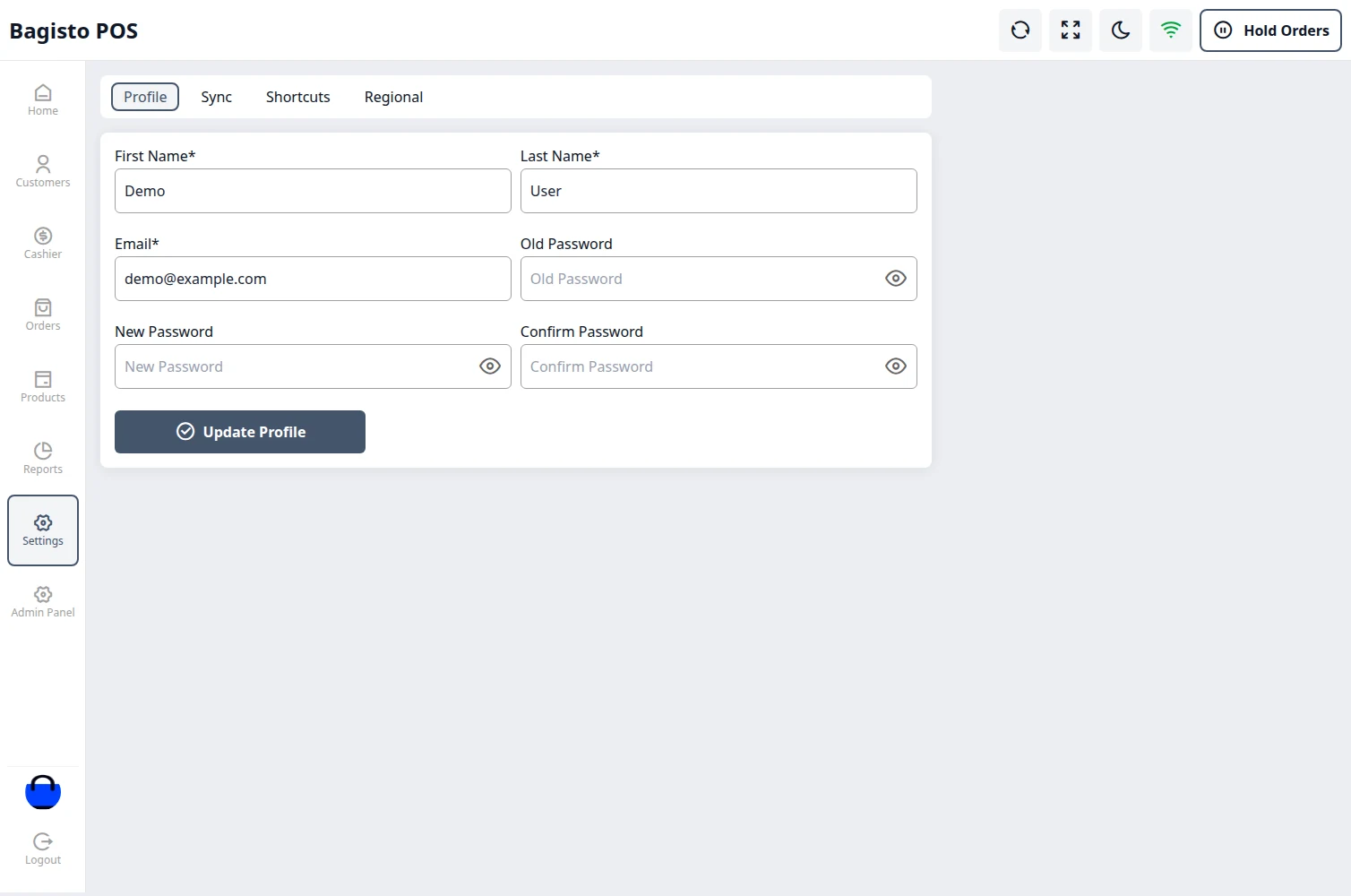
SaaS POS System is a complete point-of-sale solution for every merchant on your Bagisto SaaS platform. Each SaaS merchant can run their own physical stores: create outlets, give each outlet its own agents and products, take payments at the counter and follow every sale from the admin panel.
The POS works both online and offline. Sales and new customers made offline are saved on the till and synchronised with the online store as soon as the connection is back, and no sale is ever recorded twice.
Once the super admin installs the SaaS POS Module with Laravel eCommerce Multi-Tenant SaaS and includes POS in a subscription plan, every merchant on that plan gets a full-fledged POS on their own store domain at /pos.
Every merchant’s POS data stays their own: outlets, agents, customers, orders, receipts and settings are kept separately for each SaaS company, and an agent can only sign in on their own merchant’s domain.
Feature of Laravel e-commerce Multi-Tenant SaaS Module POS Module
- Separate POS outlets, agents, orders, receipts and reports for each SaaS company.
- The super admin decides which subscription plans include POS.
- Each SaaS company gets its own POS panel at /pos on its own domain.
- The Merchant can create multiple store outlets, each with its own inventory source, receipt and low-stock quantity.
- The Merchant can assign multiple agents to a single outlet.
- The Merchant can choose which products each outlet sells.
- Stock is shared with the online store, so a sale at the counter or online updates both.
- Sell simple, configurable, bundle, grouped, downloadable, virtual and booking products.
- POS agents can sell a custom product that is not in the catalogue.
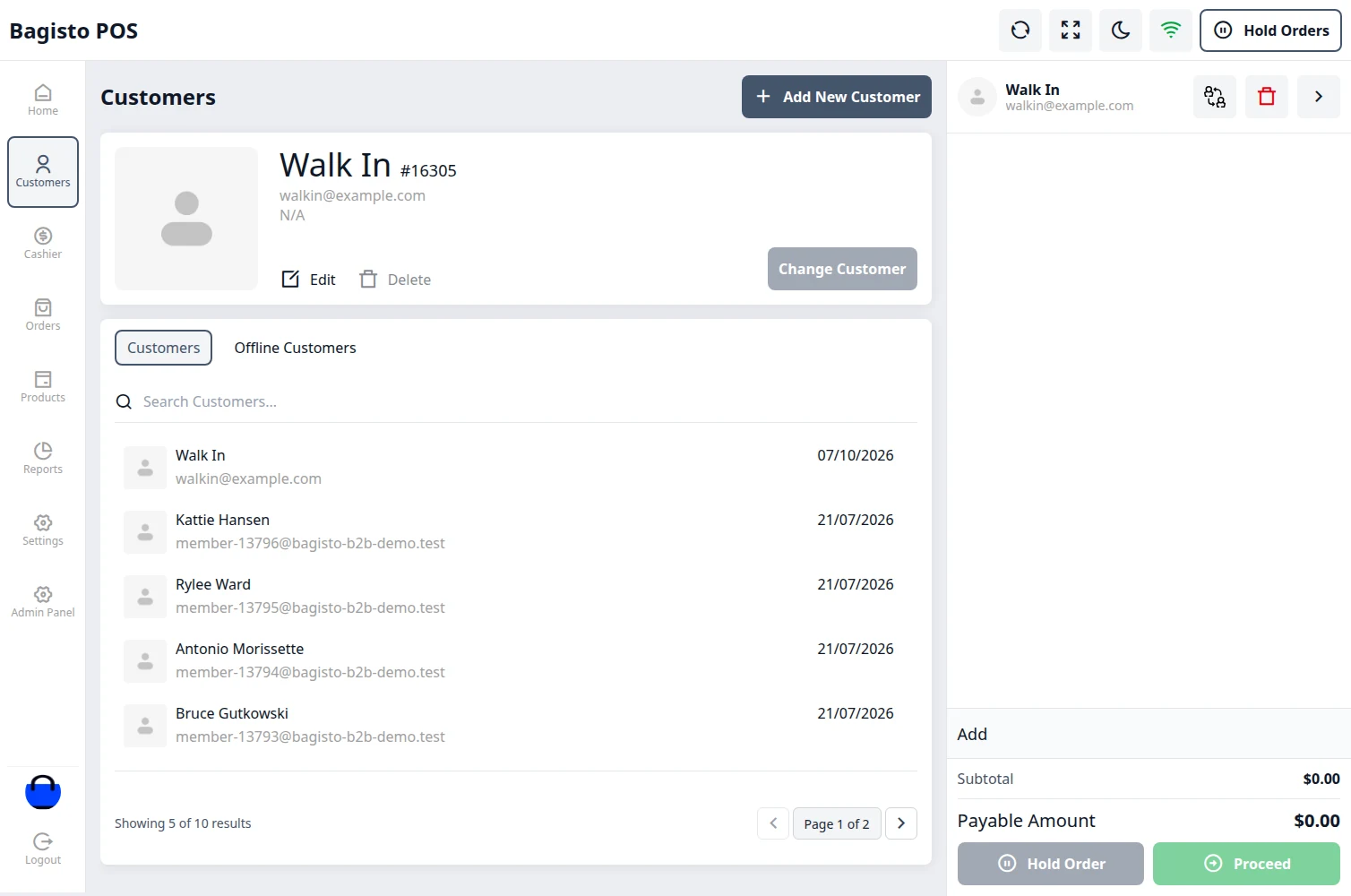
- POS agents can add, change and register customers at the counter.
- Cash, Card and Split payments, with the bank recorded for card payments.
- POS agents can apply a discount to a single item or to the whole order, as a percentage or a fixed amount.
- Coupons and the store’s cart rules apply at the POS, just as they do online.
- POS agents can put orders on hold and resume them later.
- POS agents can work offline in case of poor connectivity, and every offline sale syncs automatically once online.
- Open and close the cash drawer, with a printable drawer report for every session.
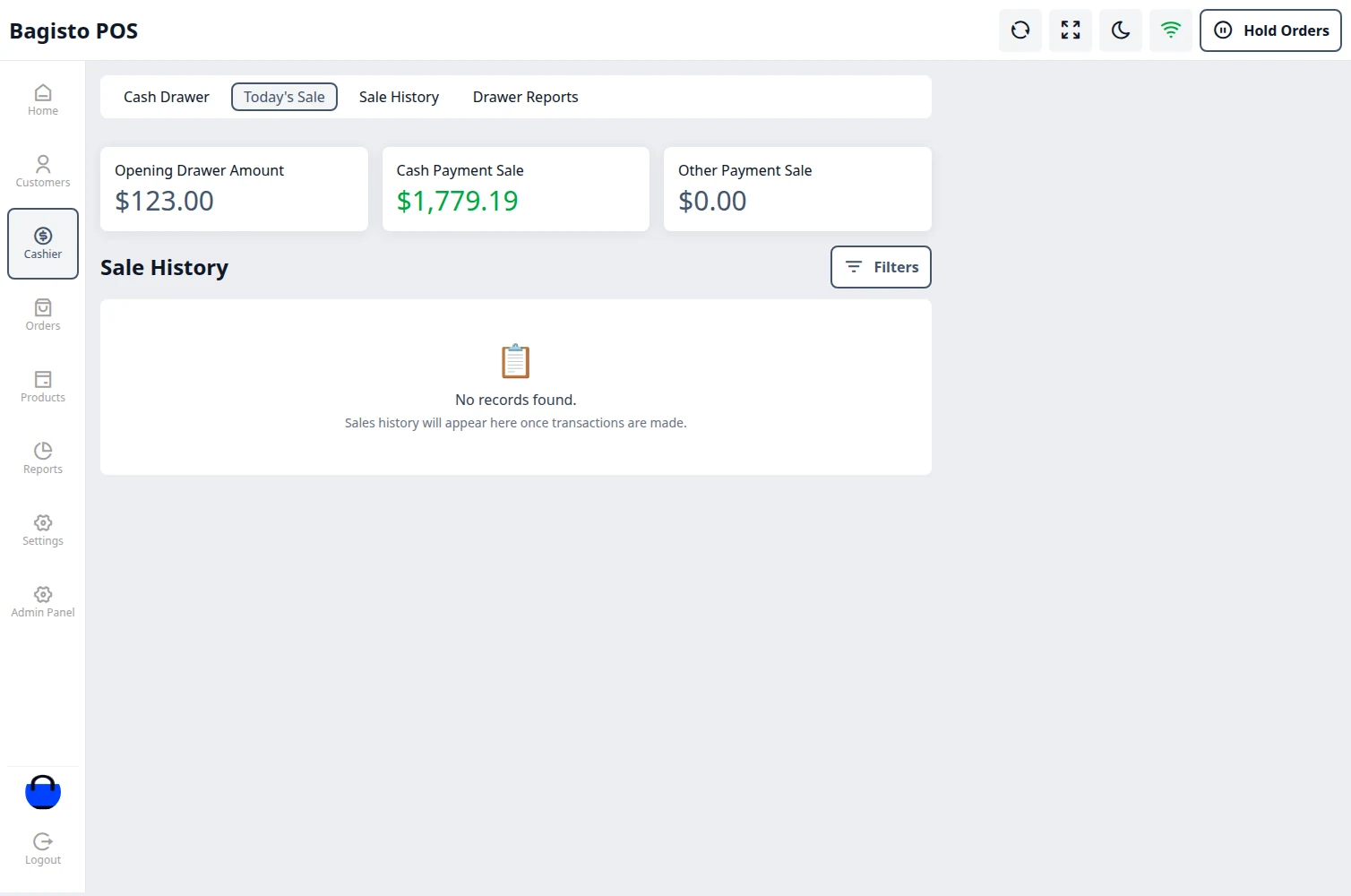
- POS agents can see today’s sales, sale history and drawer reports.
- POS agents can return orders and reorder them from the order history.
- POS agents can send stock requests for low-stock products, and the Merchant completes them from the admin panel.
- POS agents can set the minimum quantity for low-stock products.
- Charts of orders, average order value and payments by day, week or month at the POS.
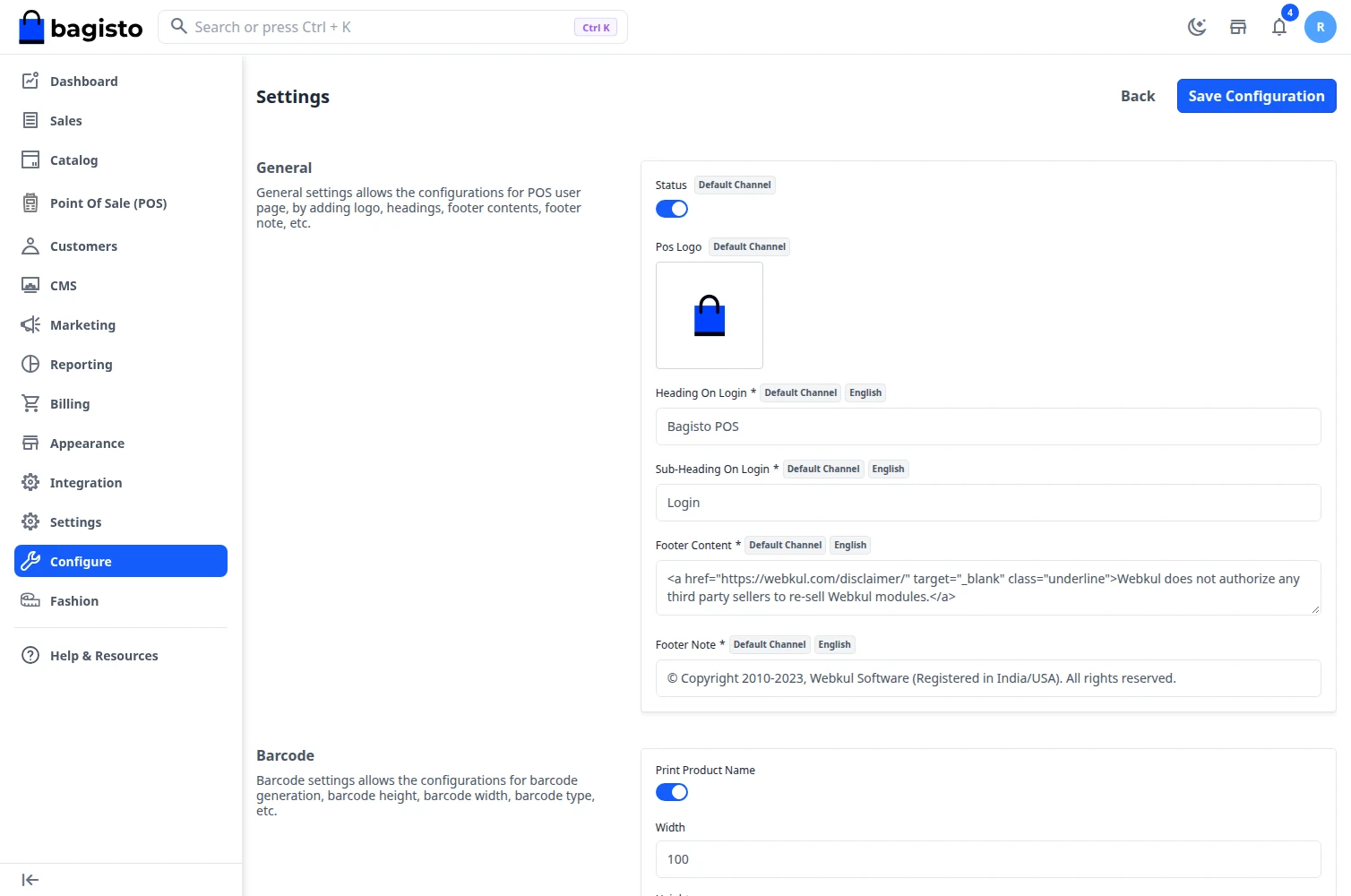
- Barcode generation and printing at the back-end, with prefix, size and “Generate Barcode With” options.
- Add products to the cart by scanning their barcode, or search them by name or SKU.
- Hide Barcode option in the configuration.
- Customisable receipts for 58, 80 and 104 mm paper, with your own logo, header and footer.
- POS orders, sales report with export, product requests and drawer sessions in the admin panel.
- POS agents can select the locale and currency of the POS.
- Authorised agents can handle EU right-of-withdrawal requests at the POS.
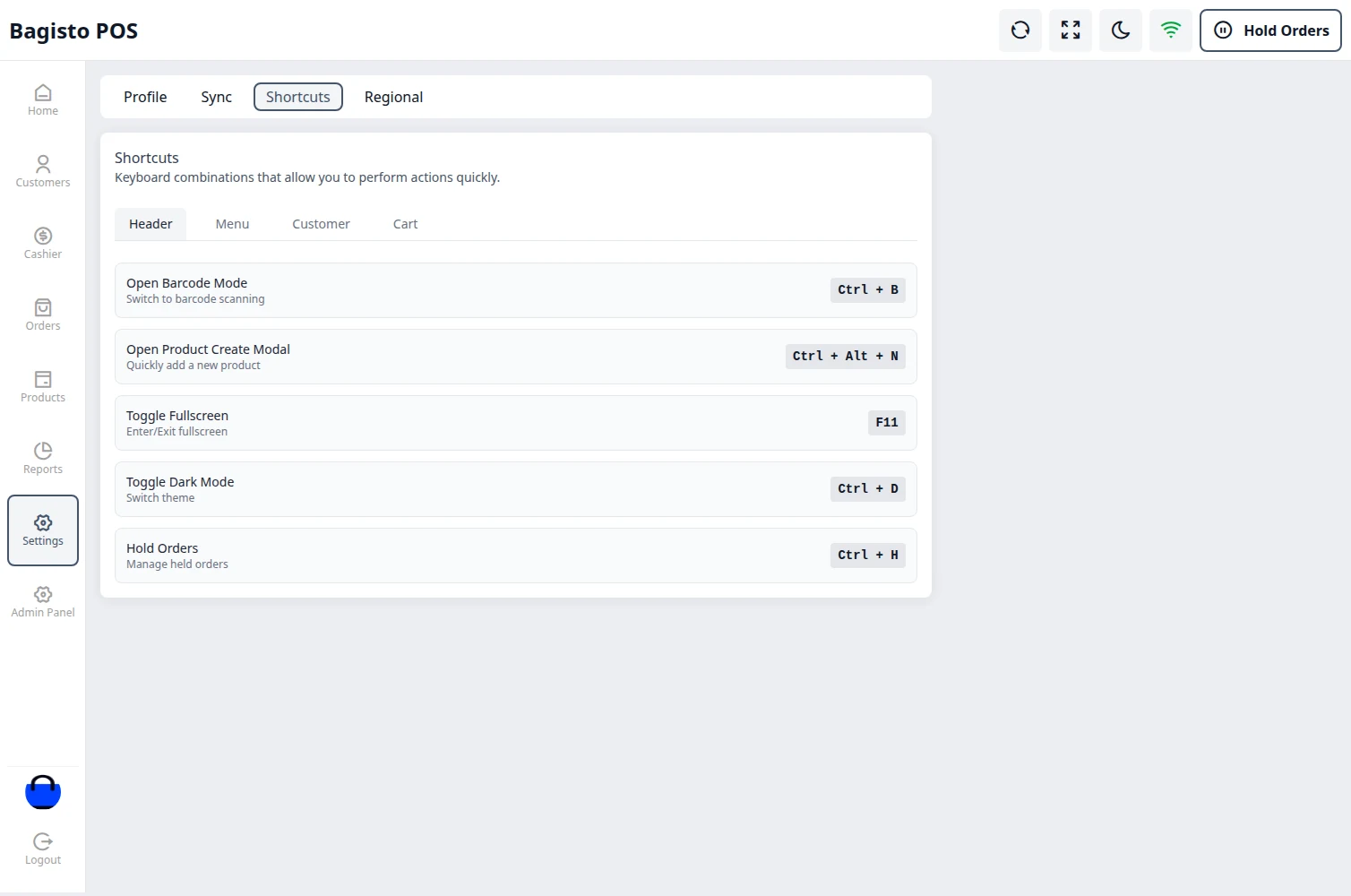
- Keyboard shortcuts and dark mode at the POS.
Video Tutorial
