How to Edit Home Page Design in Bagisto
This guide will describe you how to edit home page design in bagisto.
Your eCommerce website home page plays a crucial role in attracting customers and determining whether they would further continue on the store or not.
Bagisto is a robust open-source eCommerce platform developed on the Laravel framework.
It provides flexibility and customization options that enable store owners and developers to efficiently design and manage their online stores.
Below we have mentioned just a few steps on how to edit the home page design in Bagisto, the laravel eCommerce framework.
How to Edit Home Page Design in Bagisto?
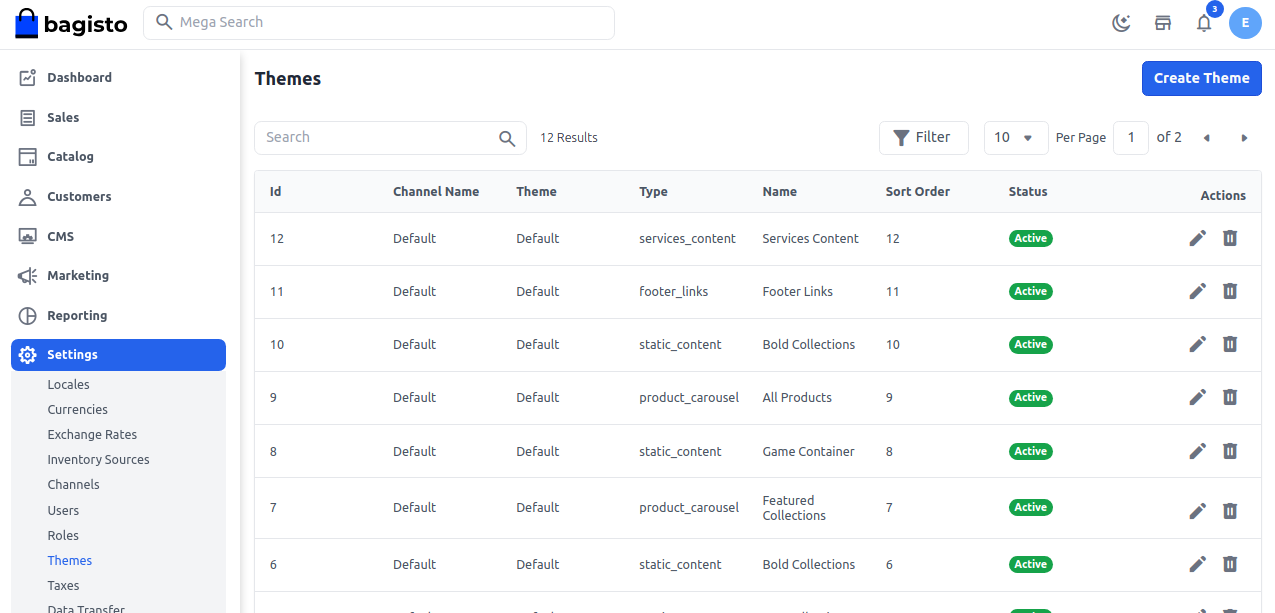
Click on Setting >> Themes >> edit it from the Action. You can easily manage all the content of CMS Pages from here as shown in the below image.
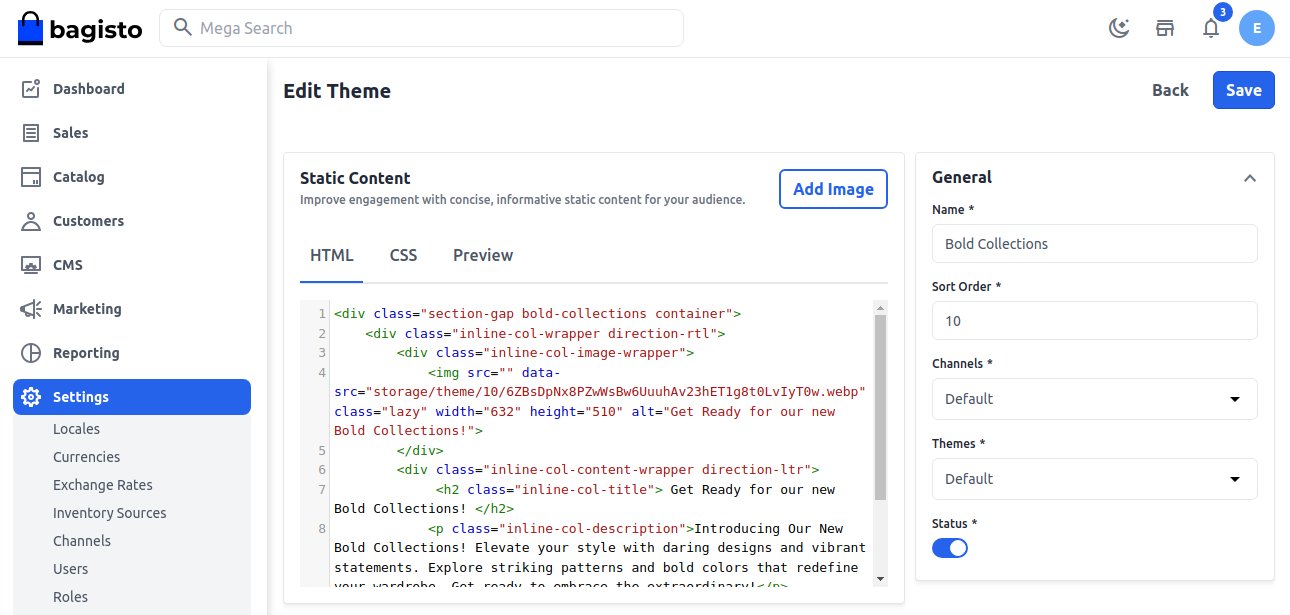
You can make use of an editor additionally, you can modify the home page content’s design pattern using the source code editor.
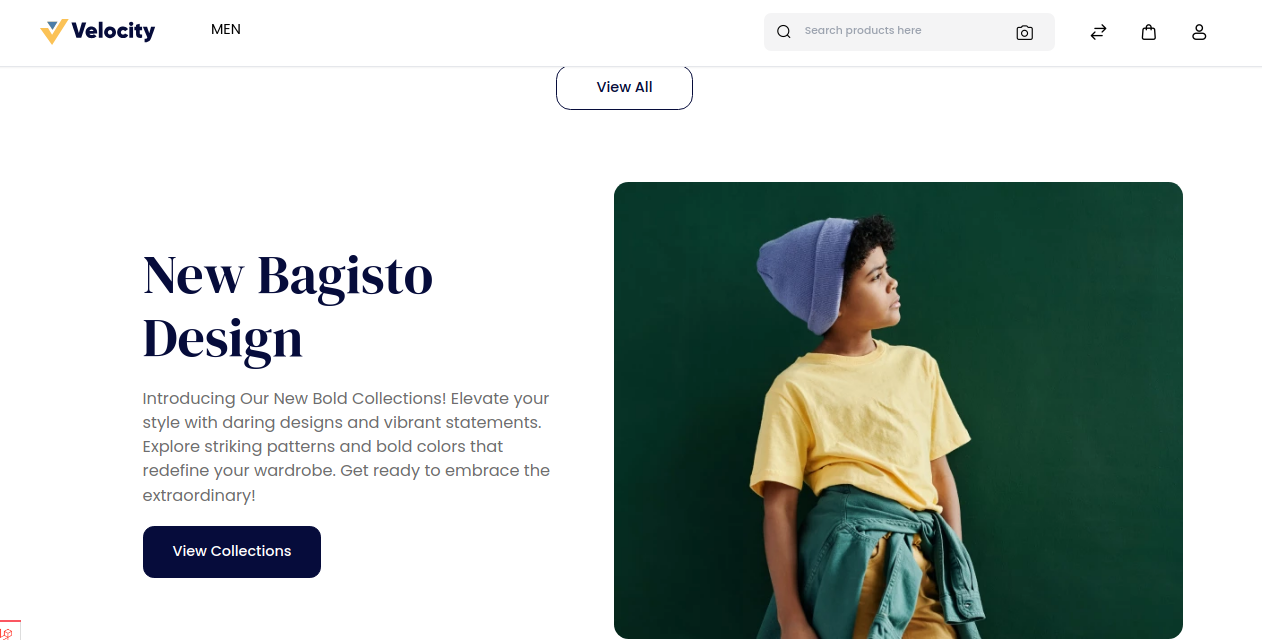
Front End
Below is the attached image with changes
Logo
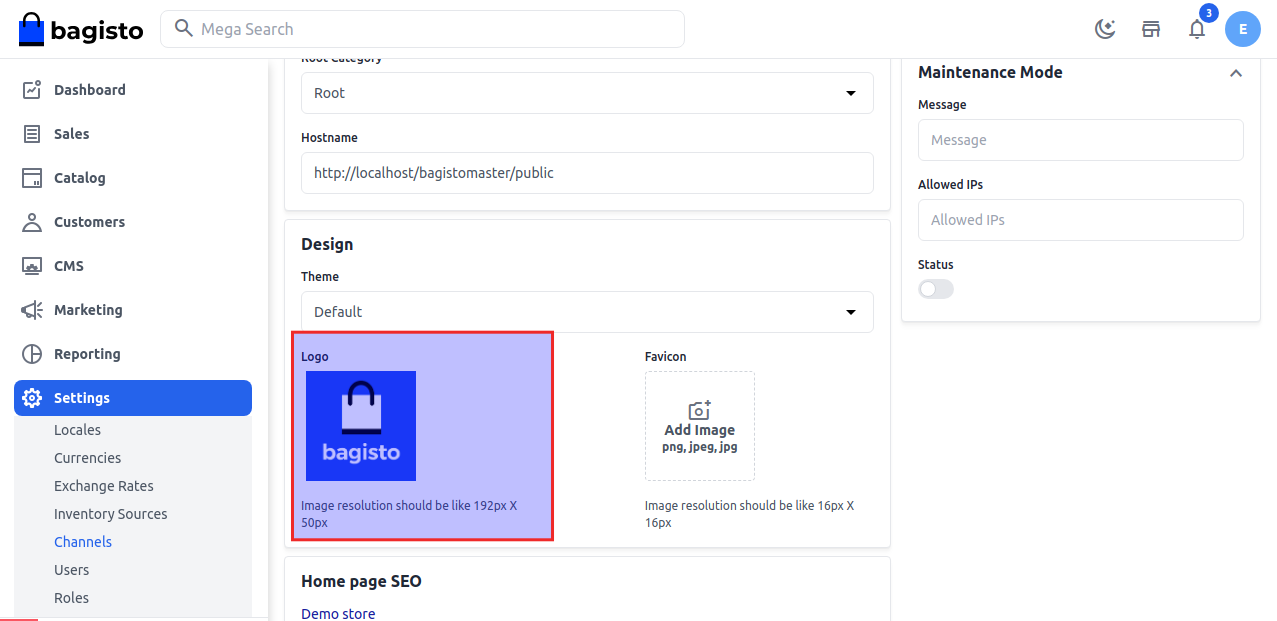
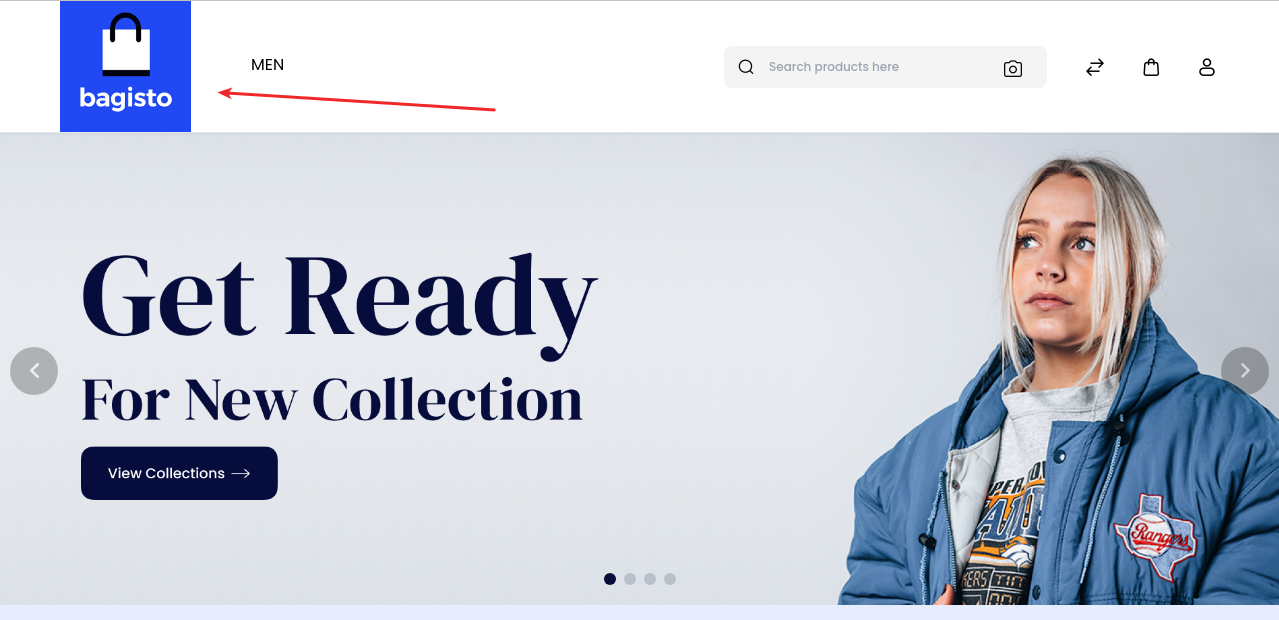
You can easily set the logo for your website. Go to Settings >> Channels >> Design >> Logo.
Then choose the image then click on the Save Channel button as shown in the below image.
Front End
Below is the attached image with changes
Favicon
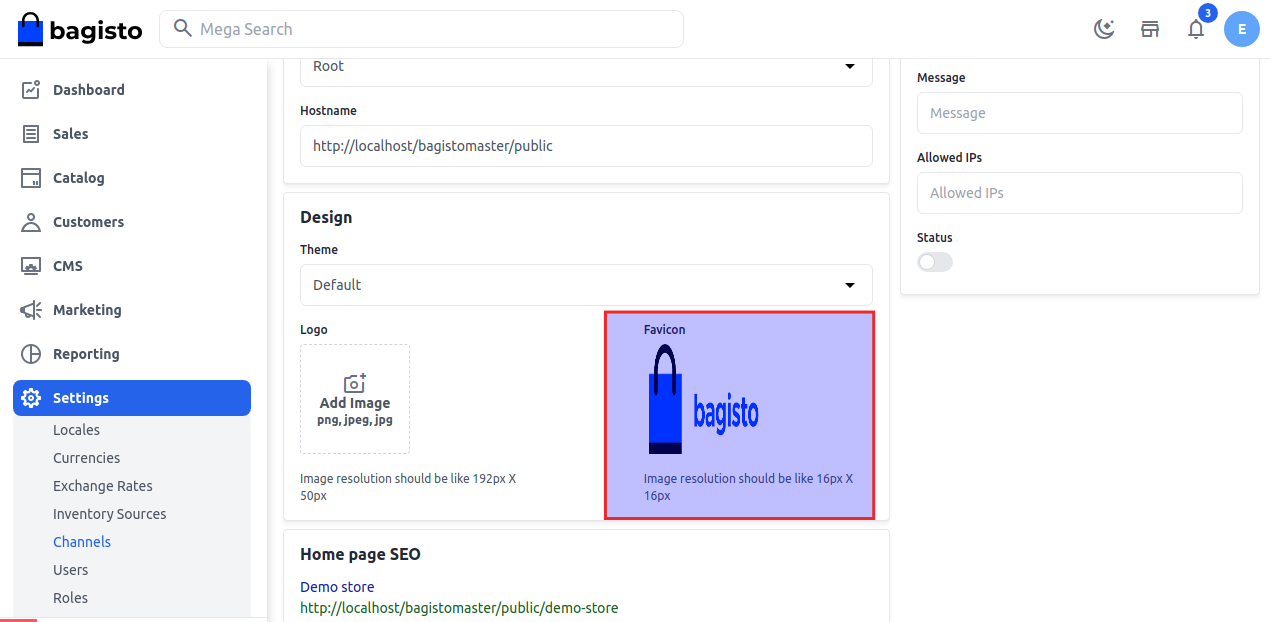
Favicon refers to the small icon which is visible on the tab of the web browser for every web page.
You can easily set the Favicon for your website. Go to Settings >> Channels >> Design >> Favicon.
Then choose the image then click on the Save Channel button as shown in the below image.
Front End
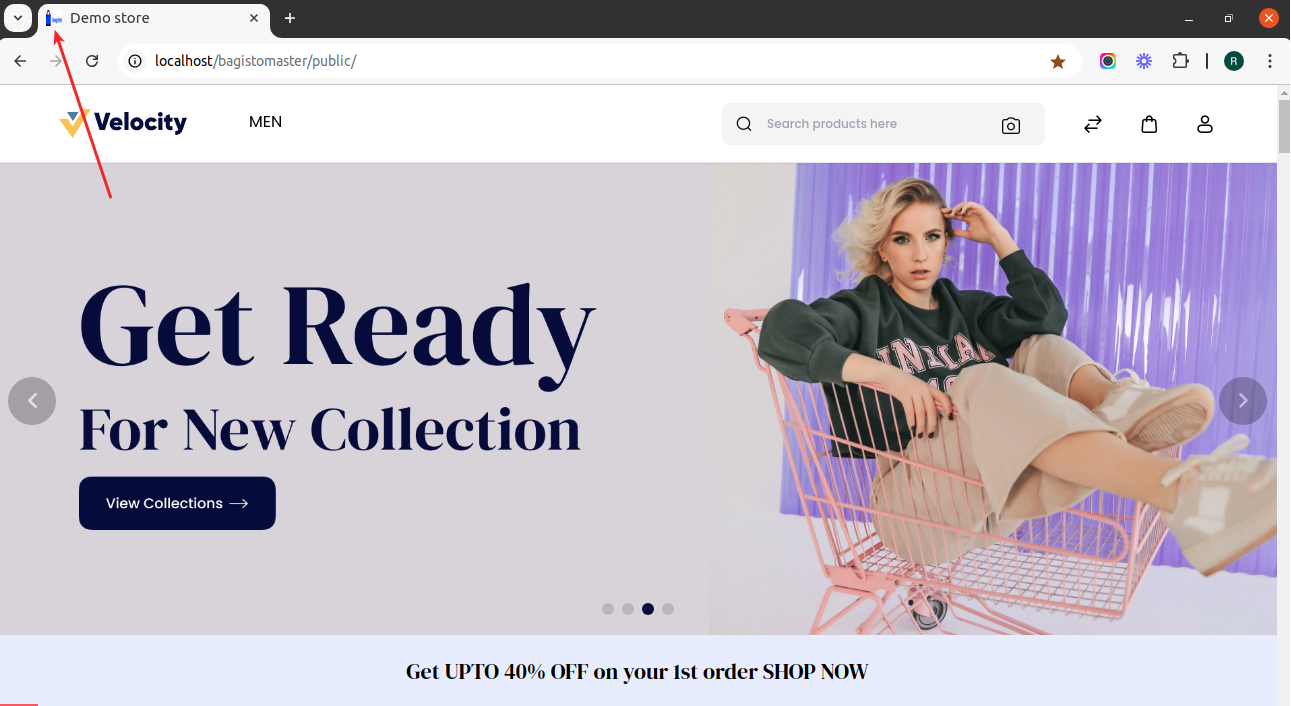
Below is the attached image with changes
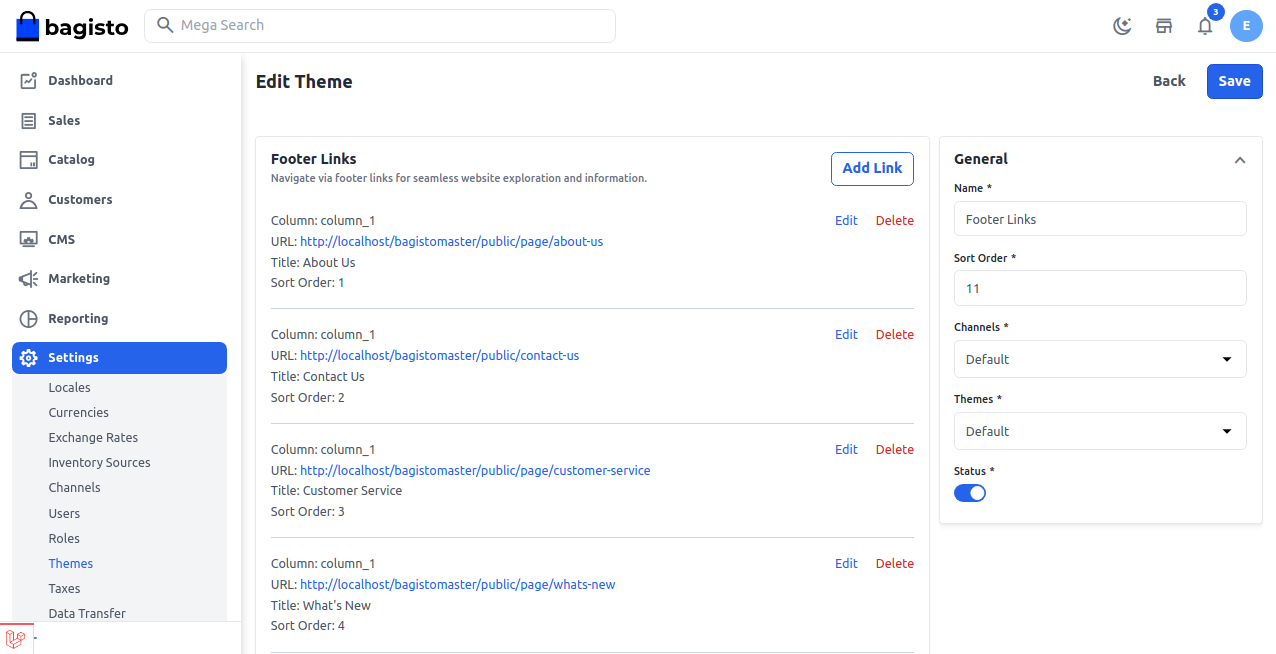
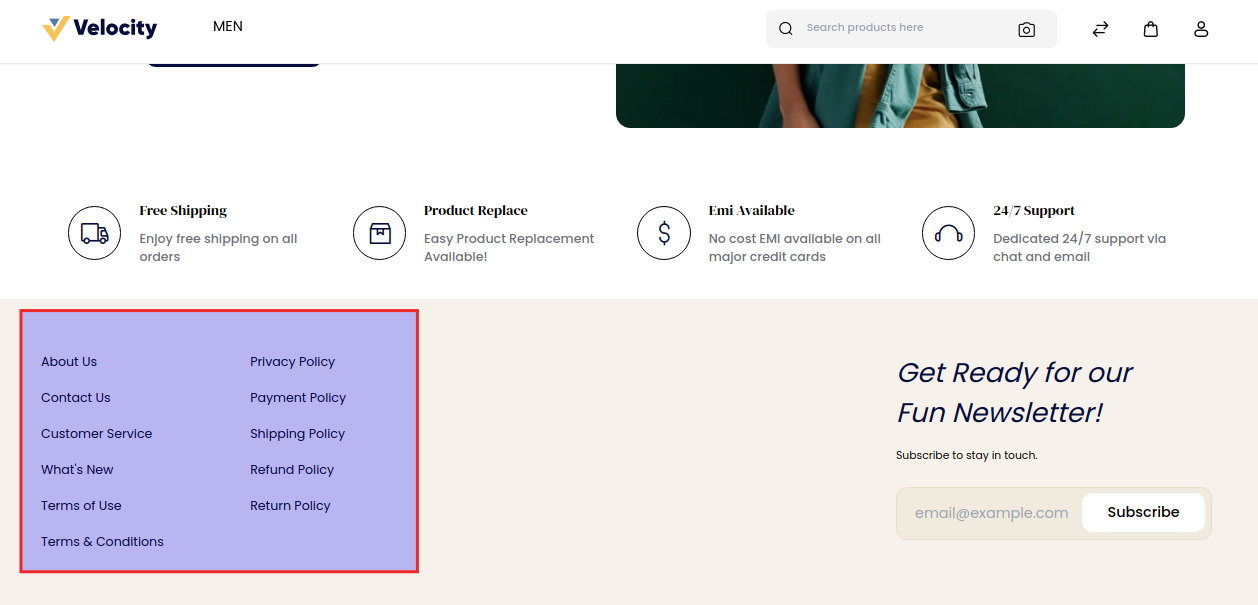
You can modify the footer content from the footer section by going to Settings >> Themes >> Footer Links as shown below.
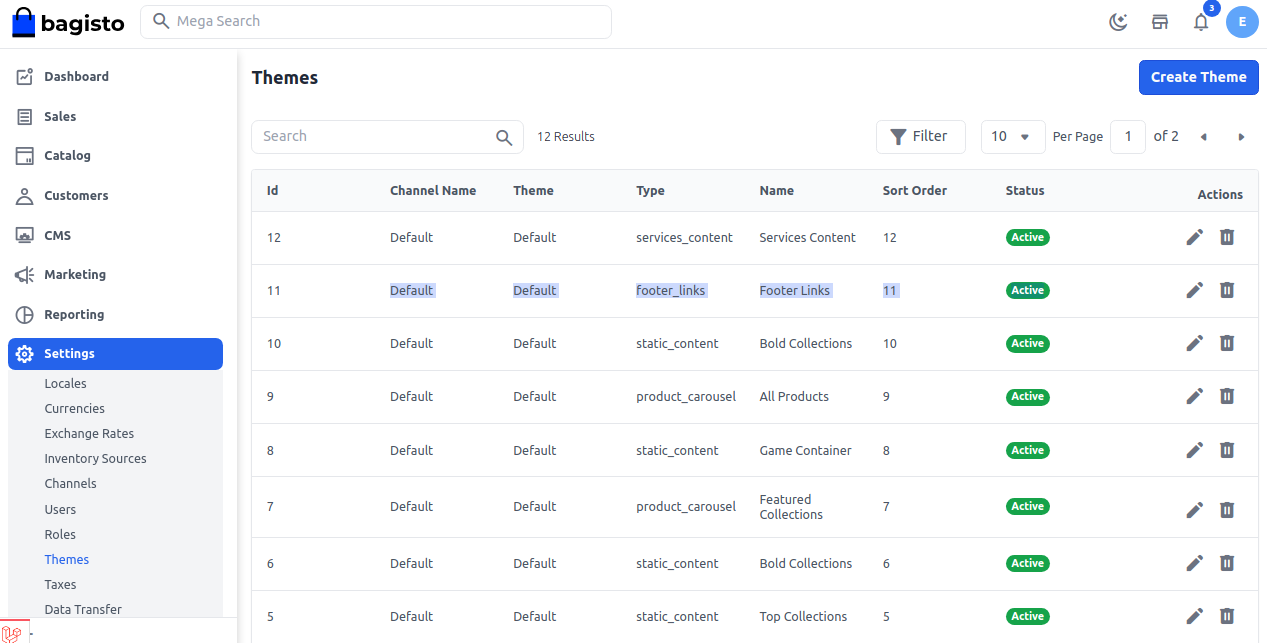
Additionally, you can add links as per your requirements as shown in the below image.
Front End:-
Below is the attached image with changes
Final words:
In summary, the homepage serves as a crucial component of any eCommerce website, as it establishes the initial impression.
An effectively designed homepage attracts visitors, enhances user experience, and motivates them to delve deeper into the store.
Bagisto offers a versatile and robust solution for tailoring the homepage to meet business requirements.
For more sophisticated customization, developers have the option to alter frontend components.
Using Blade templates and CSS to create a completely personalized design.
Hope it will be helpful for you. If you have any issues feel free to raise a ticket at https://bagisto.uvdesk.com/en/

6 comments
Please check this once: https://forums.bagisto.com/topic/188/broken-image-logo-in-bagisto-with-causes-and-solutions
Kindly raise your issue at Forums our developer will assist you.
Link: https://forums.bagisto.com/
Thanks & Regards
Please post your query here at https://forums.bagisto.com/ our developer will guide you on the same.
Regards