How to create custom configuration in Bagisto ?
It becomes very easy to create custom Configurations in Bagisto. As it is an important part of the admin panel. Follow the given steps
Let’s get Started
Step 1
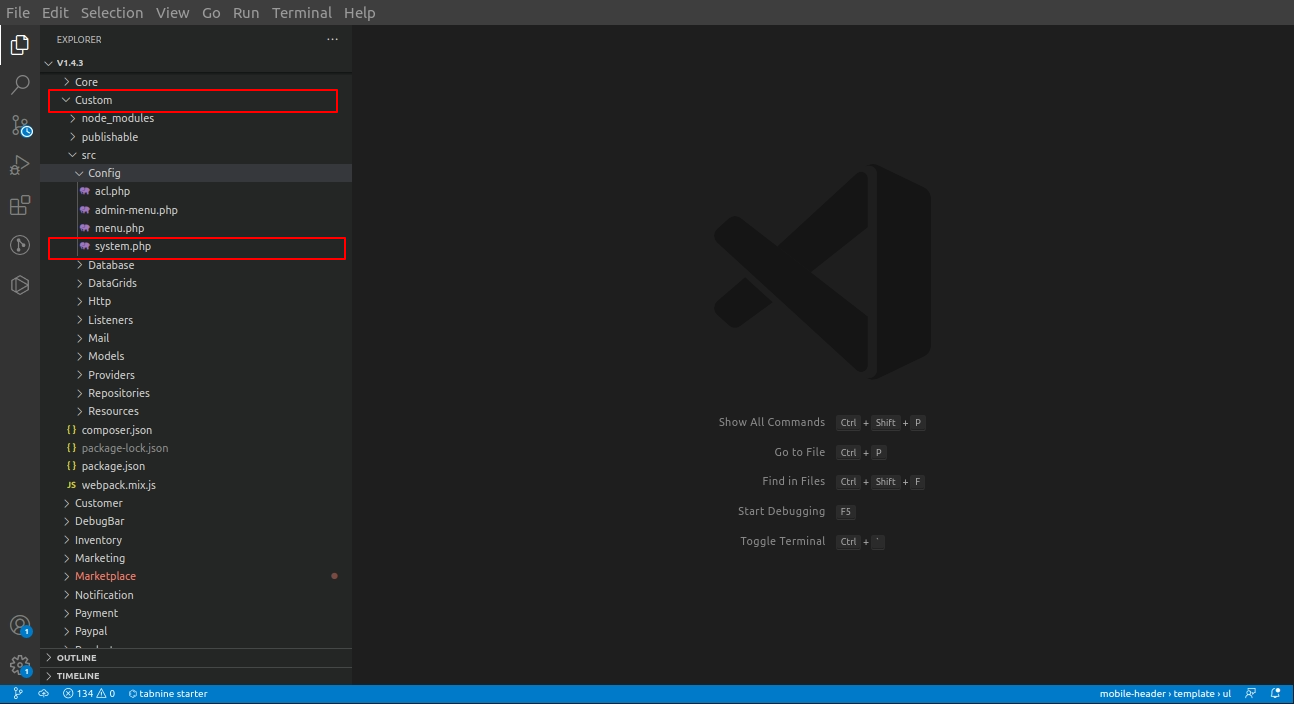
First, you need to create a file in the Config folder name system.php of the package.
Step 2
Inside the file, you can include the code below
|
1 2 3 4 5 6 7 8 9 10 11 12 13 14 15 16 17 18 19 20 21 22 23 24 25 26 |
<?php return [ [ 'key' => 'helloworld', 'name' => 'Hello World', 'sort' => 1 ], [ 'key' => 'helloworld.settings', 'name' => 'Custom Settings', 'sort' => 1, ], [ 'key' => 'helloworld.settings.settings', 'name' => 'Custom Groupings', 'sort' => 1, 'fields' => [ [ 'name' => 'status', 'title' => 'Status', 'type' => 'boolean', 'channel_based' => true, 'locale_based' => false ] ] ] ]; |
Keys Explanations
- key: This key accepts the unique value and is nested with the ‘.’ (dot) operator.
- name: This key accepts the value as a name for your configuration. In Bagisto, we write it using translation.
- sort: This key accepts the sort position for the configuration menu.
- fields : This key accept the array for the value of the custom configuration.
Step 3
Then register the config file in Service Provider in the register function as illustrated below
|
1 2 3 4 5 6 7 8 9 10 11 |
/** * Register services./ * * @return void */ public function register() { $this->mergeConfigFrom( dirname(__DIR__) . '/Config/system.php', 'core' ); } |
Step 4
Run the command
|
1 |
php artisan optimize |
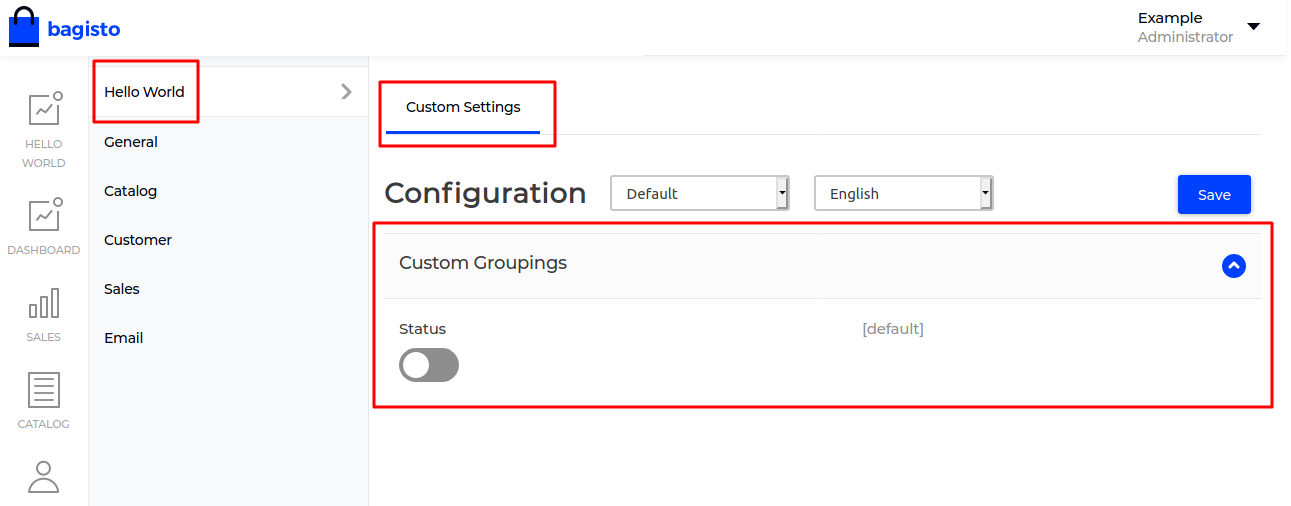
That’s all about “How to create a custom configuration in Bagisto”. Also, for any suggestions or query contact us at bagisto.uvdesk.com

. . .

Be the first to comment.