How to Create Admin ACL in Bagisto?
Create a User in Bagisto
You can create multiple admin users and assign an appropriate role to each one.
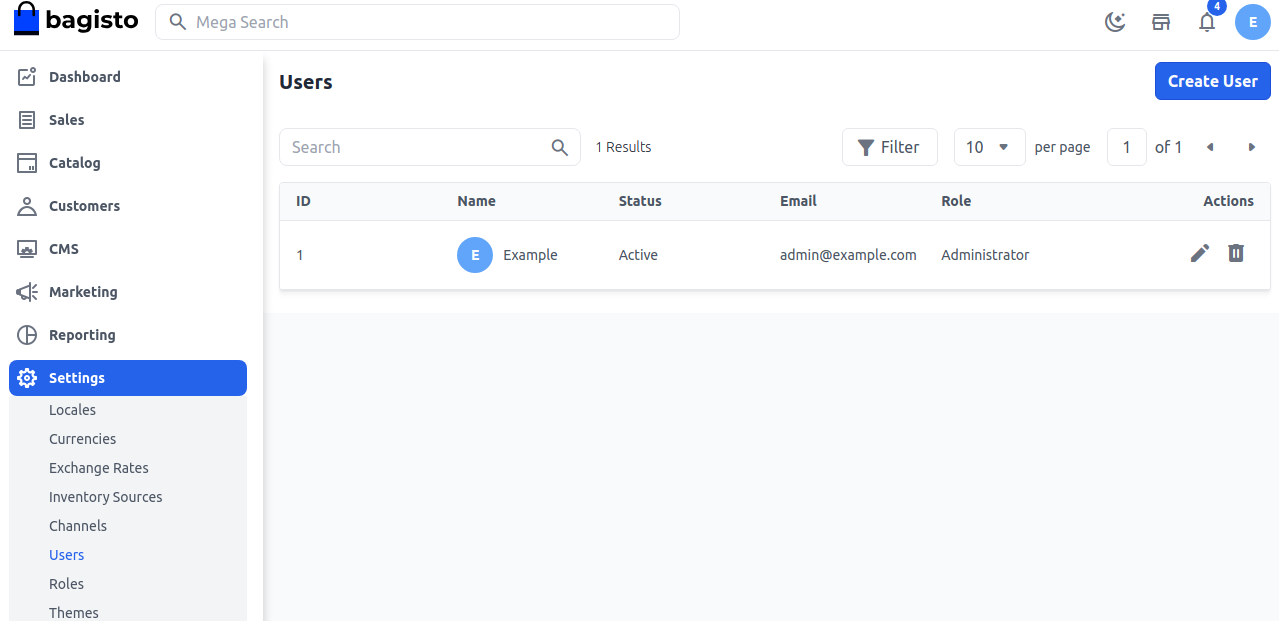
Step 1: Open the Users Section
From the admin panel, navigate to:
Settings → Users. Click Create User.
Step 2: Enter User Details
Fill in the following information:
- Name – Enter the user’s name.
- Email – Enter the user’s email address.
- Password – Enter and confirm the password.
- Role – Select an existing role for the user.
- Image – Upload a profile image.
Click Save User.
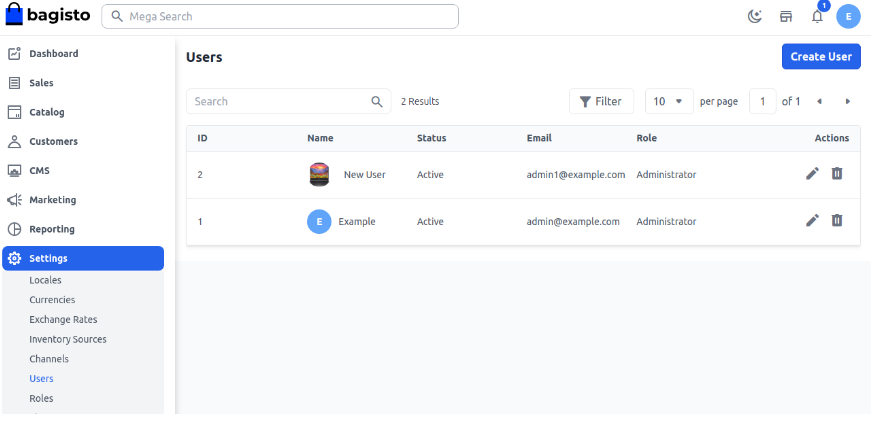
Step 4: Verify the Role
After saving, the new user will appear in the Users list and can log in according to the assigned role.
Create Roles in Bagisto
Roles help you group permissions and assign them to multiple users, making access management easier.
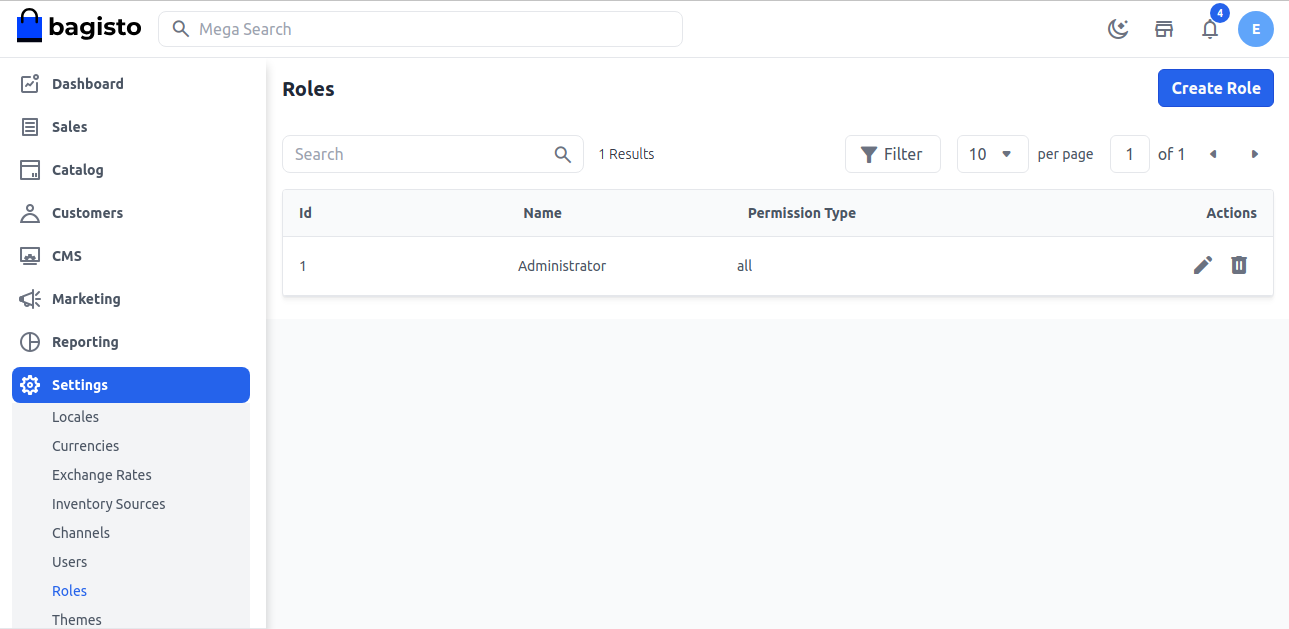
Step 1: Open the Roles Section
From the admin panel, navigate to:
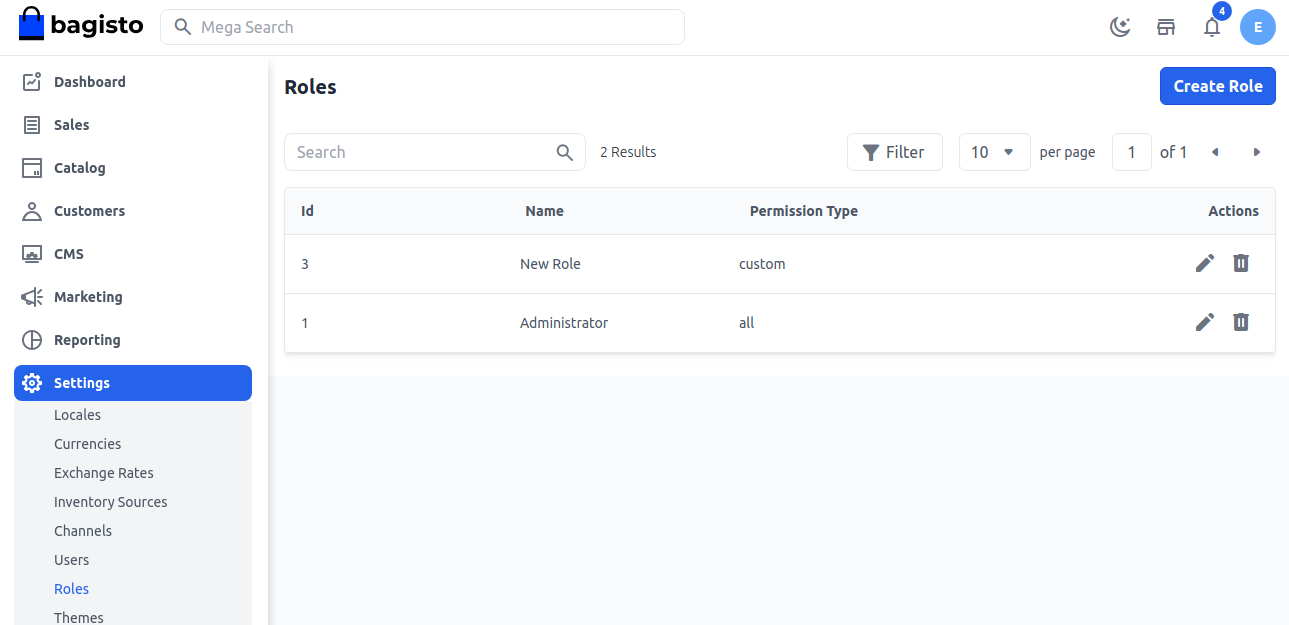
Settings → Roles. Click Create Role.
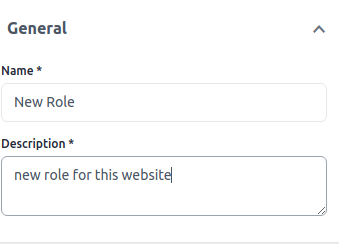
Step 2: Enter Role Information
Provide the following details:
- Name – Enter a role name.
- Description – Add a short description of the role.
Step 3: Configure Permissions
Select the required Access Control permissions for the role based on what users should be allowed to access.
Click Save Role.

Step 4: Verify the Role
The newly created role will appear in the Roles list and can now be assigned to users.

. . .

Be the first to comment.