
Laravel Multi Company SaaS Web Fonts
$ 99.00 Buy Extension| Compatibility | Bagisto v2.4.11 |
| Created | 3 months ago |
| Document | User Guide |
| Developer | Bagisto |
| Support | Bagisto Support |

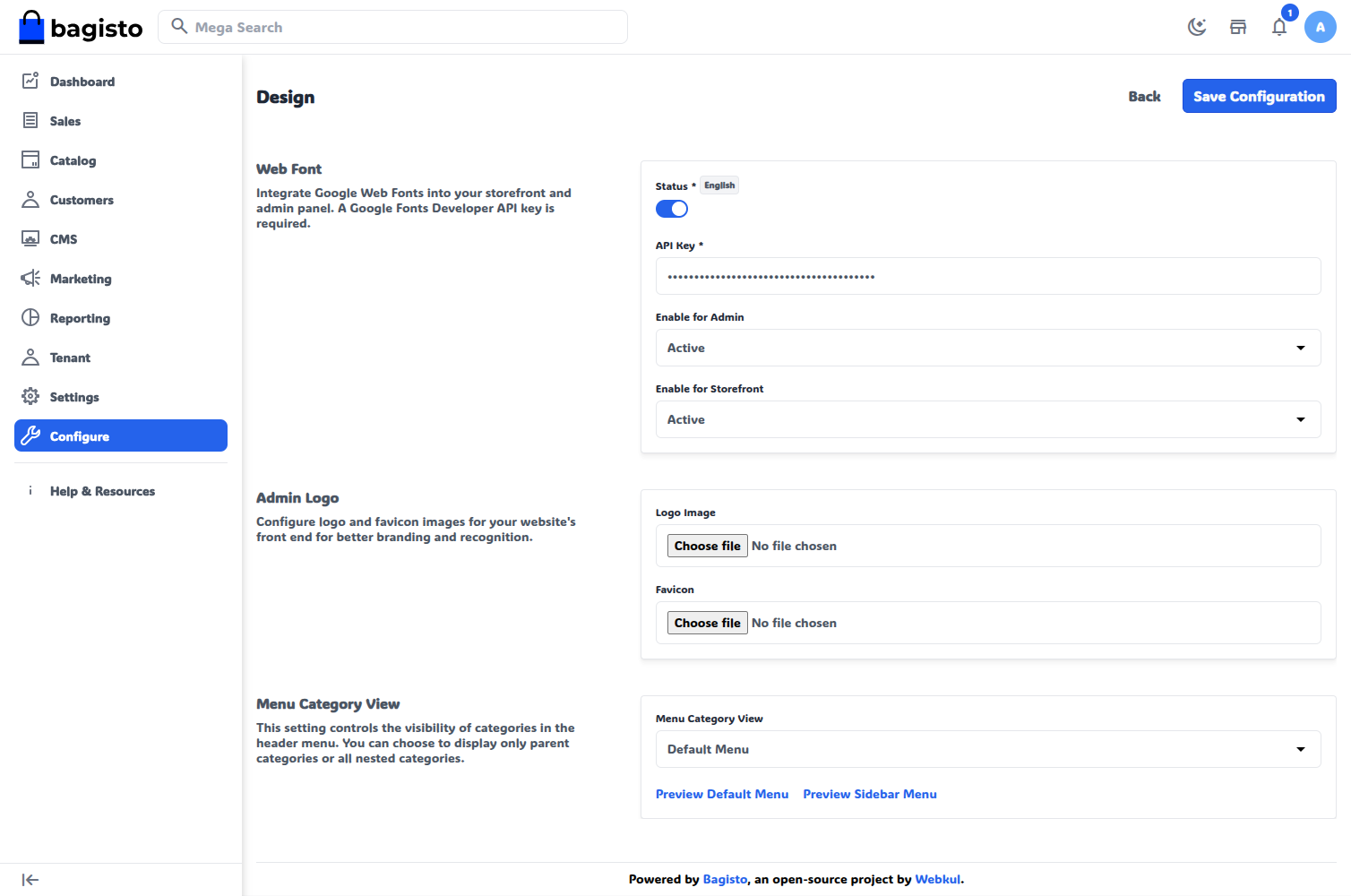
Laravel Multi Company SaaS Google Font Manager allows every tenant to customize Google Web Fonts for the Storefront and Admin Panel independently without affecting other tenant websites.
Features of Laravel Multi Company SaaS Google Font Manager :-
- Configure Google Web Fonts independently for every SaaS tenant.
- Apply separate Google Web Fonts to the Storefront and Admin Panel with Enable for Storefront and Enable for Admin.
- Keep the font list, the active font, and the font settings isolated across all tenant websites.
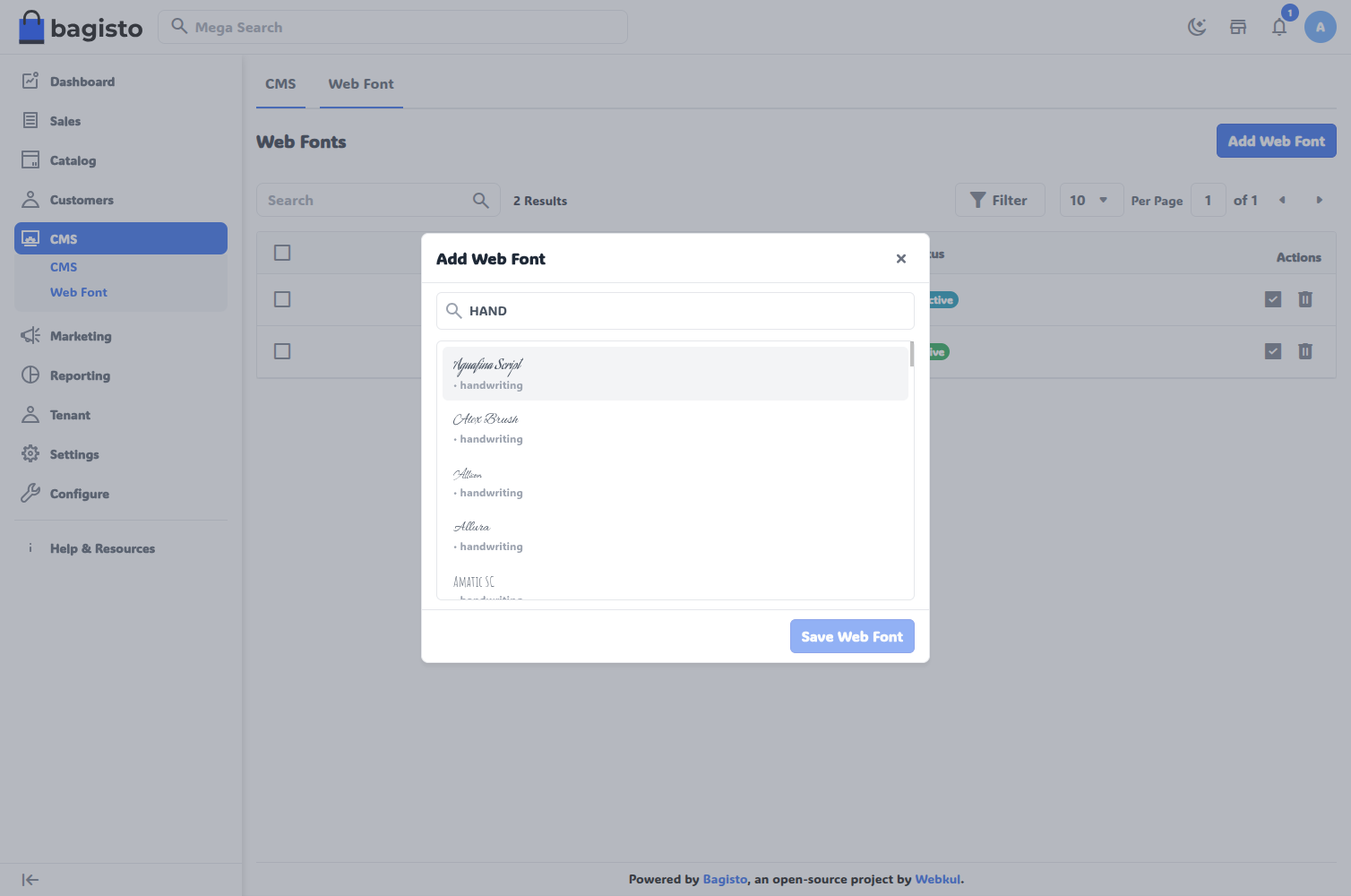
- Search and select Google Fonts from a searchable font library, with every option previewed in its own typeface.
- Choose from the full Google Fonts catalogue, listed with the tenant’s own Google Fonts Developer API key.
- Add several fonts at once, and skip the fonts a tenant has already saved.
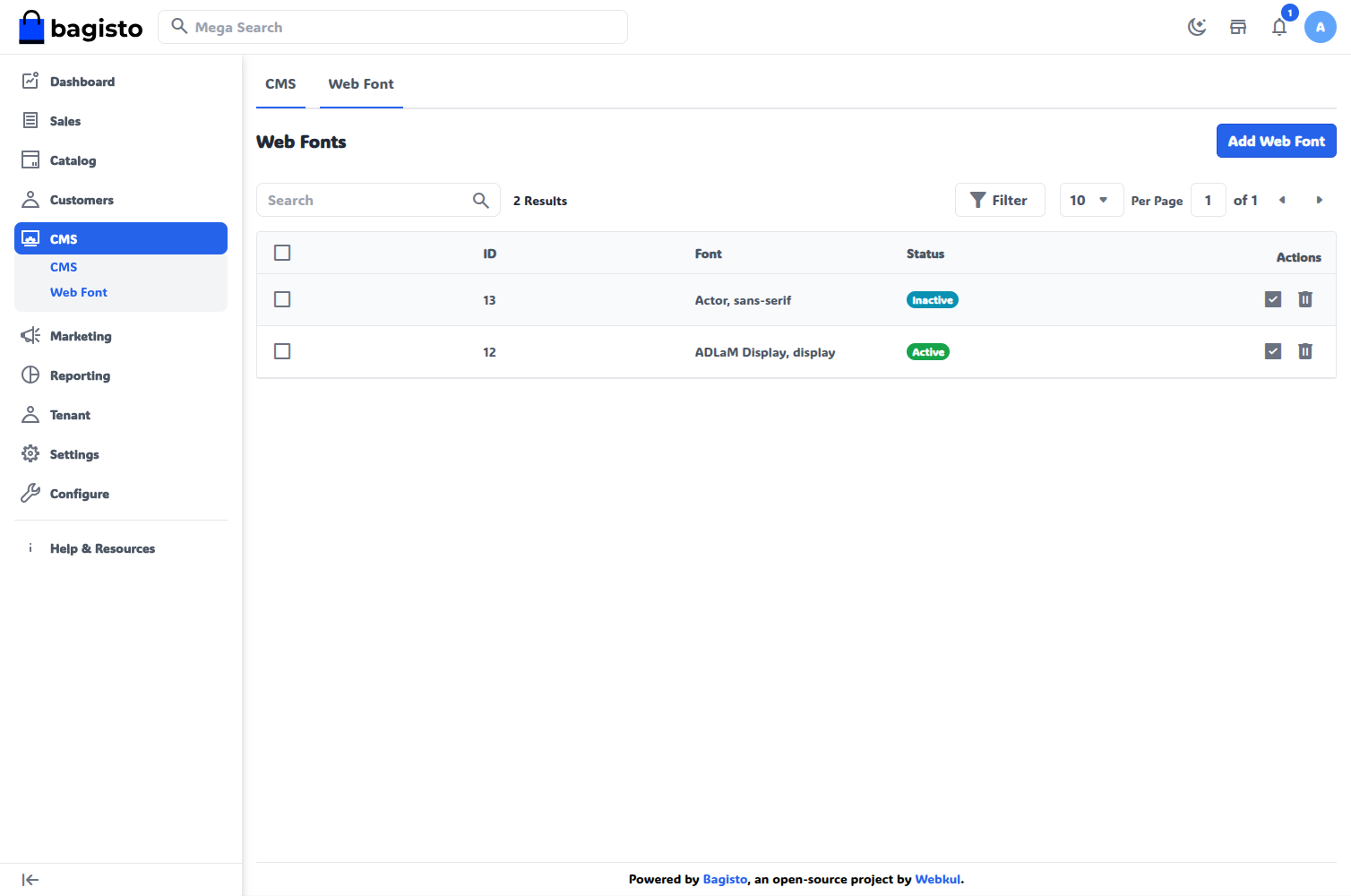
- Keep exactly one active font per tenant, so activating a font deactivates the previous one.
- Enable or disable Google Web Fonts at any time with a single Status setting.
- Activate, delete, mass delete, or mass deactivate fonts from one font grid under Appearance > Web Font.
- Apply the active font automatically through the Google Fonts stylesheet, with the font category as the fallback.
- Manage website typography through a simple, no-code interface.
- Cache the Google Fonts list for each tenant, so no tenant receives a list fetched with another tenant’s API key.
- Let the super admin view the fonts of every tenant from one grid.
- Enhance website branding and readability with personalized typography.
Compatibility of Laravel Multi Company SaaS Google Font Manager :-
- Compatible with Bagisto v2.4.11.
- Works with Laravel eCommerce Multi Company SaaS v2.4.11 and the Bagisto Webfont v2.4.11 base module.
- Scopes every font to its tenant through the SAASCustomizer tenant trait, including when the super admin acts inside a tenant.
- Shows the Web Font menu and pages to a tenant only after the tenant switches Status on under Configure > General > Design > Web Font.
- Installs with a single command, php artisan webfont-saas:install.
