
Laravel eCommerce Restaurant POS System
$ 499.00 Buy Extension| Compatibility | Bagisto 2.4.11 |
| Last Update | 03 Feb 2021 |
| Created | 5 years ago |
| Document | User Guide |
| Developer | Bagisto |
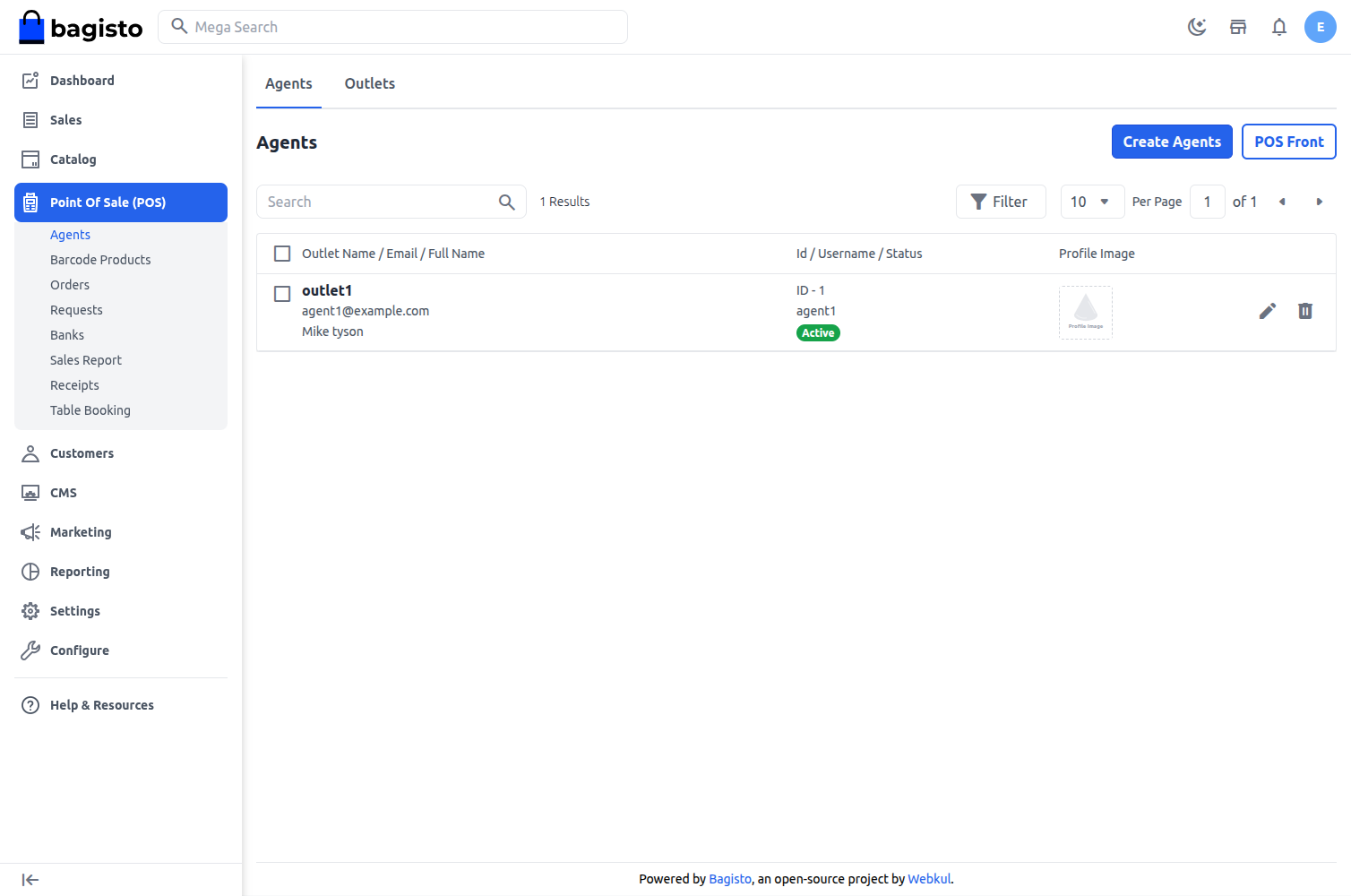
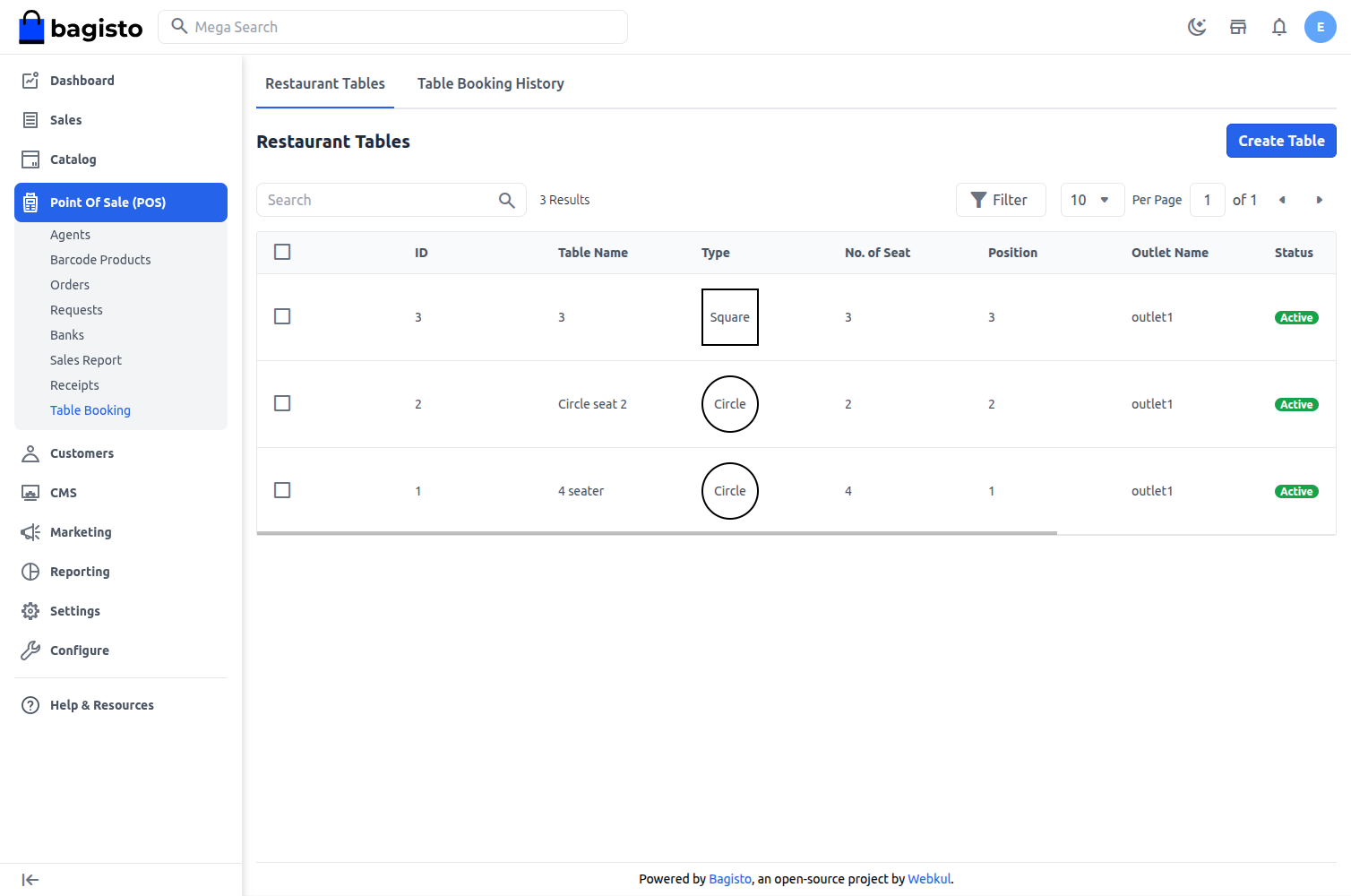
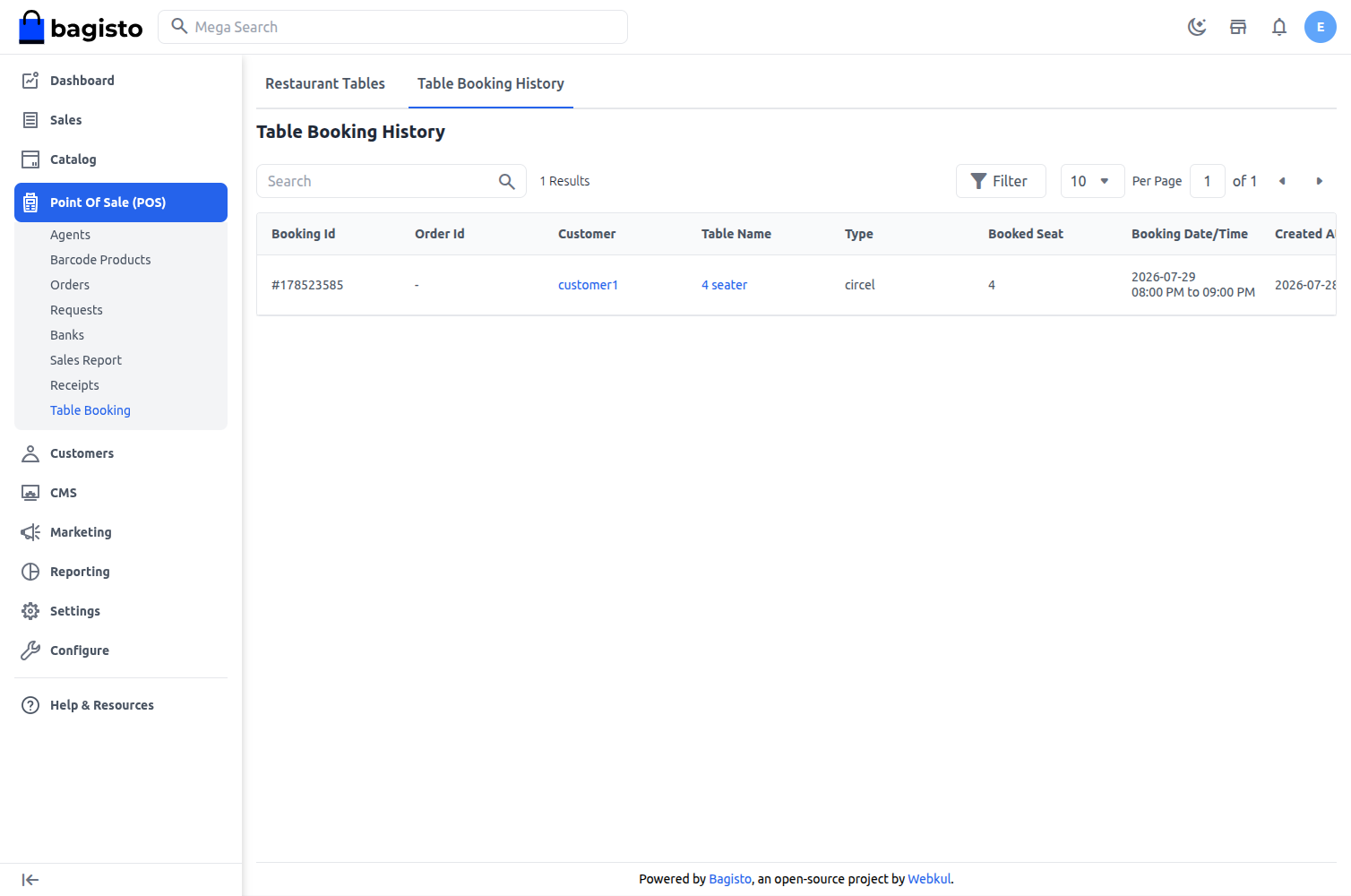
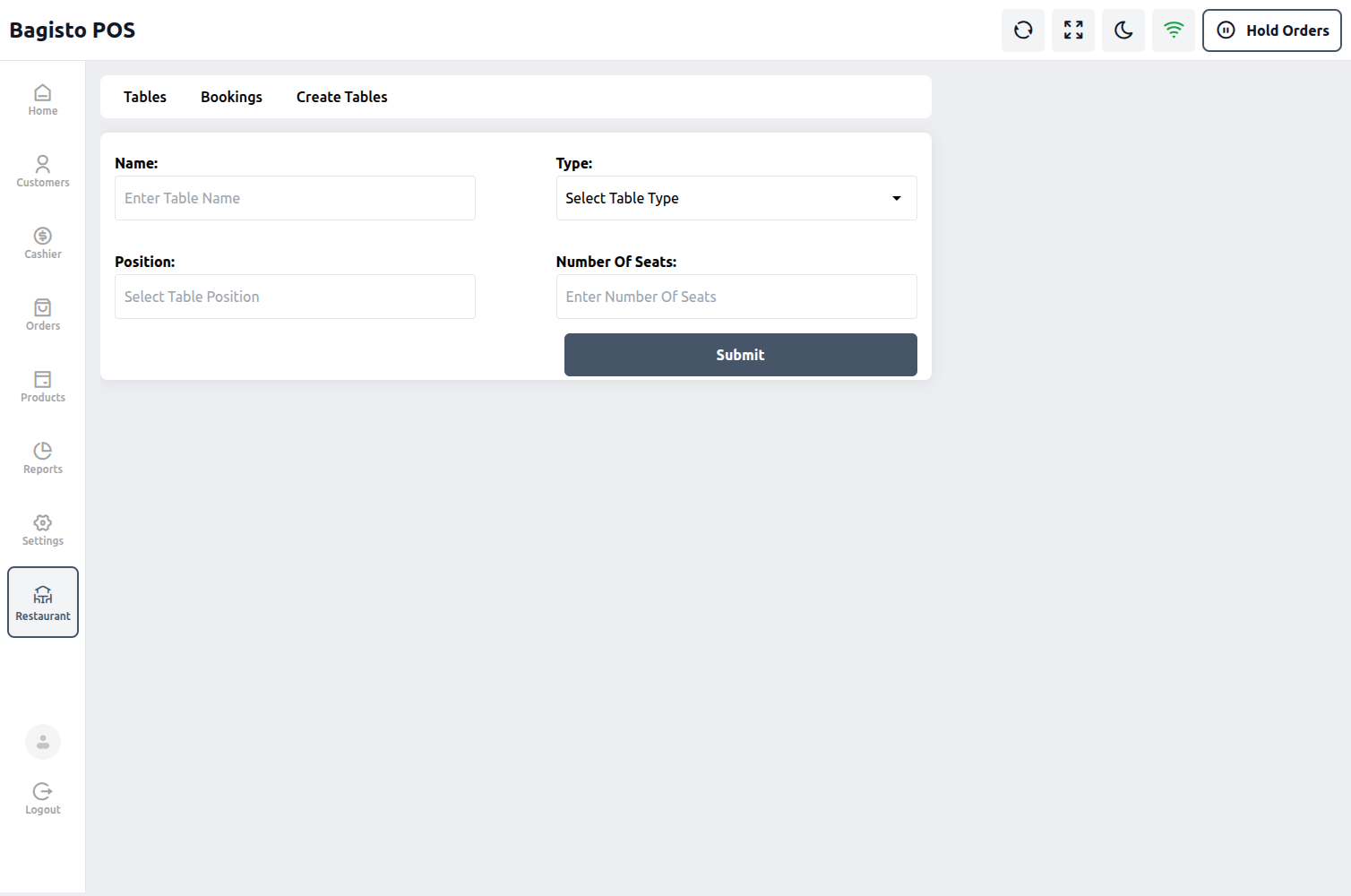
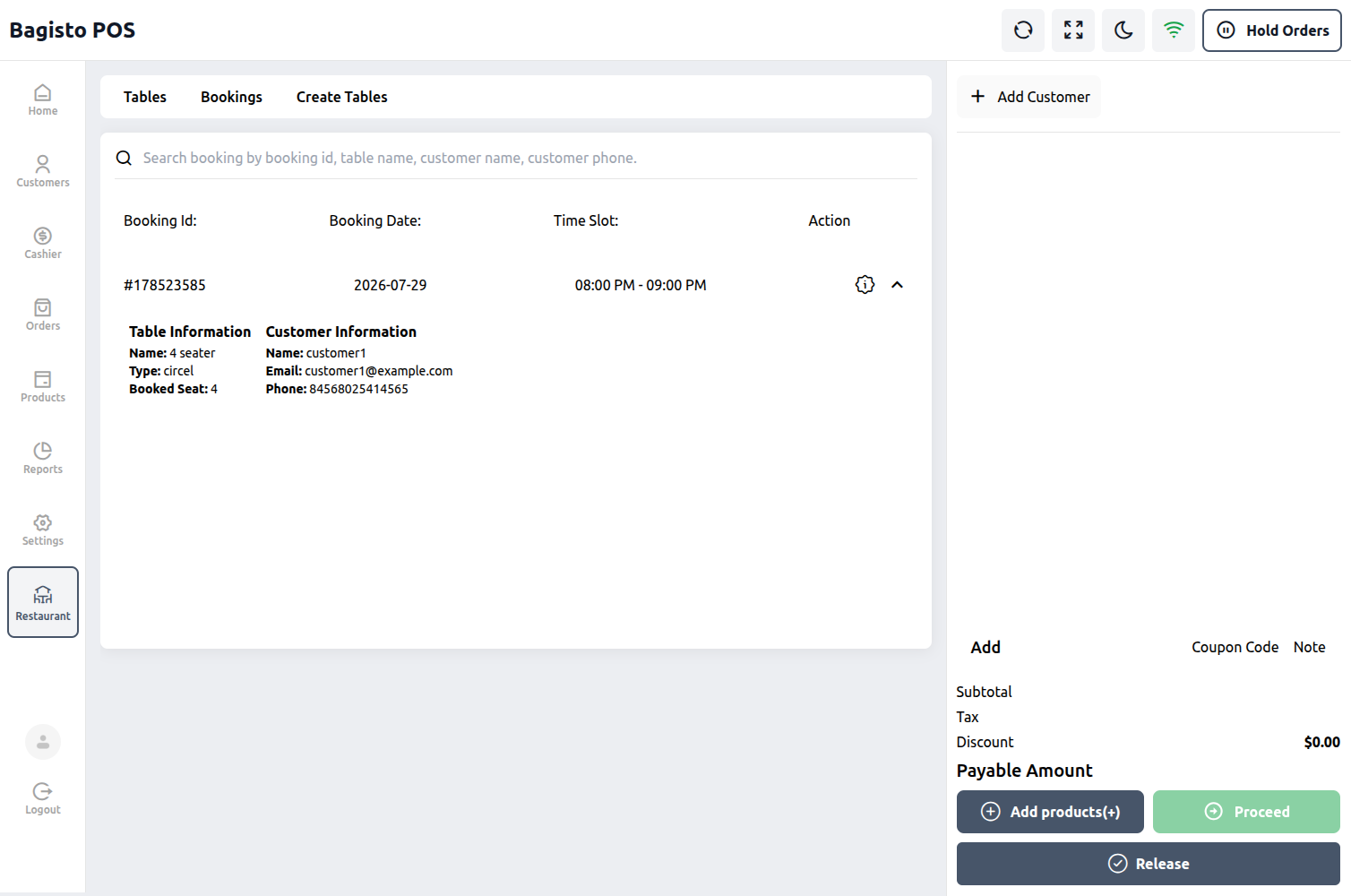
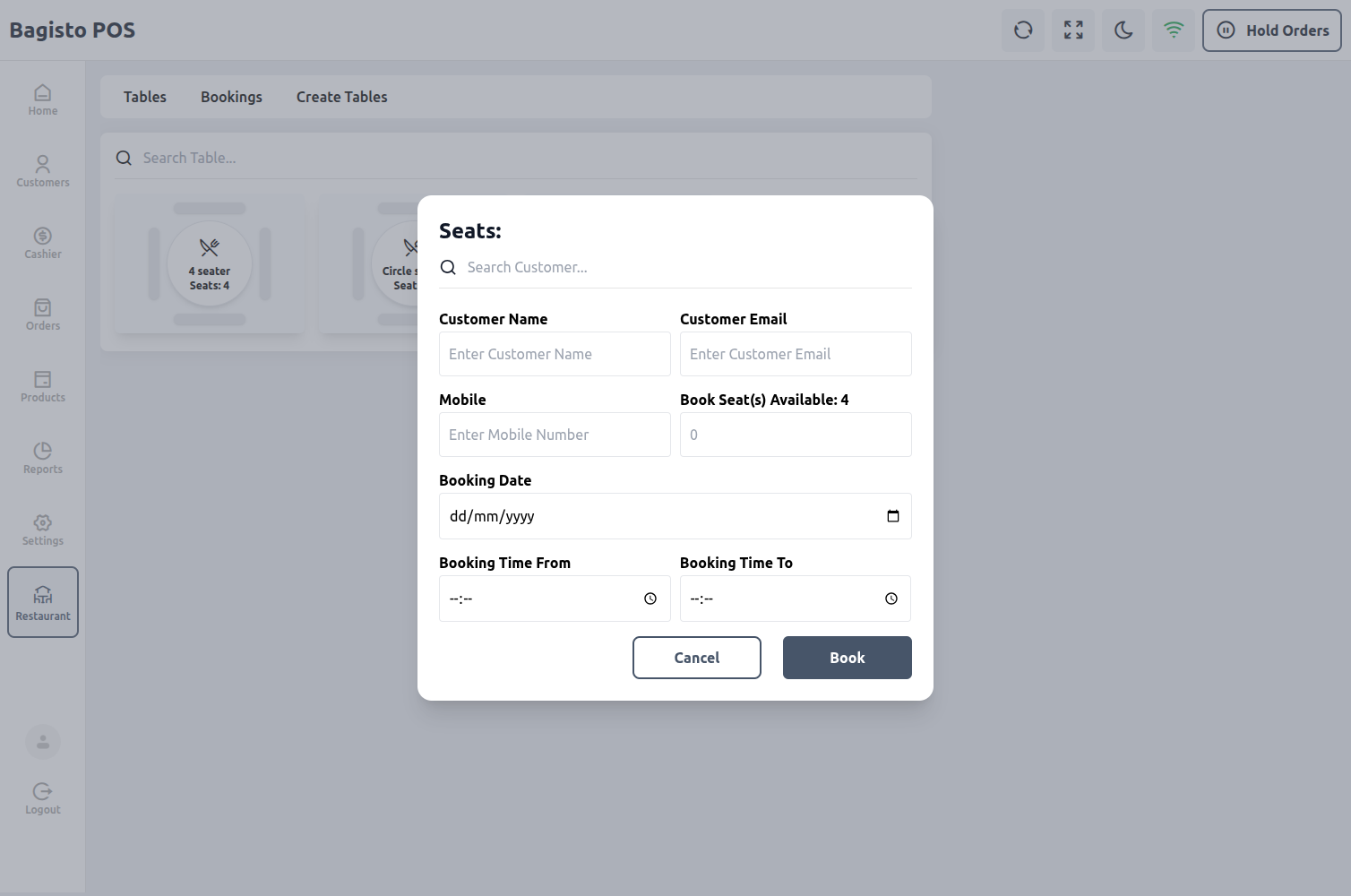
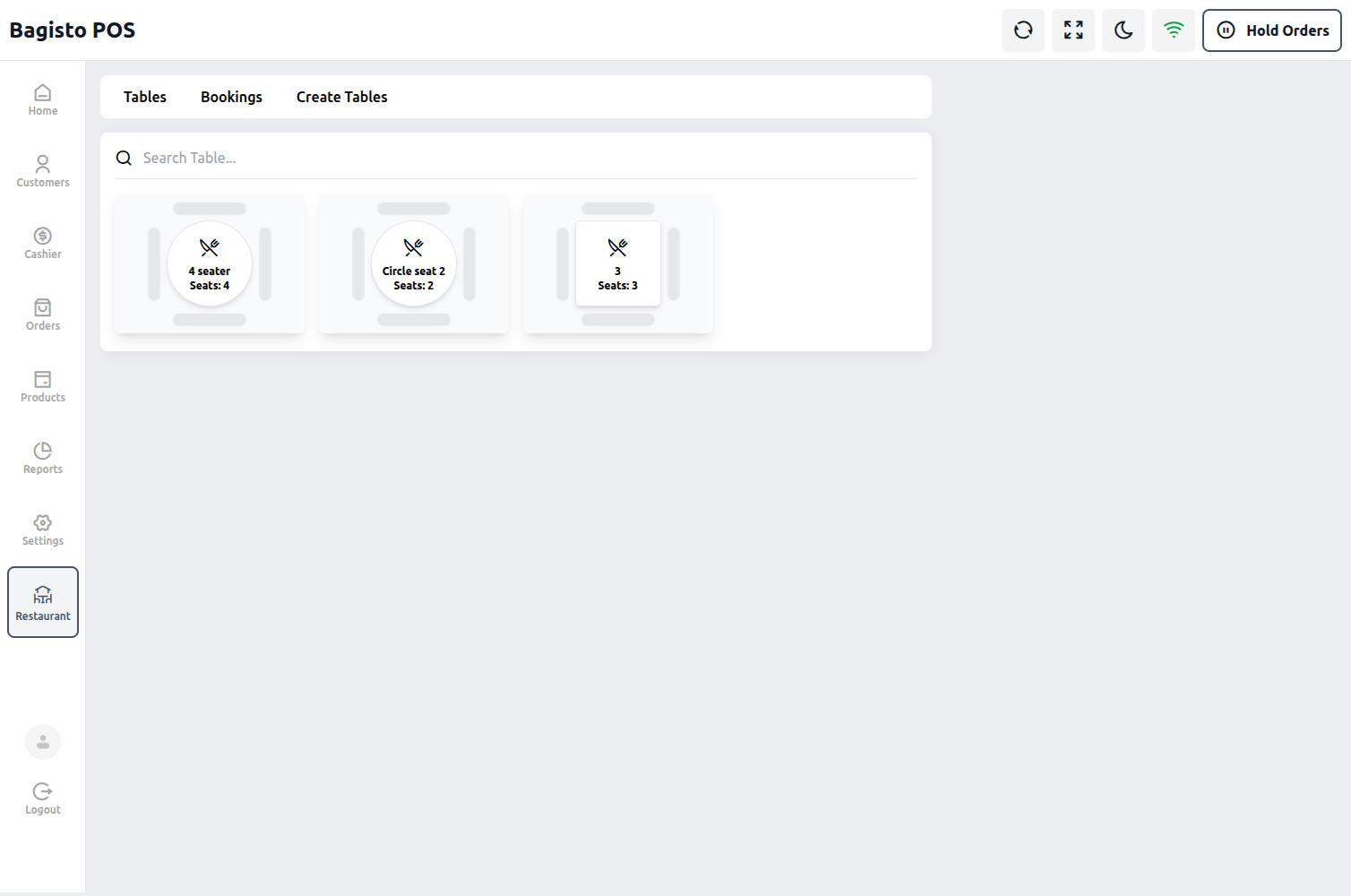
Laravel eCommerce Restaurant POS System is a perfect solution for the management of restaurant tables. Tables can be reserved and managed by the POS agent as well as by the admin. From the POS panel, a POS agent can create multiple restaurant tables and book a table for an existing or a newly added customer. The POS agent can also manage the table booking order online and offline.
The extension v2.4.11 is compatible with Bagisto v2.4.11 and works on top of the Bagisto API.
It packs in lots of demanding features that allow your business to scale in no time:
Features of Laravel eCommerce Restaurant POS System
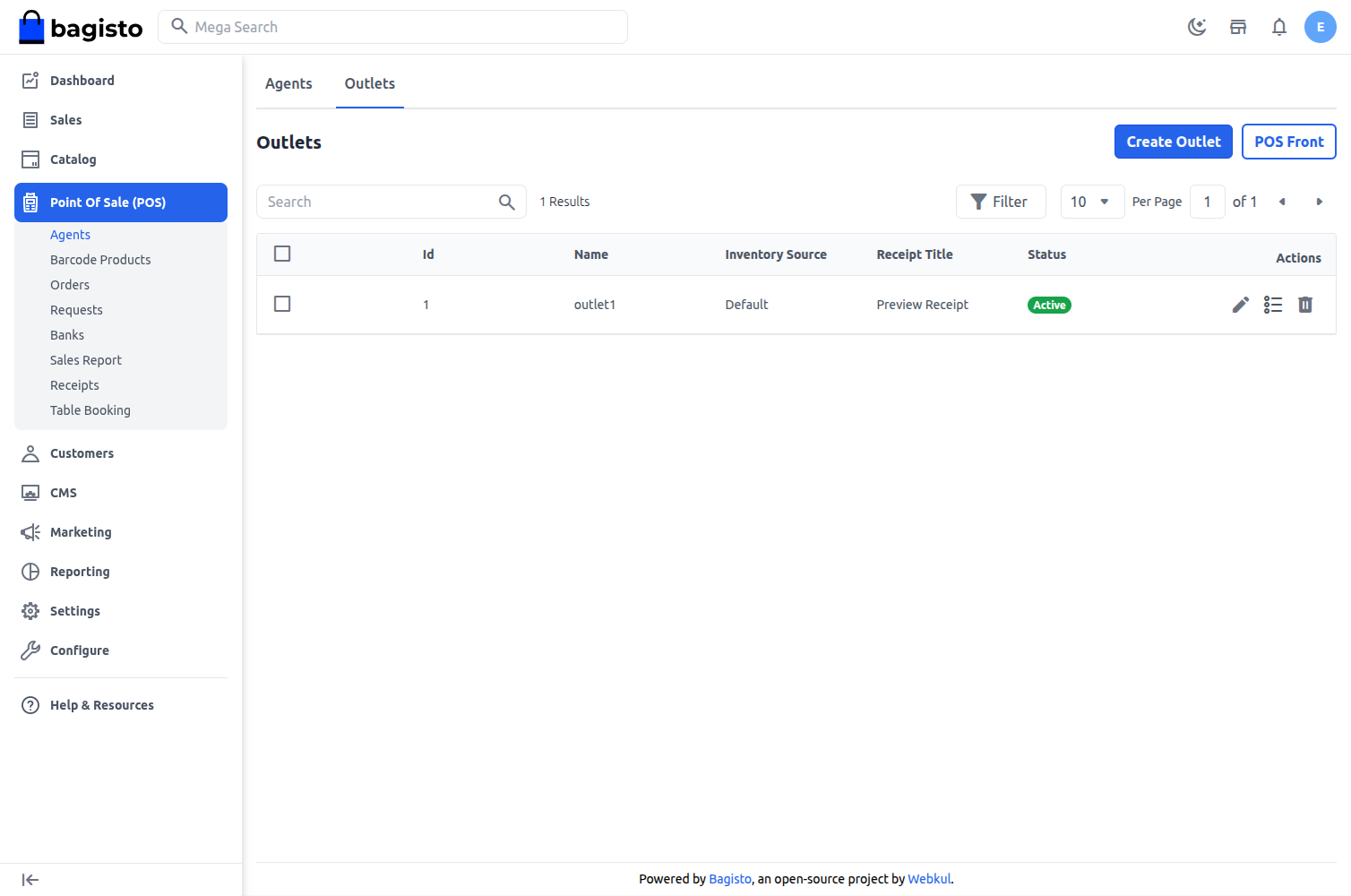
- Create and manage multiple outlets directly from the admin panel.
- Sales agents can apply and manage discounts from the front-end.
- Support for managing customers both online and offline.
- Option to hold and resume carts from the front-end.
- Barcode generation and printing from the back-end, and barcode search at the POS.
- Assign inventory sources to outlets for separate product inventory management.
- Support for cash, card and split payments at the front-end.
- Real-time synchronization of customers and orders, even in offline mode.
- Ability to place orders with custom products.
- Support for various product types: Simple, Configurable, Downloadable, Virtual, Bundle, Grouped, Booking.
- Customizable POS sales invoices from the Receipts section.
- Detailed POS sales reports with advanced filtering options at the admin end.
- Cash drawer opening and closing for every agent.
- Banks assigned to POS agents for card payments.
- Low stock product requests sent from the POS to the admin.
- Configuration to enable or disable restaurant table features from the POS settings.
- Option to define allowed table shapes during table creation.
- POS agents can create and manage restaurant tables directly from the POS panel.
- Ability to define the number of seats per table.
- Tables can be assigned to both existing and walk-in (guest) customers.
- Restaurant table listing with search by table name at the POS end.
- Table booking history for both admin and POS agents.
- Table booking emails to the customer and to the POS agent, with an optional CC email and a custom note.
- Admin can create and manage restaurant tables on behalf of POS agents from the admin panel.
- Table booking, checkout and table release also work in offline mode, and sync once the connection returns.
