How Much Does It Cost to Host an eCommerce Store?
Hosting plays an important role in every eCommerce store. It helps keep your website fast, secure, and available to customers at all times.
The cost of hosting can vary from one business to another. It often depends on factors such as traffic, storage, security, and the type of hosting you choose.
Knowing these costs can help you plan your budget and choose the right solution for your store.
In this guide, we’ll explain how much it costs to host an eCommerce Store while exploring hosting options that support long term business growth.
What is eCommerce hosting?
eCommerce hosting is a service that provides the infrastructure needed to run an online store.
It securely stores website files, product information, and customer data.
It also helps maintain website speed, security, and uptime for a better shopping experience.
A reliable hosting solution supports business growth while keeping your store accessible to customers.
How Much Does It Cost to Host an eCommerce Store?
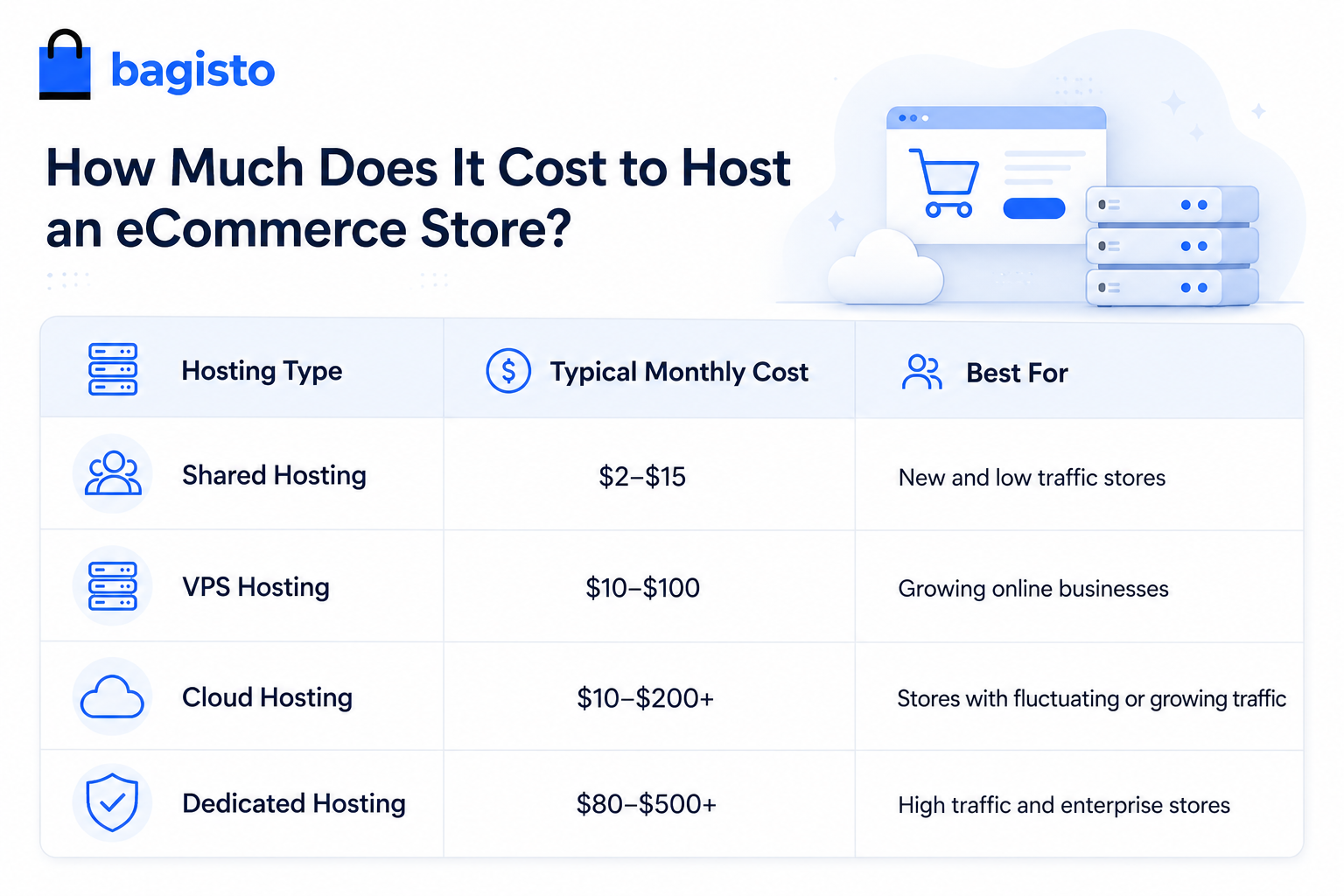
The cost of eCommerce hosting can range from a few dollars to several hundred dollars per month.
The final cost depends on your store size, traffic volume, performance requirements, and hosting environment.
While smaller stores may start with basic hosting plans, growing businesses often require more scalable solutions.
This is why cloud hosting has become a preferred choice for many modern eCommerce brands.
Factors That Affect eCommerce Hosting Costs
Several factors affect the cost of hosting an online store. Understanding them can help you choose the right hosting plan.
Website Traffic
More visitors require more server resources and bandwidth.
Cloud Hosting can scale resources as traffic grows, helping keep your store running smoothly.
Product Catalog Size
Large catalogs need more storage for products, images, and other data.
A scalable hosting solution makes it easier to support future growth.
Security Requirements
Every online store needs strong security to protect customer and business data.
Features like SSL certificates, backups, and malware protection may affect hosting costs.
Performance and Speed
A fast website improves the shopping experience and can help increase sales.
Cloud hosting provides reliable speed, even during busy periods.
Comparing eCommerce Hosting Options
Hidden Costs of eCommerce Hosting
Hosting costs are not limited to monthly fees. Downtime, maintenance, backups, and security issues can add extra expenses.
Knowing these costs in advance helps you plan your budget more effectively.
Why Cloud Hosting Is a Cost Effective Choice
Cloud hosting is flexible, reliable, and easy to scale, making it a cost effective choice for growing eCommerce businesses.
You only pay for the resources you use, which helps control costs as your business grows.
Benefits of Cloud Hosting for eCommerce Stores
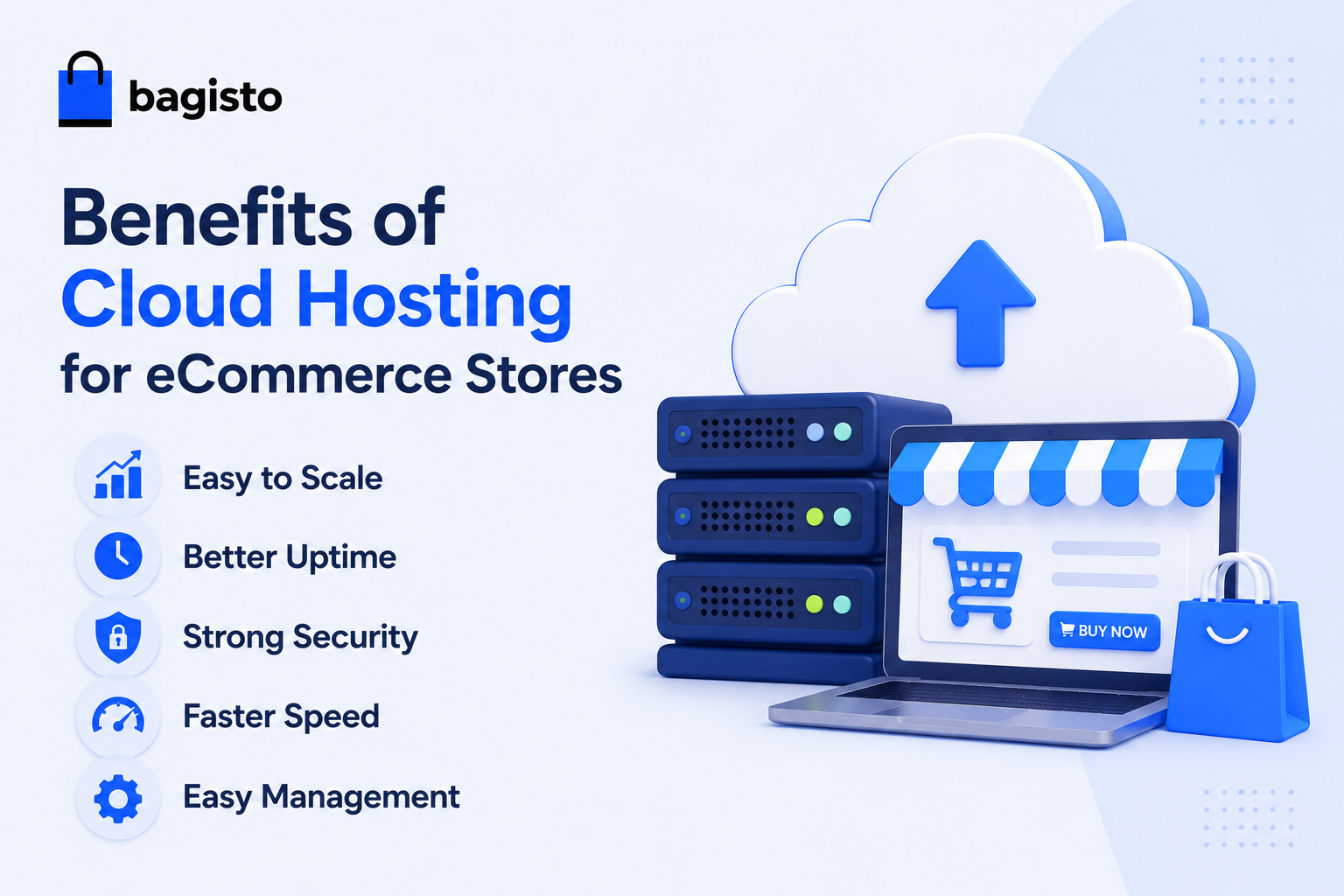
Cloud hosting offers many benefits for online stores:
- Easy to Scale – Add more resources as your store grows.
- Better Uptime – Helps keep your store online and available.
- Strong Security – Protects customer and business data.
- Faster Speed – Improves page load times and user experience.
- Easy Management – Reduces the work needed to manage servers.
These benefits make cloud hosting a smart choice for growing eCommerce businesses.
Real World eCommerce Hosting Examples
Different online stores have different hosting requirements.
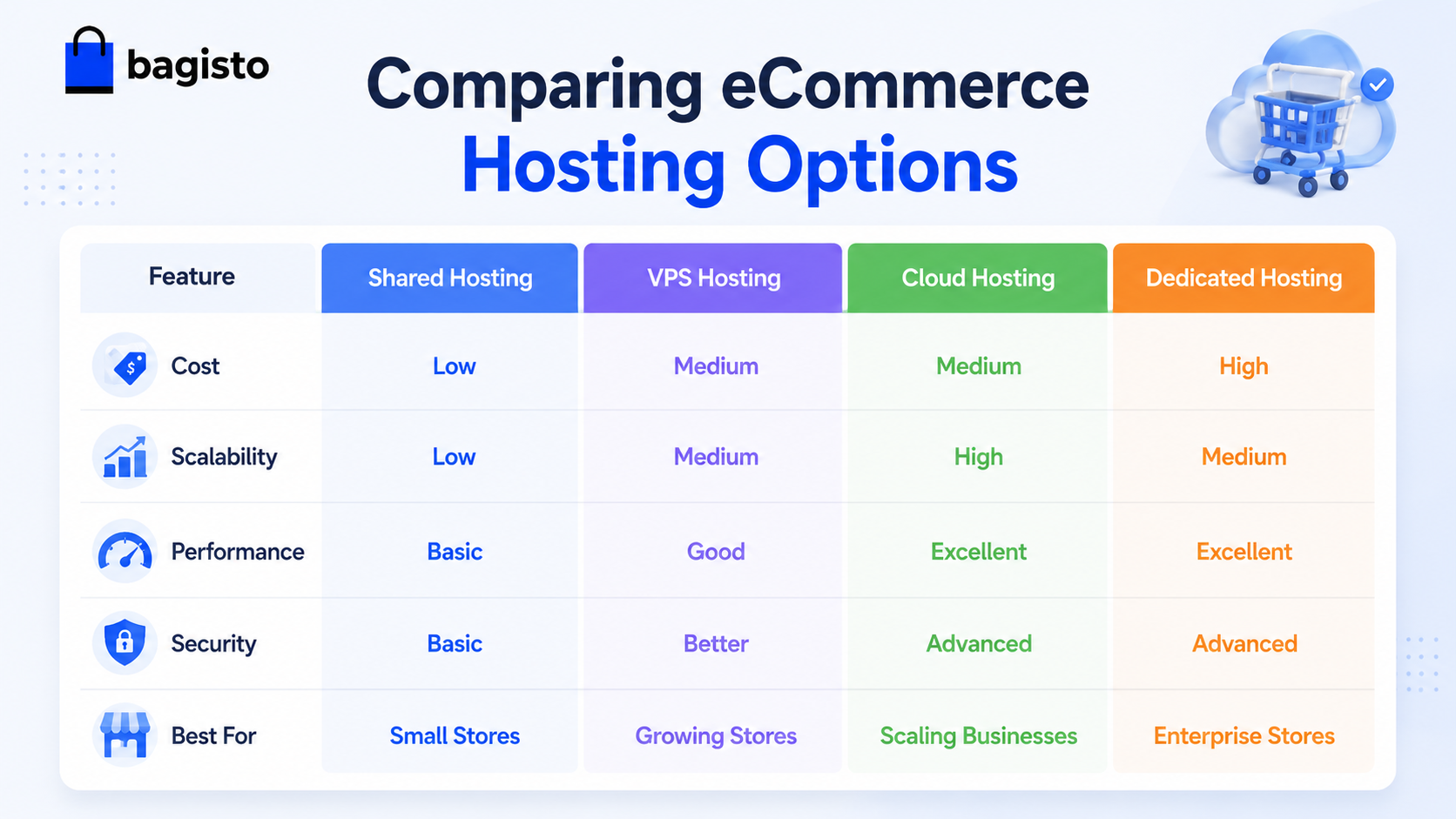
- A small store with a limited product catalog and low traffic can often run efficiently on Shared Hosting.
- A growing online business with increasing traffic may benefit from VPS hosting for improved performance.
- A fast growing eCommerce store with seasonal traffic spikes can use cloud hosting to scale resources when needed.
- Large marketplaces and enterprise level stores often choose dedicated or advanced cloud hosting environments to support high traffic volumes.
How to Reduce eCommerce Hosting Costs
Choosing the right hosting solution is one of the most effective ways to control costs.
Businesses should invest in infrastructure that meets current requirements while supporting future expansion.
Managed cloud hosting can reduce maintenance efforts and eliminate many operational challenges.
It also helps businesses avoid frequent server upgrades and unexpected technical expenses.
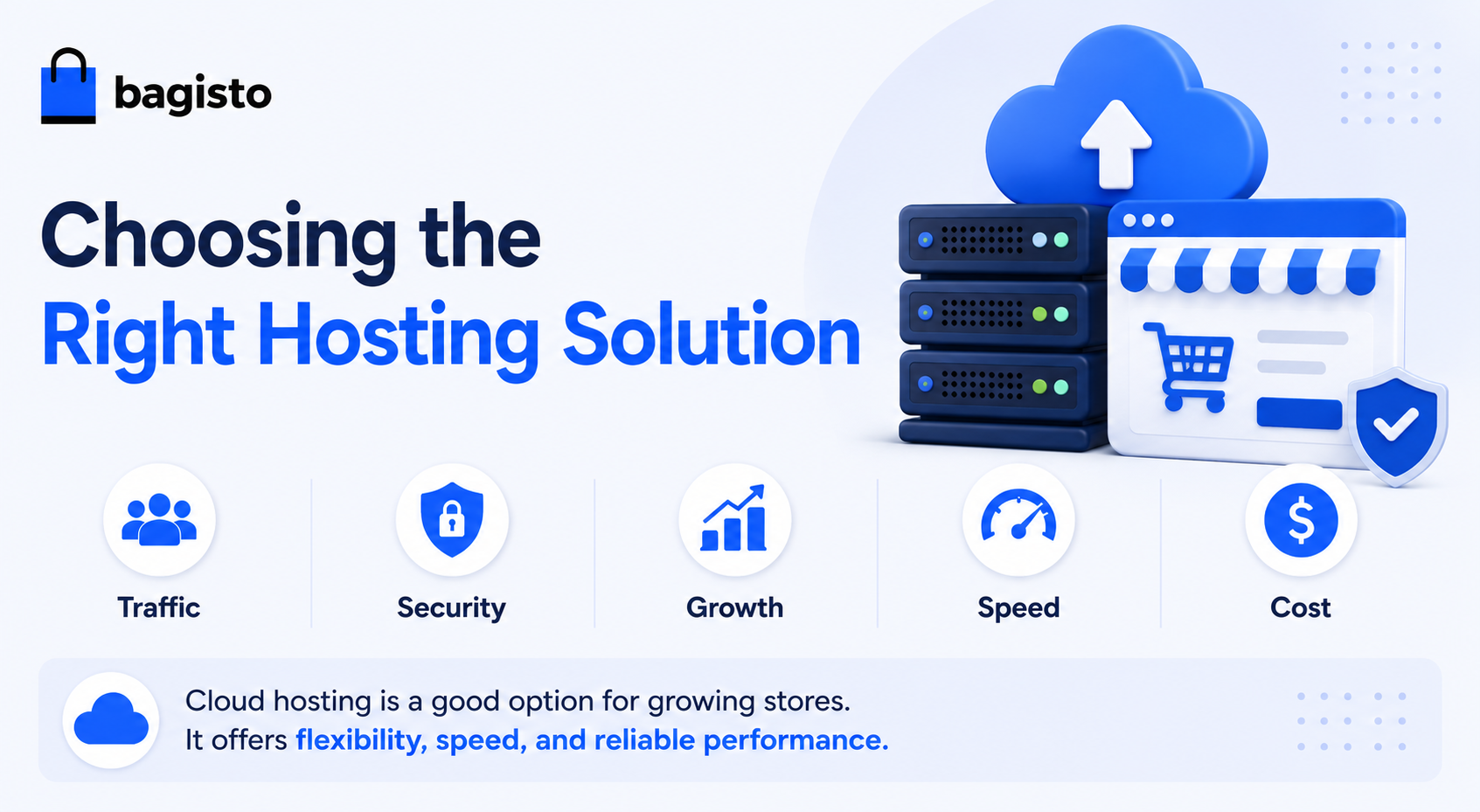
Choosing the Right Hosting Solution
Before you choose a Hosting Provider, check these key points:
- Traffic – Make sure the hosting plan can support your visitors.
- Security – Choose a host that helps keep your data safe.
- Growth – Pick a solution that can grow with your business.
- Speed – A fast website gives customers a better experience.
- Cost – Select a plan that fits your budget and needs.
Cloud hosting is a good option for growing stores. It offers flexibility, speed, and reliable performance.
Final Thoughts
The cost of eCommerce hosting depends on your store’s needs. Traffic, storage, security, and website speed can all affect the final cost.
Basic hosting may be enough for small stores. However, growing businesses often need a solution that can handle more traffic and resources.
Cloud hosting makes it easier to scale your store as your business grows. It also helps improve performance and keeps costs under control.
Choosing the right hosting solution can support your growth and provide a better experience for your customers.


Be the first to comment.