
Laravel eCommerce POS (Point of Sale)
$ 249.00 Buy ExtensionLive demo| Compatibility | Bagisto v2.5.0 |
| Last Update | 22 Oct 2026 |
| Offer | 3 Month Free Support |
| Document | User Guide |
| Developer | Bagisto |
| Support | Bagisto Support |
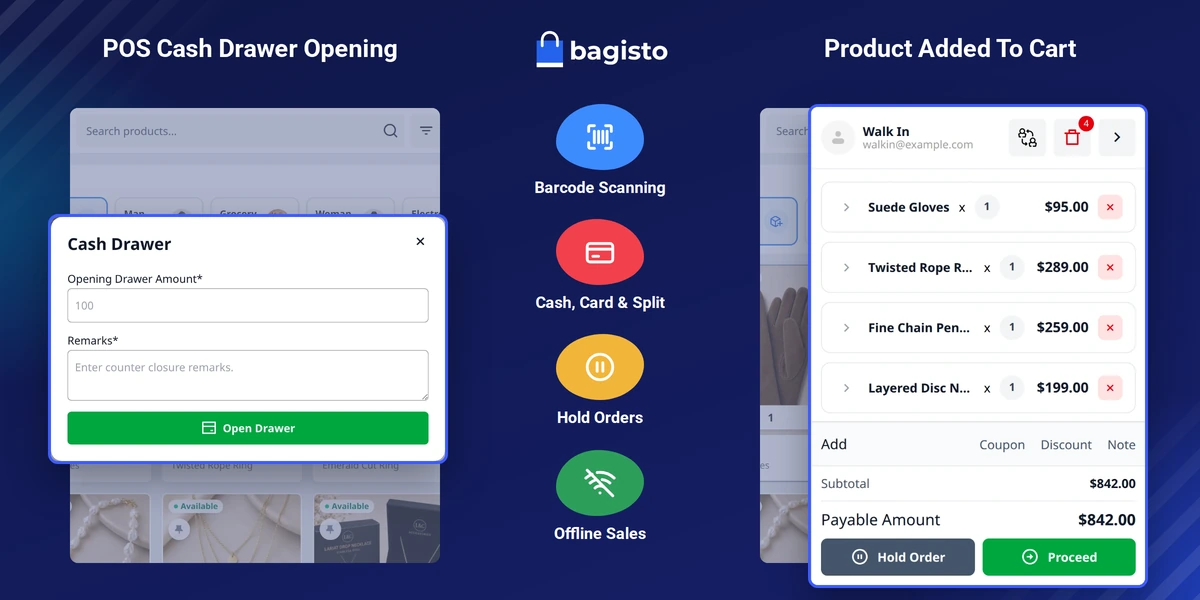
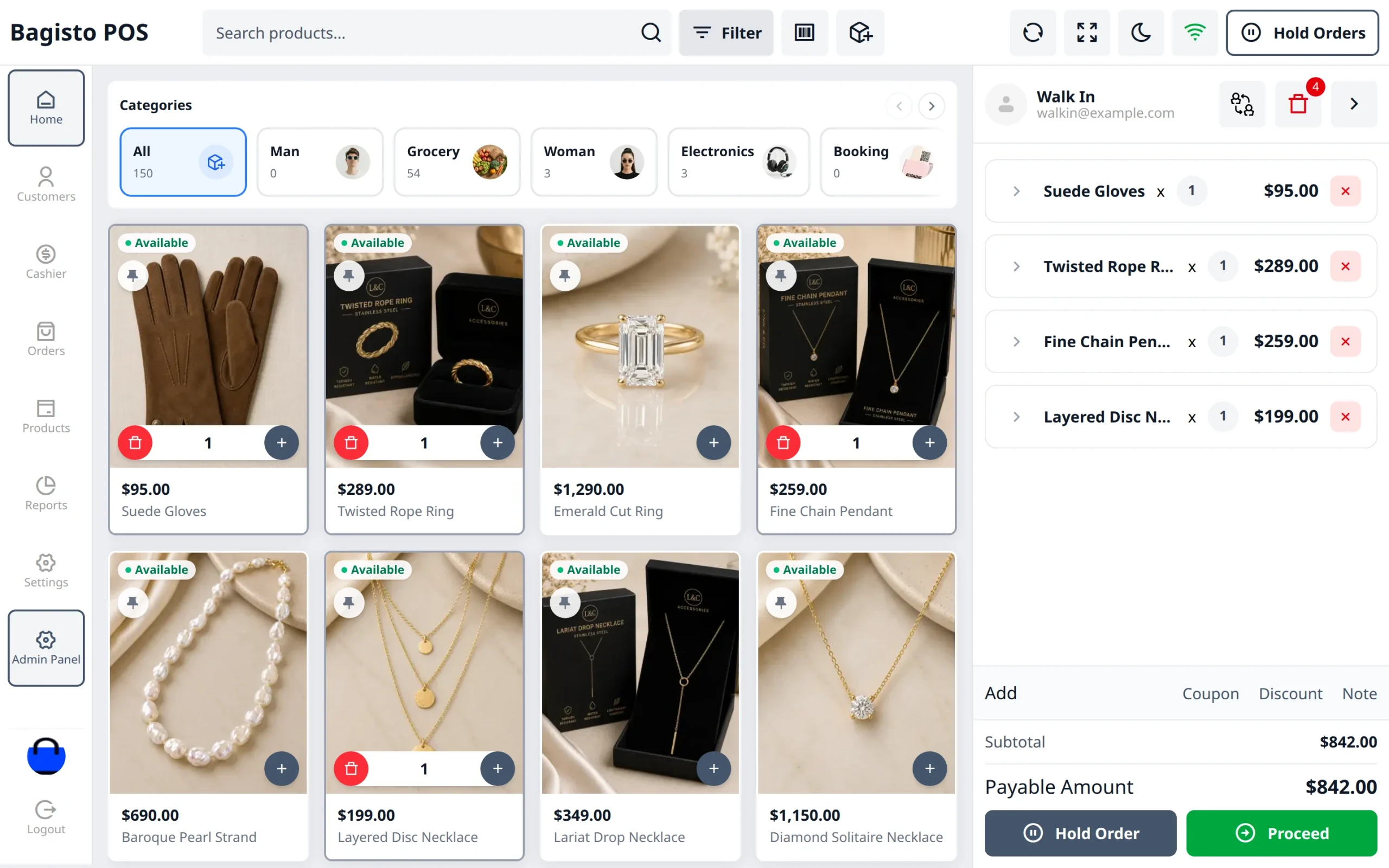
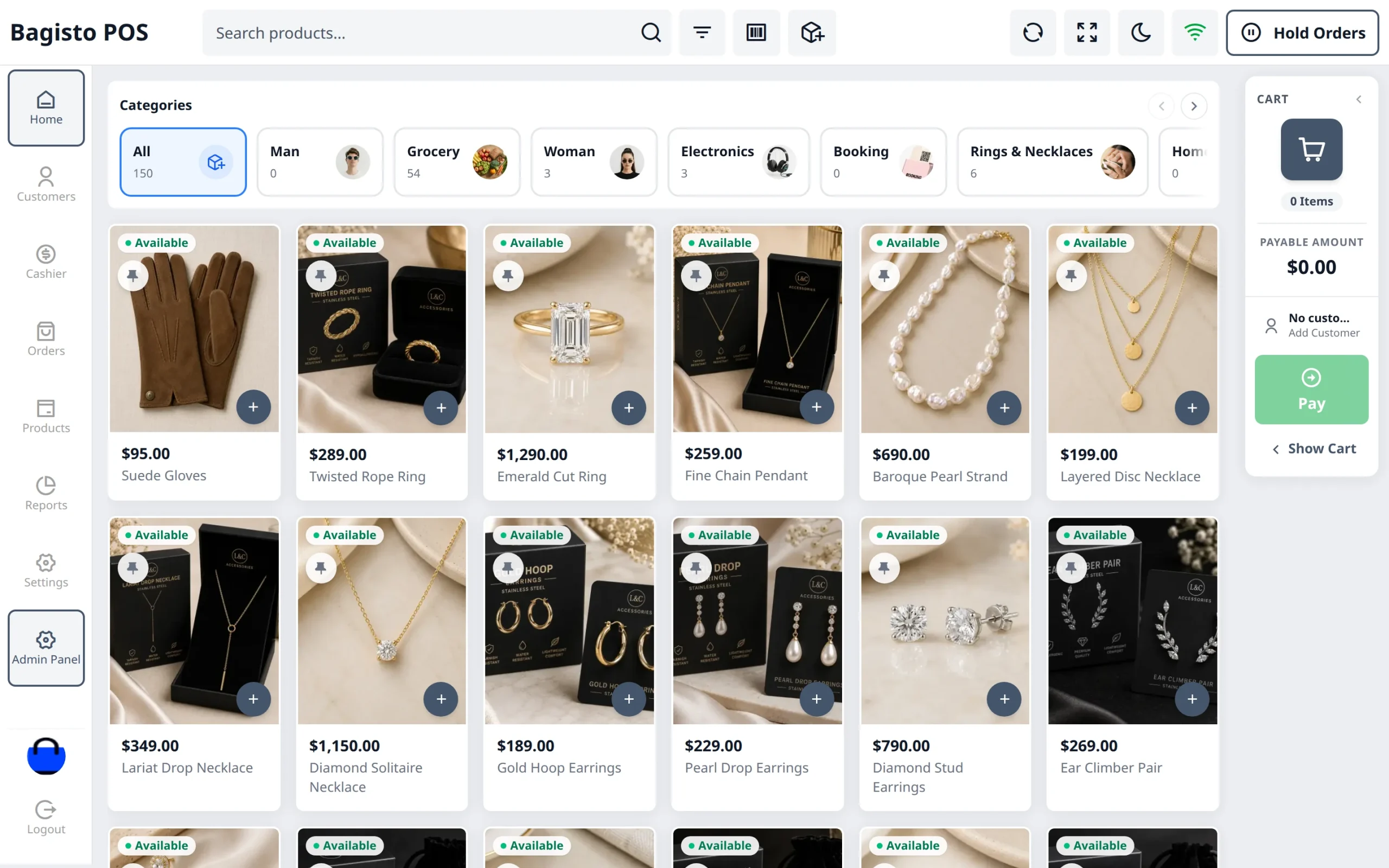
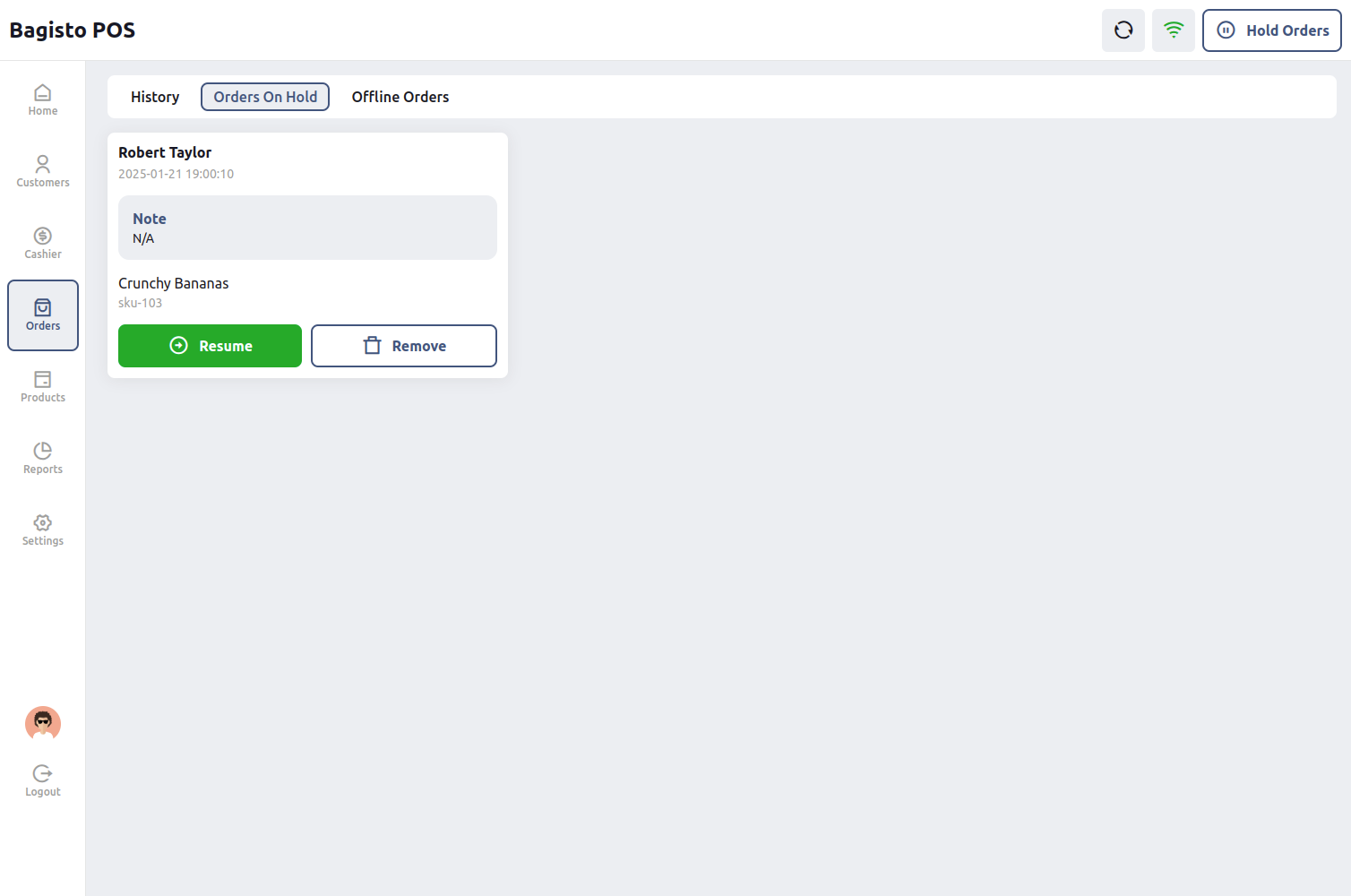
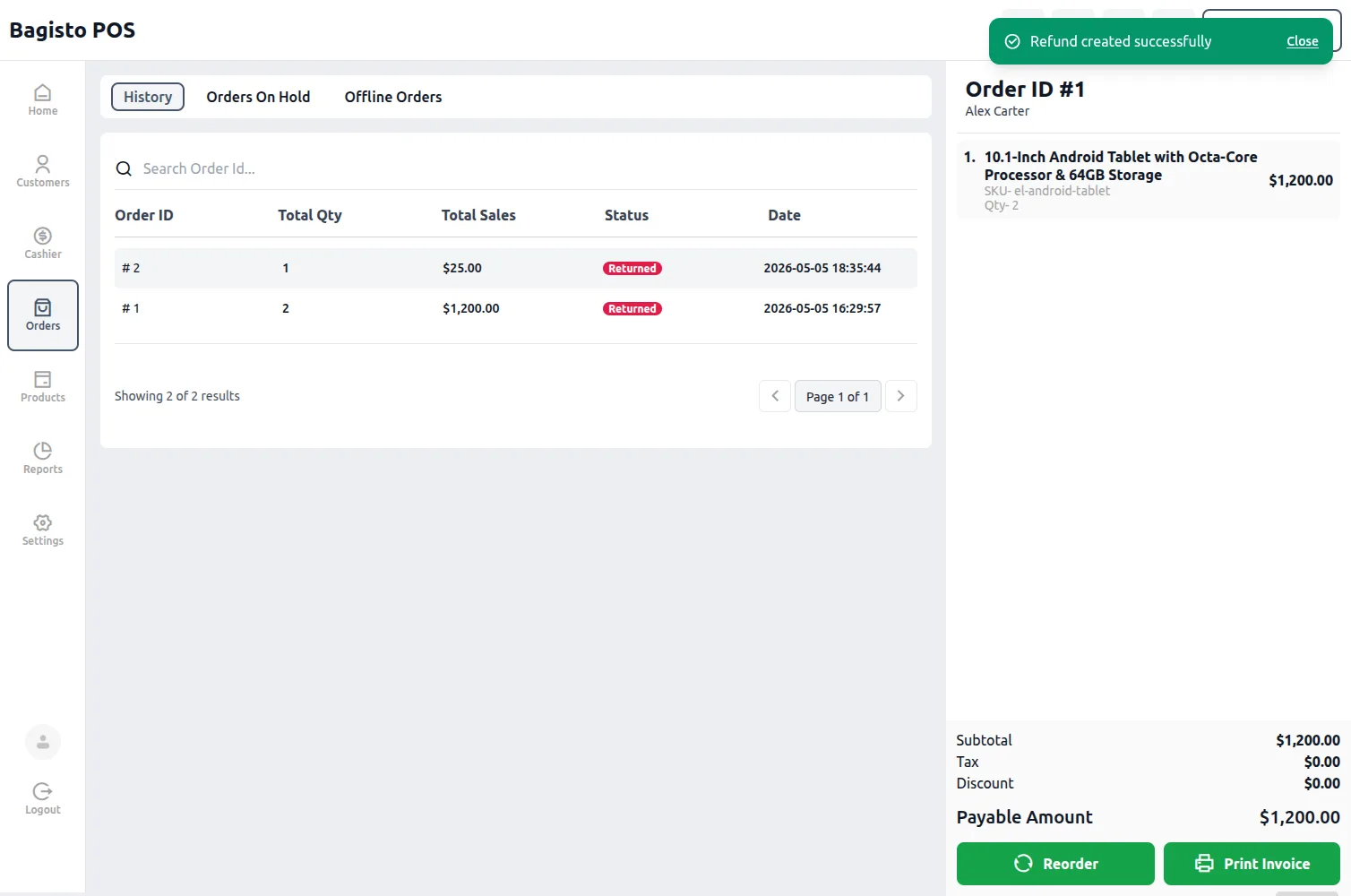
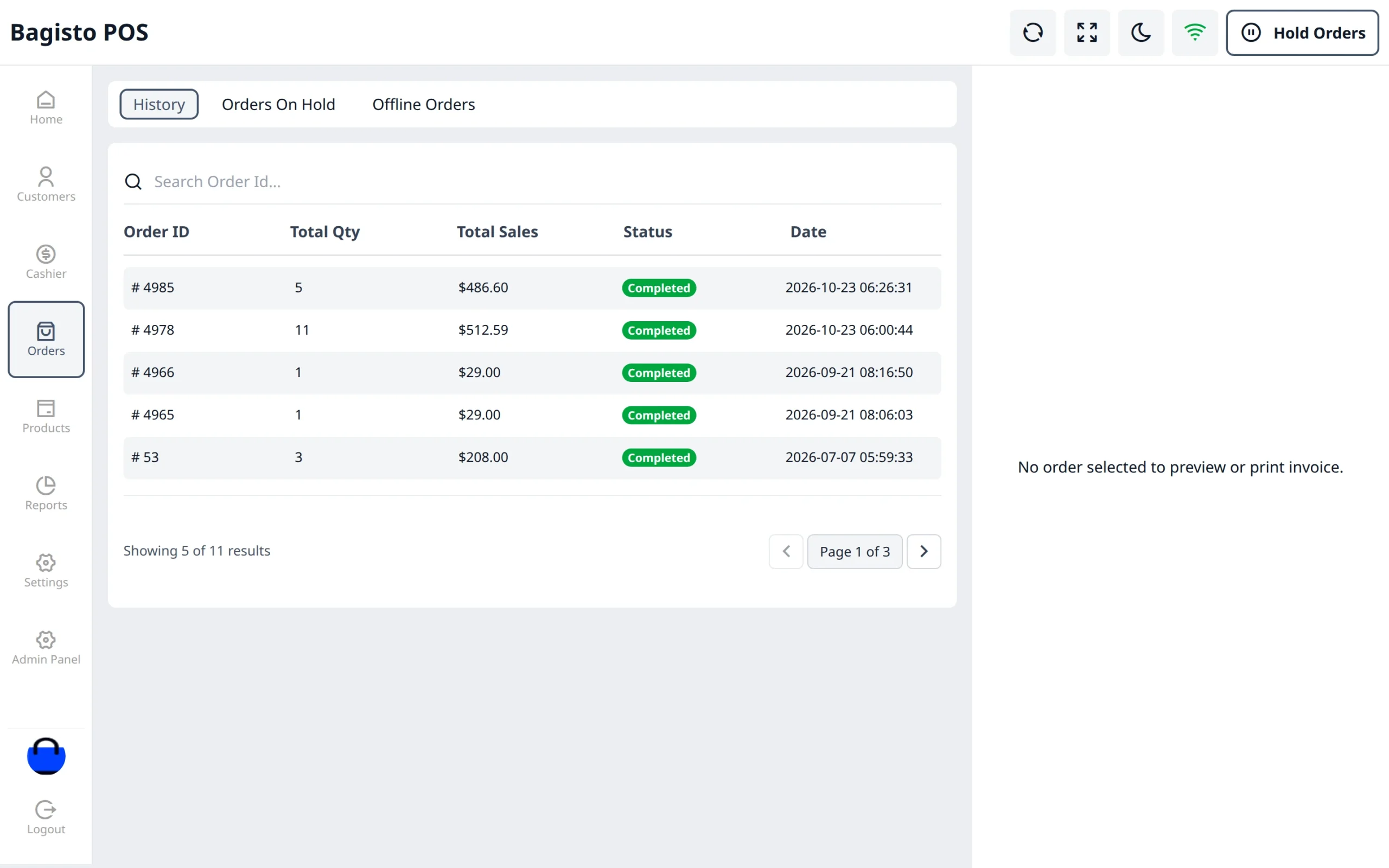
Laravel eCommerce Point Of Sale facilitates the seller to properly manage their online store along with the physical store at the same time.
Where the assigned store agent on a physical store/outlet will have a POS front-end management system through which they can easily manage the daily sales along with their respective customer in an appropriate way.
Bagisto POS extension can work on both the mode online and offline with the feature to synchronize all the daily sales and customer data of the offline store with the online store whenever going online.
Bagisto POS v2.5.0 is compatible with Bagisto 2.5.0, Laravel 13 and PHP 8.4 or later, and runs on the Bagisto Headless eCommerce (Bagisto API) extension.
Feature of Laravel Point of Sale
- The POS terminal runs on the official Bagisto API (REST and GraphQL).
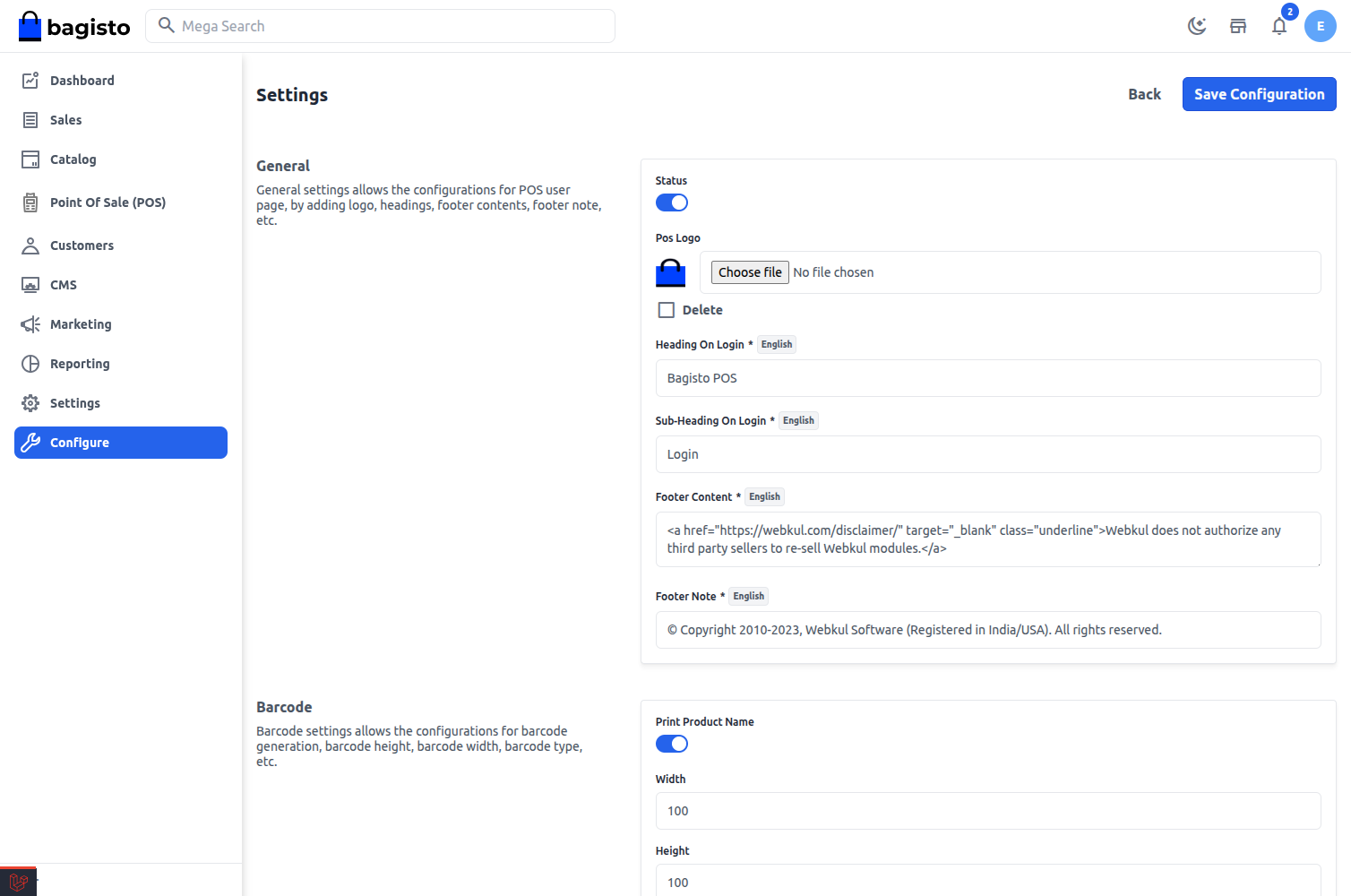
- The admin can turn the whole POS extension on or off from the configuration.
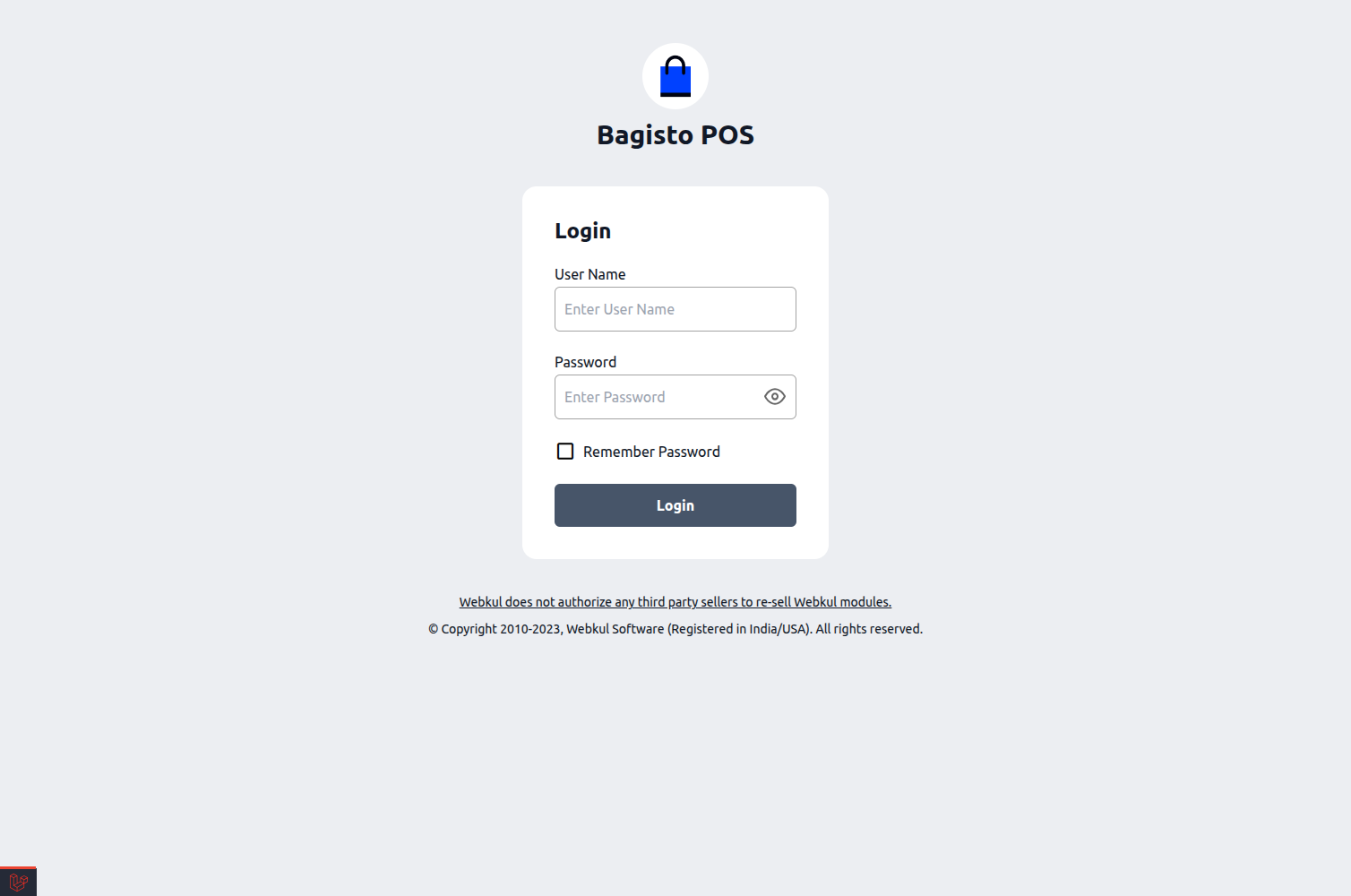
- Brand the terminal login screen with a logo, heading, sub-heading and footer content.
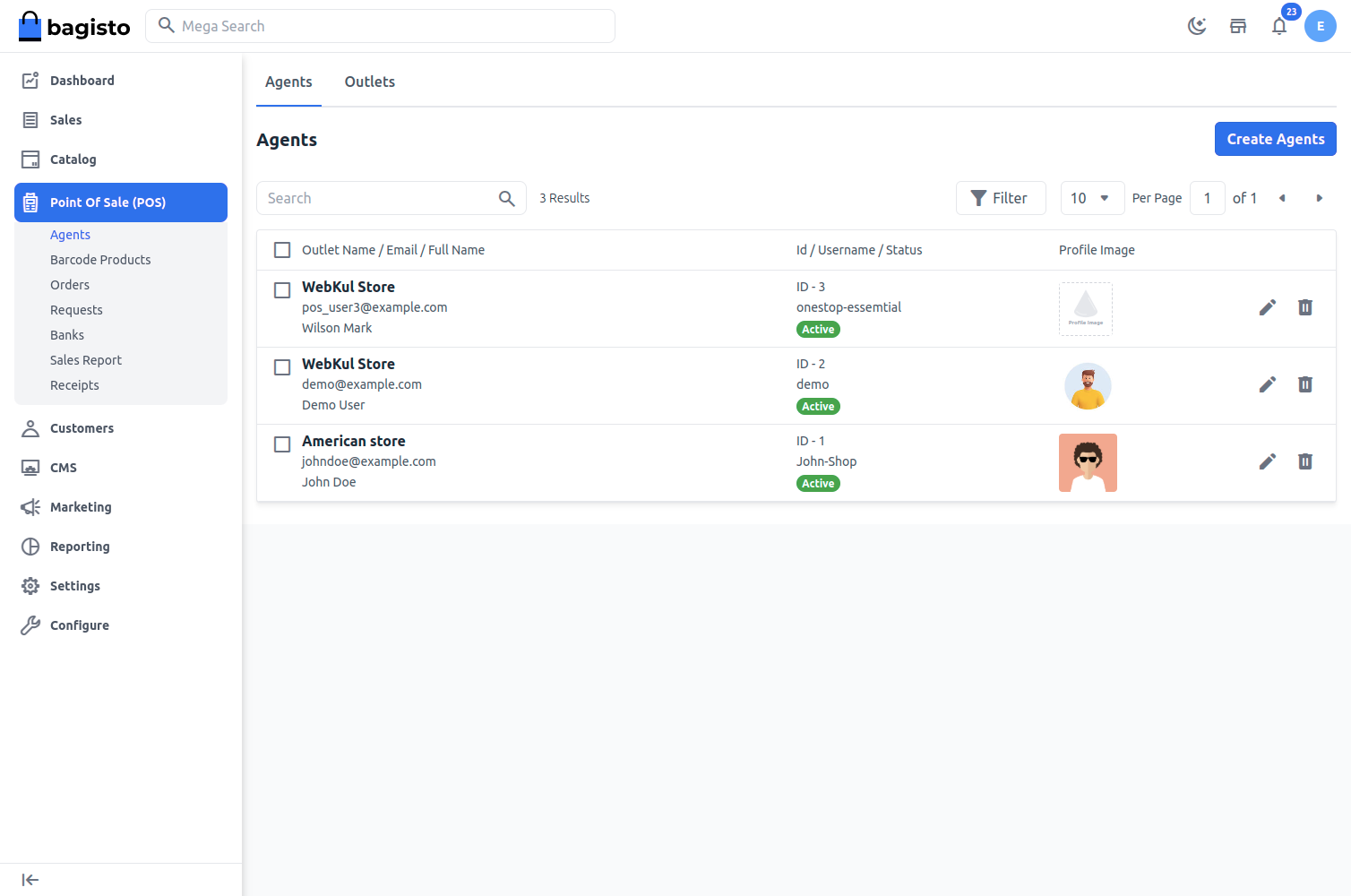
- The admin can create multiple store outlets.
- Manage online store along with physical stores.
- The admin can assign multiple POS agents to a single outlet.
- Admin can manage the product inventory separately by assigning the inventory source to the outlet.
- The admin can choose which products each outlet sells.
- Generate and print product barcodes from the admin panel, with barcode prefix, size and product name options in the configuration.
- Hide Barcode option added in the configuration.
- Customizable receipt templates for each outlet, with logo, header, footer and the totals to print.
- Mask customer details and print the order barcode on the receipt.
- Thermal receipt printing: the receipt and the cash drawer report are laid out for a thermal roll in bold black type.
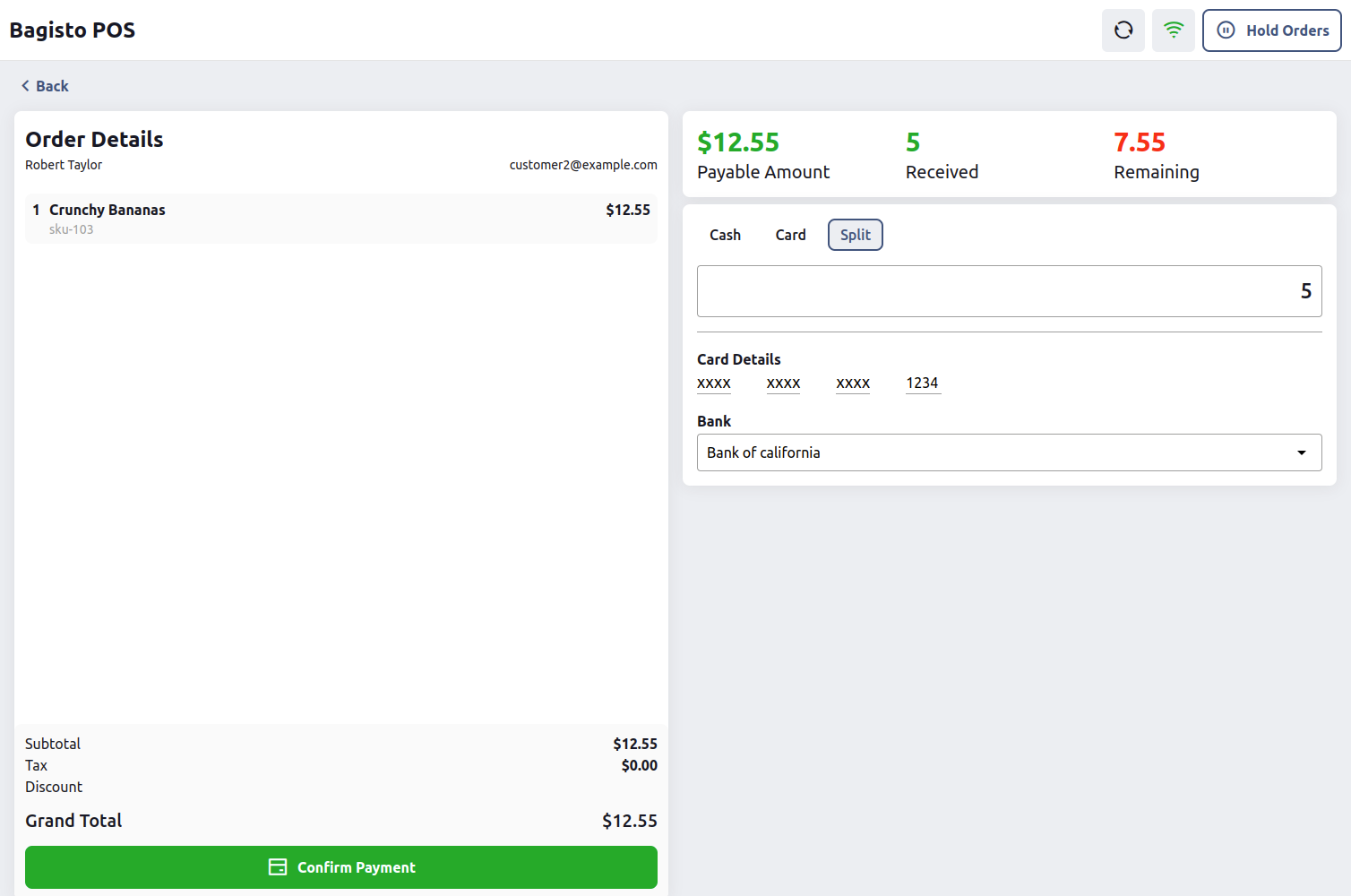
- Add banks and assign them to POS agents for card payments.
- POS sales report in the admin panel, filterable by outlet, payment method, bank and status.
- Review and complete low stock requests from agents; completing a request adds the stock to the outlet.
- Support for Simple, Configurable, Bundle, Grouped, Downloadable, Virtual and Booking products at the terminal.
- Create an order for the registered and new customer.
- The POS agent can add or change the customer on the POS front end.
- Barcode readers can be used to add products to the cart.
- Catalog price rules apply at the terminal, so the till charges the same price as the storefront.
- Store cart rules and coupon codes work at the terminal, even offline, with the applied rule names shown under the discount.
- Apply a percentage (%) discount on any product in the cart.
- Discount the whole cart by percent or by a fixed amount.
- Collapsible cart drawer: the small side cart shows the item count, the payable amount and a Pay button.
- Easily POS agent can hold the cart then proceed to the next transaction whenever required.
- Cash, Card and Split payment available at front-end.
- Laravel POS allows selling the custom product.
- Reorder / repeat previous orders with automatic recalculation of prices, taxes, and availability.
- Return a previous order directly at the POS terminal.
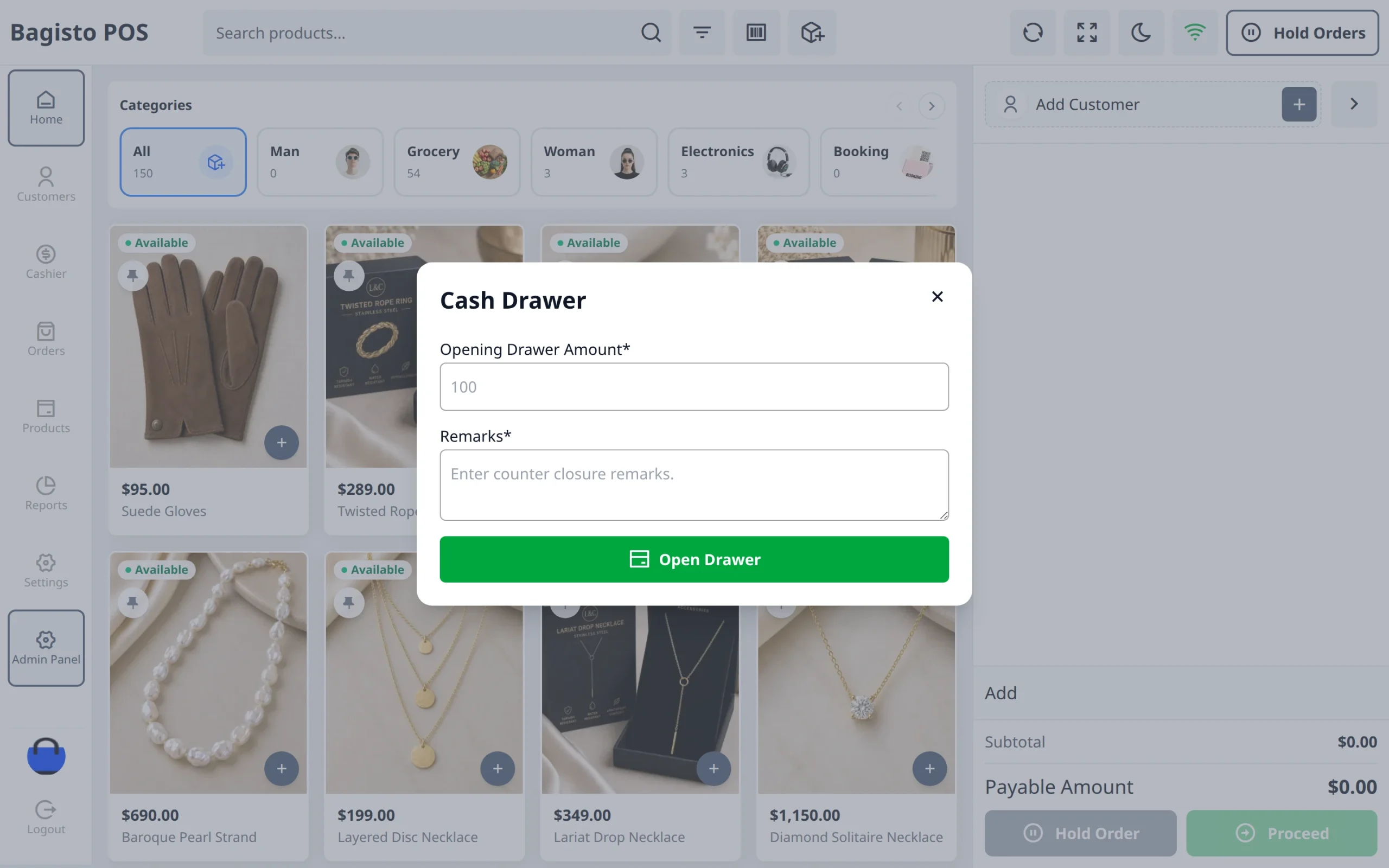
- Cash drawer management: open and close the drawer, with drawer reports that agents can print and reprint.
- Today’s sale, sale history, hold orders and offline orders sections.
- Sales reports for the day, week and month at the POS terminal.
- POS agent can work offline in case of poor connectivity.
- POS agent can synchronize the data with the online store whenever going online.
- Products, customers, orders and cart rules sync in the background and resume after a page reload.
- POS agent can send the request for the low stock product.
- POS agent can set the minimum quantity below which a product appears in the low stock products list.
- The POS agent can select the currency for the store.
- The POS agent can select the locale for the store.
- Remember Password keeps the agent signed in for a configurable number of days.
- Responsive POS terminal for desktops, tablets and phones, with a slide-in menu and cart drawer on smaller screens.
- Keyboard shortcuts for the most common actions at the terminal.
- Full-screen mode and dark mode at the terminal.
Video Tutorial
How to set up the laravel eCommerce point of sale module:
