The PHP security release of 21 October 2026 fixes two critical flaws in PHP, the language every Bagisto store runs on.
- First, both flaws can let an attacker run their own code on a web server that runs PHP.
- Next, the fixed releases are PHP 8.5.12, 8.4.27, 8.3.36 and 8.2.35.
- However, this is not a Bagisto release, so your store needs no new Bagisto version.
- In addition, PHP 8.1 and older get no official fix, so those stores must move to a supported PHP version.
- Finally, if you manage your own server, you must update PHP yourself, today.
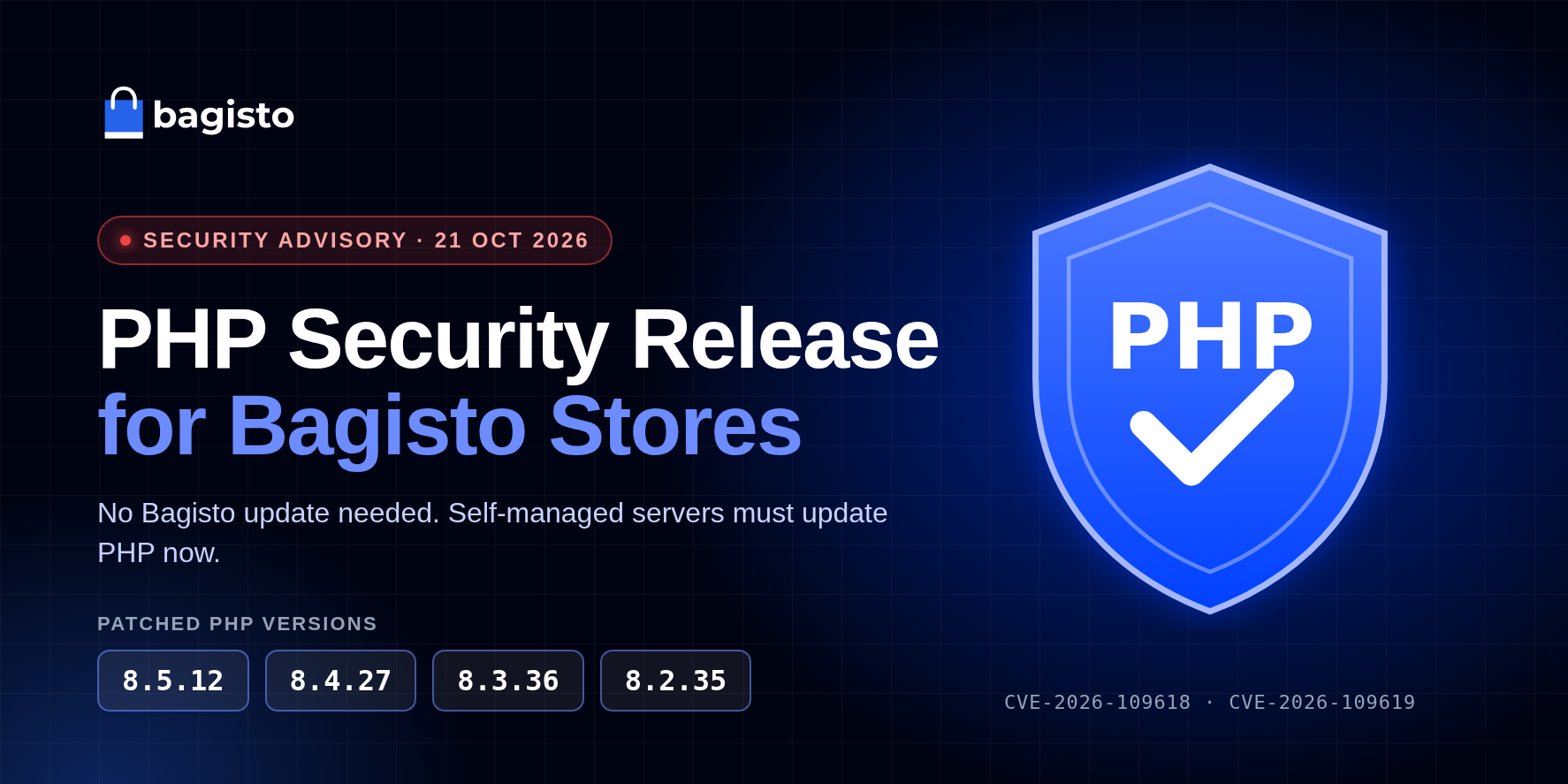

Overall, this guide explains what the PHP security release fixes, who has to act, and how to patch and verify each server.
You can read the official PHP security advisory on php.net.
What the PHP Security Release Fixes, and Why It Matters
Two Critical Remote Code Execution Flaws
- CVE-2026-109618 hits PHP when it runs out of memory partway through reading a request.
- At that moment, PHP can leave its internal request data half built, and cleanup then trusts that broken data.
- CVE-2026-109619 lets internal state from one request survive after PHP frees its memory.
- As a result, a later request on the same worker can use that stale state.
- Both flaws allow remote code execution, and both score 9.2 under CVSS v4.0.
Why a Bagisto Store Needs to Act
- A Bagisto store holds customer accounts, addresses, order history and admin logins.
- Its configuration also keeps the keys for your payment gateways and other services.
- So an attacker who runs code on the server can reach all of it.
- Moreover, PHP reports that on Apache with mod_php, an unauthenticated request can trigger the attack before any application code runs.
- That means no Bagisto setting or extension can block it, and only a patched PHP closes the hole.
Which Servers Are at Risk
- PHP lists every installation that serves web requests as affected.
- That includes PHP-FPM, Apache with mod_php, php-cgi, FrankenPHP and LiteSpeed.
- Bagisto runs on these same setups, whether you use Nginx, Apache or OpenLiteSpeed.
- Therefore, every Bagisto store stays at risk until its server runs a patched PHP build.
Is the PHP Security Release Already on Bagisto Cloud?
Fully Managed Bagisto Cloud Hosting
- Bagisto Cloud Hosting is a fully managed service, and its plans list security patches as managed.
- So our hosting team, not you, applies PHP security releases to managed Bagisto Cloud servers.
- You don’t need SSH access, a maintenance window or a new Bagisto version
- To check the PHP version on your own store, contact our team at any time.
Which Patched PHP Version Your Bagisto Store Needs
Stay on the PHP branch your Bagisto version supports, and install that branch’s patched release. The table follows the PHP requirement in each Bagisto release.
| Bagisto version | PHP it supports | Patched PHP to install |
|---|---|---|
| 2.5 | 8.4 | 8.4.27 or later |
| 2.4 | 8.3 or 8.4 | 8.3.36 or 8.4.27 or later |
| 2.3 | 8.2 or newer | 8.2.35 or 8.3.36 or later |
| 2.2 and older on PHP 8.1 | 8.1 | No official patch, so move to PHP 8.2 or newer |
- PHP 8.2 gets security fixes only until 31 December 2026, so plan your move to 8.3 or 8.4 soon.
- Check the Bagisto requirements before you change PHP branches.
How to Install the PHP Security Release on Ubuntu or Debian
These steps suit a self-managed Bagisto server on Ubuntu or Debian that installs PHP with apt.
Step 1: Check Your PHP and Bagisto Versions
- Connect over SSH, then run the commands below from your Bagisto folder.
- The last command lists every PHP branch on the server, and each one needs its own patch.
|
1 2 3 |
php -v php artisan bagisto:version ls /etc/php |
Step 2: Turn Off Session Upload Progress as a Stopgap
- This setting blocks the known attack paths for CVE-2026-109619 while you patch.
- Bagisto keeps its sessions through Laravel and never uses this PHP feature, so turning it off changes nothing for your store.
- Put it in a PHP configuration file, because
ini_set()and.user.inifiles apply too late.
|
1 2 |
printf '; priority=99\nsession.upload_progress.enabled = Off\n' | sudo tee /etc/php/8.4/mods-available/upload-progress-off.ini sudo phpenmod -v 8.4 -s ALL upload-progress-off |
- The setting takes effect when you restart PHP in Step 5.
Step 3: Confirm the Patched Package Is Available
|
1 2 |
sudo apt-get update apt-cache policy php8.4-fpm |
- On servers that use mod_php, check
libapache2-mod-php8.4instead ofphp8.4-fpm. - With the Ondřej Surý packages, the
Candidateline must start with8.4.27or later. - If it doesn’t, the patched build hasn’t reached your mirror yet, so wait a few minutes and try again.
- Ubuntu’s and Debian’s own PHP packages work differently, because the vendor backports the fix and keeps the older version number.
- In that case, compare the package version with your vendor’s security notice instead.
Step 4: Install the PHP Security Release Packages
- This command upgrades only the PHP 8.4 packages you already have, including
libapache2-mod-php8.4. - The
--force-confoldoption keeps your currentphp.iniand FPM pool files.
|
1 2 3 |
sudo apt-get install --only-upgrade -y \ -o Dpkg::Options::="--force-confold" \ $(dpkg-query -W -f='${db:Status-Abbrev} ${Package}\n' '*php8.4*' | awk '$1=="ii" {print $2}') |
Step 5: Restart PHP and Your Web Server
- Nginx or Apache with PHP-FPM: restart the FPM service. Nginx itself needs no restart.
- Apache with mod_php: restart Apache, because a reload keeps the old PHP in memory.
|
1 2 3 4 5 |
# Nginx or Apache with PHP-FPM sudo systemctl restart php8.4-fpm # Apache with mod_php sudo systemctl restart apache2 |
- Not sure of the FPM service name? Run
systemctl list-units --type=service | grep fpmto find it.
Step 6: Restart Bagisto’s Queue Workers
- Long-running PHP processes keep the old PHP in memory until they restart.
- For Bagisto, these include queue workers, such as the
broadcastableworker behind real-time admin notifications. - Run these from your Bagisto folder as the user that owns it.
|
1 2 3 |
php artisan queue:restart sudo supervisorctl restart all sudo supervisorctl status |
- Every worker should show
RUNNING. - If your store uses Laravel Octane, also run
php artisan octane:reload. - Likewise, restart Laravel Reverb with
php artisan reverb:restartif you run it.
The PHP Security Release on Other Server Setups
RHEL, AlmaLinux and Rocky Linux
- If you install PHP from the Remi repository, first run
dnf info php-fpmto confirm the patched version. - Then run
sudo dnf upgrade 'php*', and restart thephp-fpmservice. - Also, restart
httpdif Apache serves your store.
OpenLiteSpeed With lsphp
- OpenLiteSpeed runs its own PHP build, called lsphp, from the LiteSpeed repository.
- Upgrade it with the same apt pattern, using
'*lsphp84*'in place of'*php8.4*'. - Then run
sudo systemctl restart lsws, and check/usr/local/lsws/lsphp84/bin/php -v.
Docker Images Built From Bagisto’s Dockerfiles
- Bagisto’s production Dockerfiles install PHP 8.4 on Ubuntu 24.04 at build time.
- So an existing image keeps its old PHP until you rebuild it.
- Rebuild without the cache, so the build pulls the patched PHP packages.
|
1 2 3 |
docker build --pull --no-cache -f nginx/Dockerfile \ -t bagisto:2.5.0-nginx-mysql --build-arg BAGISTO_VERSION=v2.5.0 . docker run --rm --entrypoint php bagisto:2.5.0-nginx-mysql -v |
- Then replace the running container with one from the new image, using the same named volumes.
- However, back up your data first if the container runs without volumes, because removing it deletes the data inside.
- If you pull a published image instead, run the same
php -vcheck on it before you deploy.
Control Panels and Shared Hosting
- On cPanel, Plesk or shared hosting, update PHP through the panel.
- Otherwise, ask your host which patched PHP version your account runs.
How to Verify the PHP Security Release Worked
- First, check the command-line and FPM builds, and confirm the stopgap setting.
|
1 2 3 |
php8.4 -v php-fpm8.4 -v php-fpm8.4 -i | grep session.upload_progress.enabled |
- Both versions should read 8.4.27 or later, and the setting should end in
Off. - On a mod_php server, run
dpkg -l libapache2-mod-php8.4instead of the FPM checks. - Next, confirm the PHP that actually serves your store, with a temporary file you delete at once.
|
1 2 3 4 5 |
cd /path/to/bagisto/public F="php-check-$(openssl rand -hex 6).php" echo '<?php echo PHP_VERSION, " upload_progress=", ini_get("session.upload_progress.enabled") ? "On" : "Off";' | sudo tee "$F" > /dev/null curl -s "https://your-store-domain/$F"; echo sudo rm "$F" |
- The output should read
8.4.27 upload_progress=Off, or a later version. - Finally, log in to the admin panel and place a test order, so you know the store and its workers run normally.
Conclusion
- Overall, the PHP security release of 21 October 2026 fixes two critical flaws that affect every PHP web server.
- Bagisto needs no new version, so only PHP on your server changes.
- On Bagisto Cloud, our hosting team applies the patch, and you can confirm your store’s status with us.
- If you manage your own server, install PHP 8.5.12, 8.4.27, 8.3.36 or 8.2.35, then restart PHP and every worker.
- Above all, move off PHP 8.1 and older, because the open-source platform can only stay as safe as the PHP beneath it.
Thanks for reading this guide to the PHP security release. If you have any questions, please feel free to comment below or contact our team.
Also you can hire laravel developers for your custom laravel projects. Kindly explore our extensions.