Building a B2B multi-vendor marketplace is very different from launching a standard ecommerce store.
Business buyers expect more than a simple add-to-cart experience.
They often need RFQs, bulk ordering, negotiated pricing, purchase orders, and flexible payment terms.
Your marketplace should support these workflows to meet real B2B buying requirements.
A successful B2B marketplace should make it easy for buyers to find trusted suppliers, request quotations, compare offers, and place large business orders.
At the same time, suppliers need tools to manage products, pricing, inventory, quotations, and order fulfillment from a single dashboard.
If you’re planning to create a B2B marketplace, it’s important to design the complete business workflow before choosing the technology.
Pricing, approvals, payments, shipping, and supplier operations should all work together to deliver a smooth buying experience.
In this guide, you’ll learn how to plan, build, launch, and manage a B2B multi vendor marketplace.
What is a B2B Multi Vendor Marketplace?
A B2B multi vendor marketplace is one platform where many suppliers sell to business buyers.
Buyers do not rely on one seller. They can compare products, ask for quotes, and buy from many trusted suppliers.
Manufacturers, wholesalers, distributors, and retailers use them for bulk buying.
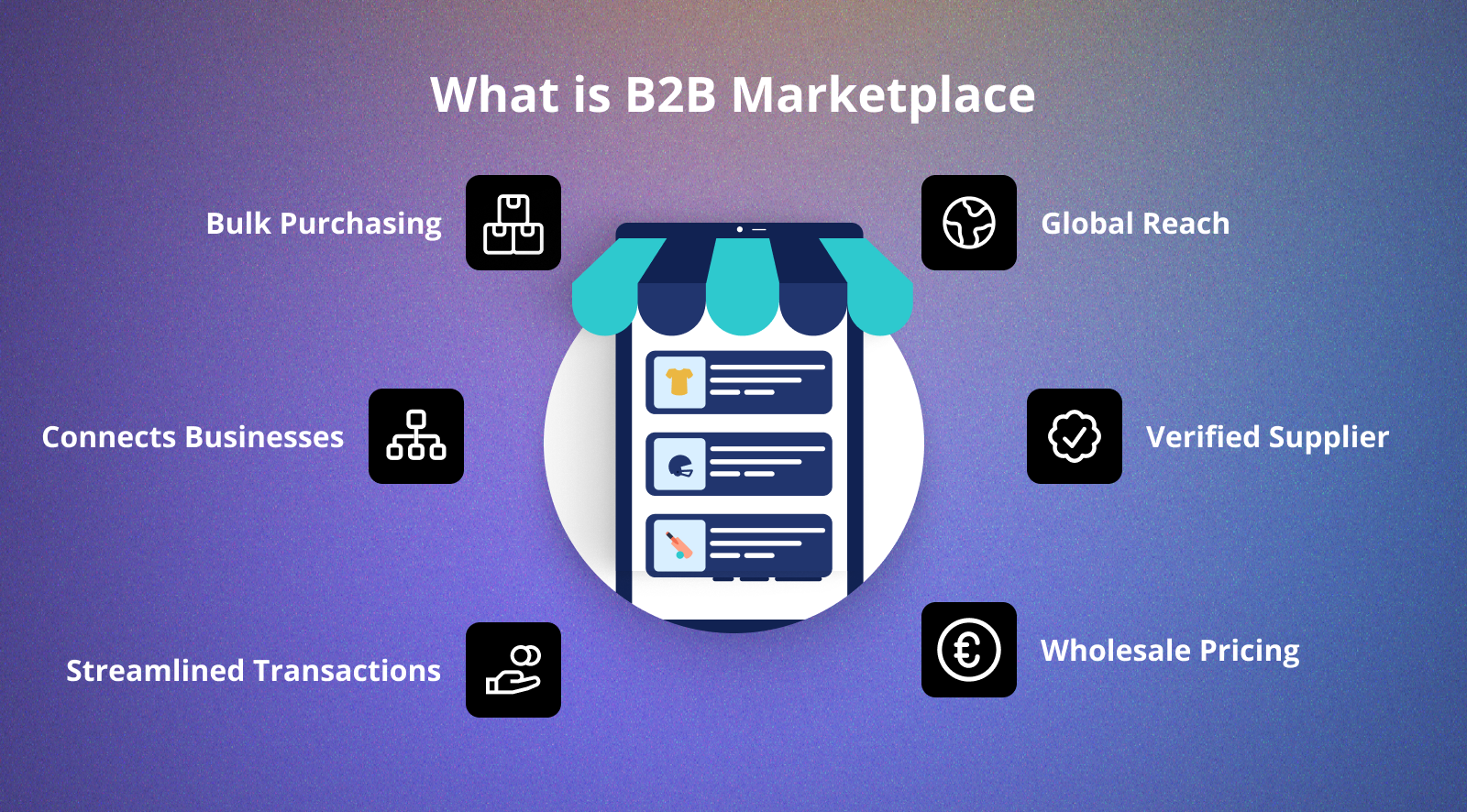

A typical B2B marketplace connects three main users.
Admin
The admin runs suppliers, products, commissions, approvals, and orders.
The admin also sets payment methods, shipping rules, and site policies.
Supplier or Vendor
Suppliers list products, reply to RFQs, track stock, and ship orders.
Most platforms give each supplier a dashboard for daily tasks.
Business Buyer
Buyers search for products, compare suppliers, ask for quotes, and place bulk orders.
They also handle purchase orders, invoices, and repeat orders from one account.
A normal store sells one item at a time.
A B2B multi vendor marketplace handles full buying workflows, so companies trade faster.
How is a B2B Marketplace Different from a B2C or D2C Marketplace?
A B2B marketplace serves business deals. B2C and D2C sites serve single shoppers.
Business orders often need approvals, agreed prices, and large amounts.
Shopper orders are quick and use a simple checkout.
| Feature | B2B Marketplace | B2C/D2C Marketplace |
| Buyers | Businesses, retailers, distributors | Individual consumers |
| Order Size | Bulk and recurring orders | Small or one-time orders |
| Pricing | RFQ, tier pricing, custom pricing | Fixed pricing |
| Payment | Invoice, bank transfer, credit terms | Instant online payment |
| Fulfillment | Production, packaging, partial shipment | Standard shipping |
Buyer Type and Order Size
B2B buyers include manufacturers, retailers, wholesalers, buying teams, and distributors. Their orders are large and based on long term relationship.
B2C and D2C buyers shop for personal use in small amounts.
Pricing and Negotiation
B2B prices often change by buyer, order size, or contract. Suppliers may set MOQ, wholesale rates, tier rates, or buyer based rates.
Many buyers send an RFQ (Request for Quote) before they order.B2C and D2C sites show one fixed price for all.
Fixed Price vs. RFQ Based Buying
| Fixed Price | RFQ-Based Buying |
| Same price for all buyers | Price varies by requirement |
| Instant checkout | Quote approval before purchase |
| Suitable for retail | Suitable for wholesale and bulk orders |
| Limited negotiation | Supports negotiation and custom requirements |
Payment Flow
B2B payments often follow a set approval path. A buyer sends an RFQ and gets a quote.
They then raise a Purchase Order (PO) and pay by bank transfer or credit terms. Some companies also use advance or invoice based payments.
B2C buyers pay at once with cards, wallets, or net banking.
Fulfillment Flow
B2B fulfillment starts only after price and order details are set. Suppliers check stock, make goods, pack them, and plan delivery.
Large orders may ship in batches when stock is low.
B2C fulfillment begins right after payment clears. Standard shipping works for most retail orders.
Why Create a B2B Multi Vendor Marketplace?
A B2B multi vendor marketplace lets companies buy and sell in one place. It connects buyers to many suppliers and makes buying faster and more organized.
Expand Your Supplier Network
You can add many manufacturers, wholesalers, and distributors to one site. Buyers get more choices without hopping across many sites.
Simplify Procurement
Buyers compare products, suppliers, prices, and quotes in one place. This cuts manual work and speeds up buying choices.
Support Bulk Orders
B2B sites are built for wholesale deals and large orders. Tools like MOQ, bulk ordering, and tier pricing ease big purchases.
Automate RFQ and Quotations
Buyers send an RFQ instead of emails or phone calls.
Suppliers reply with price, lead time, and terms from their dashboard. This makes quotes faster and clearer.
Improve Supplier Management
Owners can check suppliers before they sell. They also approve products, watch orders, and manage commissions in one place.
Build Long Term Business Relationships
Buyers often reorder from suppliers they trust. Quick reorder, saved quotes, and buyer based prices bring them back.
Create Multiple Revenue Streams
Owners can earn from commissions, supplier plans, featured listings, or leads. Many income streams make the business more stable.
Increase Operational Efficiency
One central site cuts paperwork and manual work. Buyers, suppliers, and admins handle the full order cycle online.
How to Create a B2B Multi Vendor Marketplace Website
Building a B2B multi vendor marketplace needs careful planning first.
A clear plan helps you launch faster and grow with fewer issues.
Step 1: Choose Your B2B Marketplace Niche
Pick one industry instead of every business. A focused site is easier to run and promote.
Popular B2B marketplace niches include:
- Fashion wholesale
- Industrial tools
- Medical supplies
- Automotive spare parts
- Food and grocery supply
- Construction materials
- Agriculture products
A niche site also draws the right buyers and suppliers.
Step 2: Define Buyer, Supplier, and Admin Roles
Set clearly who will buy, sell, and run the site. This helps you build the right workflows early.
For example:
- Manufacturers selling to retailers
- Wholesalers supplying distributors
- Distributors serving buying teams
- Importers supplying local companies
The admin should handle supplier approvals, products, commissions, and policies.
Step 3: Plan Your Pricing and RFQ Workflow
Not every B2B deal uses a fixed price. Decide if buyers can buy at once or ask for a quote.
Many sites support both ways.
| Feature | Fixed Price | RFQ-Based Buying |
| Price | Predefined | Supplier quotation |
| Checkout | Immediate | After quote approval |
| Best For | Standard products | Bulk or custom orders |
| Negotiation | Limited | Supported |
Also, decide whether your marketplace needs:
- Minimum Order Quantity (MOQ)
- Tier pricing
- Wholesale pricing
- Customer specific pricing
These tools are common in B2B trade.
Step 4: Choose a B2B Multi Vendor Marketplace Platform
Pick a platform that supports business workflows, not just selling.
Look for features such as:
- Supplier management
- RFQ and quotation management
- Bulk ordering
- MOQ support
- Order management
- Commission management
- Payment options
- ERP and CRM integrations
Bagisto is an open source, Laravel based platform for multi vendor commerce.
You can extend it for B2B workflows.
Step 5: Set Up Your Marketplace
Once the platform is ready, set up the marketplace.
Typical setup includes:
- Install Bagisto
- Add the B2B Multi Vendor Marketplace module
- Set up suppliers
- Create product categories
- Set commissions
- Set up payment methods
- Set up shipping
- Enable B2B features like RFQ and wholesale pricing
Step 6: Configure Supplier and Product Approval
Supplier checks keep the marketplace clean.
Review each profile before you approve an account.
You can also approve products before buyers see them.
This cuts poor listings and builds buyer trust.
Step 7: Configure Payment, Shipping, and Fulfillment
Decide how buyers will pay suppliers. Offer bank transfer, invoice, offline, or advance payments.
Set shipping rules by supplier, location, product, or order value.
Your flow should support packing, dispatch, tracking, and part shipments.
Step 8: Test the Complete Marketplace Workflow
Test every important workflow before launch.
Check the following:
- Buyer registration
- Supplier registration
- RFQ submission
- Quote approval
- Purchase Order creation
- Payment process
- Invoice generation
- Shipment tracking
- Vendor payout
Early tests catch issues before customers arrive.
Step 9: Launch with Trusted Suppliers
Start with a small group of verified suppliers.
Gather feedback from buyers and vendors after launch.
Improve the site based on real needs before you add more suppliers.
Real B2B Marketplace Workflow: From RFQ to Delivery
A B2B order is more than a cart and a payment.
It follows clear steps. These help both sides agree on price, amount, delivery, and terms.
Step 1: Buyer Searches for Products or Suppliers
The buyer searches products, categories, or trusted suppliers.
They compare specs, price, profiles, and badges before they choose.
Step 2: Buyer Submits an RFQ
If price is open, the buyer sends an RFQ (Request for Quote).
It may list amount, delivery spot, packing needs, custom work, and due date. This shows suppliers exactly what the buyer needs.
Step 3: Supplier Shares a Quotation
The supplier reviews the request and builds a quote.
The quotation may include:
- Product price
- MOQ
- Stock availability
- Payment terms
- Delivery timeline
The buyer can check the quote before ordering.
Step 4: Buyer Approves the Quote and Issues a Purchase Order
After the buyer accepts the quote, they raise a Purchase Order (PO).
The PO locks the products, amount, price, terms, and delivery date.
It is the official order record for both sides.
Step 5: Supplier Confirms the Order
The supplier checks stock and confirms the order. For made to order goods, work may start after confirmation or advance payment.
Some companies run quality checks before dispatch.
Step 6: Packaging and Shipment
Goods are packed to the agreed needs. Packing choices can change shipping cost and delivery time.
Large orders may ship in batches if needed.
Step 7: Delivery, Invoice, and Goods Receipt
The buyer gets the shipment and checks the goods. The supplier sends the invoice as per the agreed terms.
The buyer logs a Goods Receipt Note (GRN) once the order matches the PO. The order closes once payment and delivery are done.
B2B Payment Flow vs Normal Marketplace Payment Flow
| B2B Payment Flow | Normal Marketplace Payment |
| RFQ submitted | Product added to cart |
| Supplier shares quotation | Customer proceeds to checkout |
| Buyer approves quotation | Online payment |
| Purchase Order issued | Order confirmed |
| Invoice generated | Shipment starts |
| Bank transfer or credit terms | Delivery completed |
B2B Fulfillment vs Normal Ecommerce Fulfillment
| B2B Fulfillment | Normal Ecommerce Fulfillment |
| RFQ and quote approval | Direct order placement |
| Purchase Order confirmation | Payment confirmation |
| Stock or production planning | Order packing |
| Custom packaging | Standard packaging |
| Partial shipment supported | Usually single shipment |
| GRN and invoice verification | Delivery confirmation |
Practical B2B Details Many Marketplace Guides Miss
Many guides cover only products and orders. But real deals have many details.
These shape price, delivery, and buyer trust. Planning them early avoids costly changes later.
Sample Approval Before Bulk Orders
Many companies ask for samples before large orders. This lets buyers check quality, material, size, or finish.
Sample sign off lowers the risk of disputes later.
Example: A retailer approves one sample before an order for 20,000 units.
Partial Shipments Are Common
Large B2B orders do not always ship at once. Suppliers may send ready stock first and ship the rest later.
This keeps buyers running while they wait for the rest.
Example: A supplier sends 7,000 units today and 3,000 later.
Product Customization Changes the Quote
Buyers often ask for product changes. Custom branding, color, material, size, or packing can shift the quote.
Custom work can also add to production time.
Example: A logo or custom pack adds both cost and lead time.
Delivery Location Impacts Pricing
Shipping costs depend on where the goods go. One drop to a central store costs less than many sites.
Distance and handling also affect the price.
Business Documents Are Essential
B2B deals rely on documents at every stage.
Each document serves a specific purpose.
| Document | Purpose |
| RFQ | Buyer requests pricing and terms |
| Quotation | Supplier shares pricing and delivery details |
| Purchase Order (PO) | Buyer confirms the order |
| Invoice | Supplier requests payment |
| Shipment Document | Confirms goods dispatched |
| Goods Receipt Note (GRN) | Buyer confirms goods received |
These records add clarity and cut confusion between both sides.
B2B Marketplace Business Models
The right income model is key to a lasting B2B multi vendor marketplace.
Many top sites mix several income streams, not just one.
B2B Marketplace Revenue Model Comparison
| Revenue Model | How It Works | Best For |
| Commission | Earn a percentage from every order | Growing marketplaces |
| Subscription | Charge suppliers a monthly or yearly fee | Established supplier networks |
| Lead-Based | Charge suppliers for buyer inquiries or RFQs | Service and custom product marketplaces |
| Featured Listings | Suppliers pay for better visibility | High-traffic marketplaces |
| Mixed Model | Combine multiple revenue streams | Large-scale B2B marketplaces |
Commission Model
The site earns a fee on each supplier sale. It grows on its own as orders rise.
It suits sites with active buyers and suppliers.
Supplier Subscription Model
Suppliers pay a regular fee to sell.
Plans give owners a steady income. Higher plans add more products, support, or tools.
RFQ or Lead Based Model
Some sites focus on quality business leads.
Suppliers pay to view buyer RFQs or get checked leads. This model is common in factory and industry sites.
Featured Supplier or Product Listings
Suppliers can pay to push their products or profile.
Featured spots raise rank in search and category pages. This helps suppliers win more deals.
Mixed Revenue Model
Many strong B2B sites mix income models.They may charge plans, take commissions, and sell paid listings.
A mix gives steady income and long term growth.
Key Features of a B2B Multi Vendor Marketplace Platform
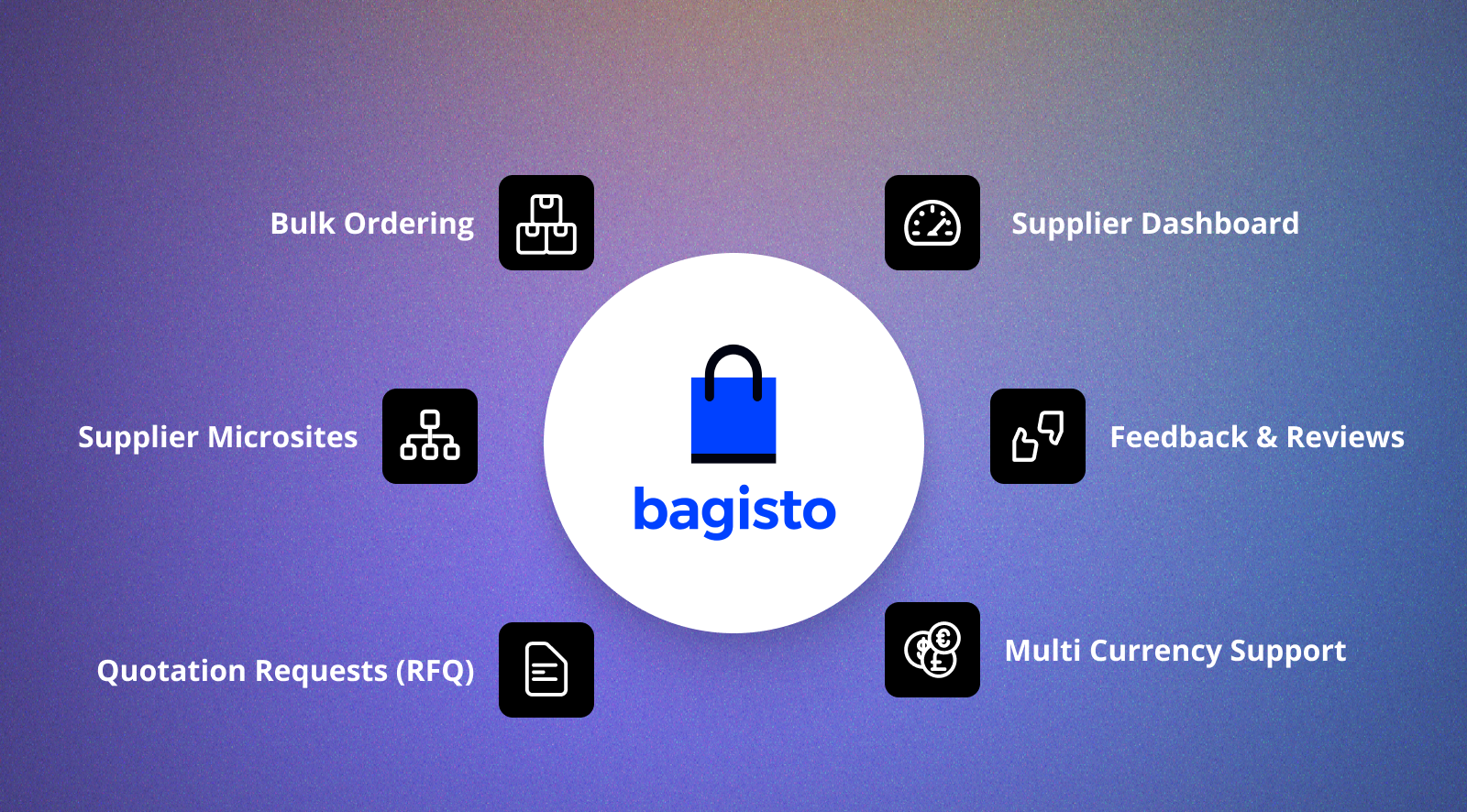
The right features help you handle buying, suppliers, price, and delivery. Pick a platform that fits today and future growth.
B2B Marketplace Feature Checklist
| Feature | Business Benefit |
| Supplier Registration | Easy vendor onboarding |
| Supplier Dashboard | Self-service management |
| Company Accounts | Business buyer management |
| RFQ & Quotation | Price negotiation |
| MOQ & Bulk Pricing | Wholesale selling |
| Custom Pricing | Buyer-specific pricing |
| Bulk Orders | Faster procurement |
| Order Management | Track complete order lifecycle |
| Vendor Payout | Simplified supplier payments |
| Multi-Currency | Global selling |
| ERP & CRM Integration | Centralized business operations |
Supplier Registration and Approval
Let suppliers sign up online. Check their details before you approve.
This keeps quality high and buyers happy.
Supplier Dashboard
Suppliers should run their work from one dashboard.
Typical features include:
- Product management
- Inventory updates
- RFQ responses
- Order management
- Shipment tracking
- Sales reports
This eases the admin load and improves speed.
Buyer Company Accounts
Business buyers often buy as a team. Company accounts let many users buy under one profile.
They also support approval steps for buying teams.
RFQ and Quote Management
Not every buyer knows the final amount or specs.An RFQ tool lets buyers ask for quotes before they order.
Suppliers reply with price, lead time, MOQ, and terms.
MOQ and Bulk Pricing
Wholesale sellers usually set a minimum amount.They may also give discounts on larger orders.
These rules drive bulk buys and lift order value.
Custom Pricing and Payment Terms
Different buyers may receive different prices.
Suppliers can offer agreed prices, invoices, credit, or offline pay.This builds long term relationships.
Bulk Orders and Quick Reorder
Buyers often reorder the same items.
Quick reorder lets them repeat past orders with little effort.This makes buying smoother.
Bulk Upload
Suppliers should add products one by one or in bulk.
Order Management and Fulfillment Tracking
Both sides should track every order stage.
Typical order statuses include:
- Pending
- Confirmed
- Packed
- Shipped
- Partially Delivered
- Delivered
- Completed
This lifts clarity and order visibility.
Commission and Vendor Payout
The site should count commissions on its own. Suppliers should also see payout history and status in their dashboard.
Multi Currency and Multi Language
Global sites serve buyers from many countries. Many currencies and languages improve the buying process for them.
ERP, CRM, and Accounting Integration
Many businesses use ERP, CRM, and accounting software. Linking these tools keeps stock, customer data, invoices, and orders in sync.
It also cuts manual entry and improves accuracy.
How Much Does It Cost to Create a B2B Marketplace Website?
The cost of a B2B marketplace website depends on your needs.
Platform, custom features, integrations, and hosting all shape the spend.A simple site costs less than one with deep buying workflows.
Platform and Extension Cost
Start with a platform built for B2B trade. You may also need marketplace, B2B, or wholesale add-ons.
Scalable tools can lower future build costs.
Custom Development Cost
Every business has its own buying workflows.
You may need custom features such as:
- RFQ management
- Approval workflows
- Buyer specific pricing
- Purchase Order management
- Supplier verification
- Custom dashboards
More custom work means more build effort.
Hosting and Maintenance Cost
A B2B site needs solid hosting to run well.
Your budget should also include:
- Servers
- Security
- SSL certificates
- Platform updates
- Tech support
- Regular upkeep
Planning these costs keeps the site stable over time.
Integration Cost
Many companies link the site with their software.
Common integrations include:
- ERP systems
- CRM platforms
- Accounting software
- Payment gateways
- Shipping providers
- Inventory management systems
Link costs vary with system size and needs.
Factors That Influence Development Cost
Several things affect the total cost.
These include:
- Number of suppliers
- Expected order volume
- B2B feature requirements
- Third party integrations
- Custom UI and UX
- Multi language support
- Multi currency support
Clear needs up front to avoid surprise costs later.
Tip: Do not chase the lowest cost.Pick a tool that grows with you.A scalable platform cuts future moves and rebuilds.
Common Mistakes to Avoid While Creating a B2B Marketplace
Many B2B sites fail because they copy normal stores. Avoid these errors to save time, cut issues, and improve buying.
Treating B2B Like B2C
Business buyers need different things than retail buyers.They often need quotes, approvals, agreed prices, and bulk orders.
Build around business workflows, not a simple checkout.
Ignoring RFQ and Quote Management
Not every B2B buyer wants a fixed price.Many ask for quotes before they order.
A site with no RFQ may lose good deals.
Overlooking Payment Terms
Business deals rarely end with an instant payment.Many use bank transfer, credit, advance, or invoice pay.
Flexible payment options improve the buying process.
Skipping Purchase Order and Invoice Workflows
POs and invoices are standard in B2B deals.Your site should support them through the whole process.
This keeps records accurate on both sides.
Not Planning for Partial Shipments
Large orders may not ship in one go.Suppliers often send ready stock first and the rest later.
Part shipments improve control and buyer trust.
Weak Supplier Verification
Unchecked suppliers can lower buyer trust.Check details before you approve accounts.
A trusted network lifts your reputation.
Ignoring ERP and Accounting Integrations
Many companies rely on ERP and accounting tools daily.
With no integrations, teams spend hours on manual updates.Linked systems lift speed and accuracy.
Choosing a Platform That Cannot Scale
Some tools suit small stores but fail at complex B2B flows.
Pick a tool that supports custom work, integrations, and growth.This cuts rebuild costs as you grow.
Why Choose Bagisto for a B2B Multi Vendor Marketplace?
A B2B marketplace needs a platform that adapts to change.
It should handle custom flows, supplier management, and integrations.Bagisto gives a strong base to build and grow a B2B marketplace.
Open Source and Customizable
Bagisto is an open source ecommerce platform built on Laravel.
You can shape workflows, roles, pricing, and features to your needs. This makes it fit many B2B models.
Built for Multi Vendor Selling
Bagisto adds multi vendor selling through its Marketplace add-on. Owners can add many suppliers and run them from one panel.
Suppliers handle products, stock, orders, and info in their own dashboard.
Supports Essential B2B Features
You can extend Bagisto with B2B features for wholesale and buying.
These include:
- RFQ and quotation management
- Company accounts
- Quick Order
- Contact Supplier
- Supplier product collections
- MOQ and bulk ordering
- Custom pricing
- Multi warehouse inventory
These tools help you build for real buying needs.
Easy Integration with Business Systems
Growing companies often link the site with their software. Bagisto integration with ERP, CRM, accounting, shipping, payment, and stock tools.
This keeps data in sync across tools.
Scalable for Business Growth
Needs change as the marketplace grows. Bagisto lets you add suppliers, categories, flows, and integrations with no rebuild.
This suits both startups and large companies.
Strong Developer Community
Built on Laravel, Bagisto has a large developer base. You can tweak features or build new modules as you grow.
This cuts tech limits and supports long term growth.
B2B Marketplace Website Launch Checklist
A launch is more than going live. Test every workflow before you add buyers and suppliers.
A final check cuts issues after launch.
Buyer Side Checklist
Make sure buyers can finish the full buying process.
- Company registration
- Buyer profile setup
- Product search
- RFQ submission
- Quote approval
- Purchase Order creation
- Secure payment
- Invoice download
- Order tracking
- Quick reorder
Supplier Side Checklist
Suppliers should work without admin help.
Verify the following features:
- Supplier registration
- Business verification
- Product upload
- Inventory management
- RFQ response
- Order processing
- Shipment updates
- Invoice generation
- Payout tracking
Admin Side Checklist
The admin should fully control the site.
Review the following before launch:
- Supplier approval
- Product approval
- Commission configuration
- Vendor payout management
- Payment status monitoring
- Order management
- Shipping configuration
- Marketplace reports
- User role management
Pre Launch Best Practices
Run these final checks before going live.
- Test the buyer journey
- Test the supplier workflow
- Verify payment methods
- Check shipping rules
- Review email notifications
- Speed up the website
- Turn on SSL and security
- Set up backups
- Test on mobile devices
A good launch needs smooth workflows, not just a live site.Testing each step gives buyers, suppliers, and admins a better run.
Conclusion
A B2B multi vendor marketplace is more than an online store.It needs clear workflows for buyers, suppliers, price, pay, and delivery.
Tools like RFQ, MOQ, POs, quotes, and supplier management ease buying.They also build long term relationships.A scalable platform matters just as much.
Bagisto is flexible and easy to customize.It gives a strong base for a modern B2B marketplace that adapts to change.
Build a wholesale site, supplier portal, or buying platform.Good planning and the right tech drive lasting growth.
FAQs on Creating a B2B Multi Vendor Marketplace Website
What is a B2B multi vendor marketplace?
A B2B multi vendor marketplace is an online platform where multiple suppliers sell products or services to business buyers through a single website.
How do I create a B2B marketplace website?
Start by selecting a niche and defining clear buyer and supplier workflows.
Then choose a scalable platform, configure essential marketplace features, and test every business process before launch
What features are needed in a B2B marketplace platform?
Key features include supplier registration, RFQ management, MOQ, custom pricing, bulk ordering, order management, vendor payouts, and ERP integrations.
How is a B2B marketplace different from a B2C marketplace?
B2B marketplaces support complex business transactions such as bulk orders, negotiated pricing, purchase orders, invoices, and approval workflows.
B2C marketplaces focus on direct consumer purchases with fixed pricing and a simpler checkout experience.
Why is RFQ important in a B2B marketplace?
RFQ allows buyers to request customized pricing based on quantity, specifications, delivery schedules, and payment terms before placing an order.
Can suppliers manage their own products and orders?
Yes. Most B2B marketplace platforms provide a supplier dashboard for managing products, inventory, quotations, orders, shipments, and payouts.
How does payment work in a B2B marketplace?
Payments may include bank transfers, invoice payments, advance payments, or agreed credit terms, depending on the business agreement.
What is the role of a Purchase Order (PO)?
A Purchase Order confirms the products, quantity, pricing, payment terms, and delivery schedule agreed between the buyer and supplier.
Can Bagisto be used to create a B2B marketplace?
Yes. Bagisto supports multi-vendor commerce and can be extended with features such as RFQ, wholesale pricing, supplier management, and custom B2B workflows.
How much does it cost to build a B2B marketplace website?
The cost depends on platform selection, required features, custom development, integrations, hosting, and long-term maintenance requirements.

