How to Build a Dynamic Vue Component in Bagisto (Step-by-Step Guide)
Building a dynamic Vue component in Bagisto is the fastest way to make your store’s interface interactive.
Laravel powers Bagisto’s backend, while Vue.js drives the Admin Panel and Storefront. Whether you build custom modules or extend existing features, Vue.js can greatly improve your workflow.
In this tutorial, you’ll learn to create a dynamic Vue component in Bagisto and pass data from Laravel to Vue. You’ll also call Bagisto APIs with Axios, handle events, and follow best practices for clean, maintainable code.
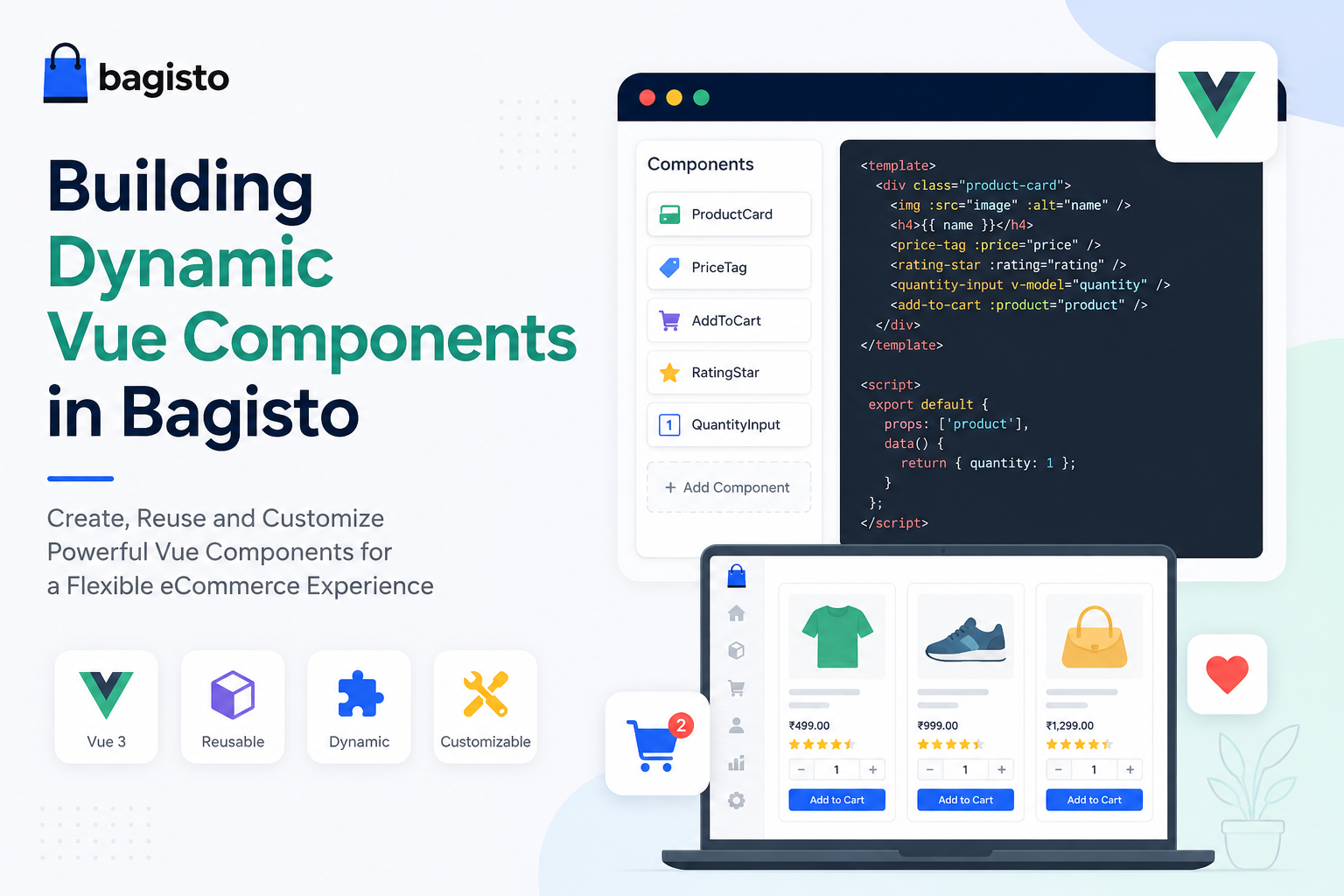

Why Use a Dynamic Vue Component in Bagisto?
Unlike a standalone Vue application, Bagisto uses Vue.js to enhance specific parts of the application rather than to render the entire page.
Vue.js in Bagisto is commonly used for:
- Dynamic forms
- Product management
- Admin dashboards
- Data tables
- Filters
- Interactive UI components
Bagisto combines Blade templates with Vue components, so you get server-side rendering plus modern interactivity.
New to the platform? Start with our guide on installing and setting up Bagisto.
Package Structure for a Dynamic Vue Component in Bagisto
A typical custom Bagisto package that ships a Vue component might look like this:
|
1 2 3 4 5 6 7 8 9 10 11 12 |
packages/ └── Webkul/ └── Blog/ ├── Resources/ │ ├── assets/ │ │ └── js/ │ │ └── components/ │ │ └── Greeting.vue │ └── views/ │ └── admin/ │ └── index.blade.php └── package.json |
What this shows: The standard folder layout of a Bagisto package.
Vue components live under Resources/assets/js/components, and Blade views under Resources/views.
Step 1: Create a Dynamic Vue Component in Bagisto
Create a new single-file component inside:
|
1 |
Resources/assets/js/components/Greeting.vue |
What this shows: The exact path where your new Vue single-file component (SFC) should be created inside the package.
|
1 2 3 4 5 6 7 8 9 10 11 12 13 14 15 16 17 18 19 20 21 22 23 24 25 26 27 28 29 30 31 |
<template> <div class="card"> <h2>{{ title }}</h2> <p>Hello {{ name }}</p> <button @click="changeName"> Change Name </button> </div> </template> <script setup> import { ref } from 'vue' const title = ref('Dynamic Vue Component') const name = ref('Bagisto Developer') const changeName = () => { name.value = 'Laravel & Vue Developer' } </script> <style scoped> .card { padding:20px; border:1px solid #ddd; border-radius:8px; } </style> |
What this shows: A complete Vue component built with the Composition API.
It holds two reactive ref values and a click handler that updates name.value.
The scoped style block keeps the CSS isolated to this component.
This component demonstrates:
- Reactive variables
- Event handling
- Composition API
- Scoped styling
Step 2: Register the Dynamic Vue Component in Bagisto
Inside your application’s JavaScript entry file:
|
1 2 3 4 5 6 7 8 |
import { createApp } from 'vue' import Greeting from './components/Greeting.vue' const app = createApp({}) app.component('greeting', Greeting) app.mount('#app') |
What this shows: Creating the Vue application instance, registering Greeting globally as <greeting>, and mounting the app onto the #app element.
Step 3: Use the Vue Component in a Blade Template
Create a Blade file:
|
1 2 3 |
<div id="app"> <greeting></greeting> </div> |
What this shows: The Blade markup that provides the #app mount point so Vue can find and render the registered <greeting> component.
When the page loads, Vue automatically mounts the component.
Step 4: Passing Data from Laravel to Vue
Suppose you want to pass authenticated user data from Laravel into your Vue component.
Blade
|
1 2 3 |
<greeting username="{{ auth()->user()->name }}"> </greeting> |
What this shows: Passing server-side Laravel data into the Vue component as a plain HTML attribute, rendered by Blade before the page reaches the browser.
Vue
|
1 2 3 4 5 6 7 8 9 10 11 12 13 14 15 |
<script setup> const props = defineProps({ username: String }) </script> <template> <h2> Welcome {{ username }} </h2> </template> |
What this shows: The Vue side of the handoff — defineProps() declares username so the value sent from Blade becomes usable inside the template.
Now your component receives dynamic data directly from Laravel.
Step 5: Making API Requests with Axios
Bagisto exposes various routes that can be consumed using Axios.
For a closer look at the endpoints, read our article on the Bagisto REST API.
|
1 2 3 4 5 6 7 8 9 10 11 12 13 14 15 16 17 18 19 20 21 |
<script setup> import axios from 'axios' import { ref, onMounted } from 'vue' const products = ref([]) const loadProducts = async () => { const response = await axios.get('/api/products') products.value = response.data.data } onMounted(() => { loadProducts() }) </script> |
What this shows: Fetching products with Axios and storing them in a reactive products array.
The onMounted hook fires the request as soon as the component renders.
Display the Data
|
1 2 3 4 5 6 7 8 9 10 11 |
<ul> <li v-for="product in products" :key="product.id"> {{ product.name }} </li> </ul> |
What this shows: Looping over the fetched products with v-for to render a list, using :key="product.id" so Vue can track each item.
Step 6: Conditional Rendering
Vue makes it simple to display content based on conditions.
|
1 2 3 4 5 6 7 8 9 10 11 |
<p v-if="products.length"> Products Loaded </p> <p v-else> Loading... </p> |
What this shows: Using v-if and v-else to show a loading state until the API responds.
It is the simplest way to give users feedback while data is still being fetched.
Step 7: Rendering Lists
|
1 2 3 4 5 6 7 |
<div v-for="product in products" :key="product.id"> {{ product.name }} </div> |
What this shows: The same v-for iteration rendering each product into a div instead of a list item — the pattern works with any element.
Always use a unique key to help Vue efficiently update the DOM.
Step 8: Component Communication with Props
Parent Component
|
1 2 3 |
<ProductCard :product="product" /> |
What this shows: The parent passing an entire object down to a child using a bound prop (:product), rather than a static string attribute.
Child Component
|
1 2 3 4 5 |
const props = defineProps({ product: Object }) |
What this shows: The child declaring the incoming product object with defineProps(), which documents the component’s public API.
Using props keeps components reusable and easier to maintain.
Step 9: Handling Events with Emits
Vue allows child components to emit events back up to their parent.
Child Component
|
1 2 3 |
const emit = defineEmits(['saved']) emit('saved') |
What this shows: The child declaring a saved event and firing it — for example, after a product form is successfully submitted.
Parent Component
|
1 2 3 |
<ProductForm @saved="refreshProducts" /> |
What this shows: The parent listening for that saved event and reacting by reloading its data, so the child never mutates parent state directly.
This pattern keeps components loosely coupled.
Step 10: Computed Properties
Instead of recalculating values manually:
|
1 2 3 4 5 6 7 |
import { computed } from 'vue' const fullName = computed(() => { return firstName.value + ' ' + lastName.value }) |
What this shows: Deriving a new value from existing reactive state with computed().
The result is cached and recalculated only when a dependency actually changes.
Computed properties improve readability and performance.
Step 11: Watchers
Watchers react whenever a variable changes.
|
1 2 3 4 5 6 7 |
import { watch } from 'vue' watch(search, () => { loadProducts() }) |
What this shows: Watching the search ref and re-fetching products whenever the user changes the query — ideal for live search and filters.
Useful for:
- Search
- Filters
- Live updates
Best Practices for Building a Vue Component in Bagisto
When building Vue components in Bagisto:
- Keep components small and reusable.
- Prefer the Composition API for new development.
- Use props instead of directly accessing parent data.
- Emit events instead of mutating parent state.
- Fetch data asynchronously.
- Handle loading and error states.
- Avoid business logic inside templates.
- Use scoped styles to prevent CSS conflicts.
Common Mistakes to Avoid
Avoid these common issues when working with Vue.js in Bagisto:
- ❌ Registering components multiple times
- ❌ Forgetting unique keys in
v-for - ❌ Mixing Laravel Blade syntax with Vue interpolation
- ❌ Mutating props directly
- ❌ Performing heavy computations inside templates
Performance Tips for a Dynamic Vue Component in Bagisto
For larger Bagisto projects:
- Lazy load components when possible.
- Split JavaScript bundles.
- Cache API responses.
- Use pagination for large datasets.
- Minimize unnecessary reactive variables.
- Debounce search inputs.
- Optimize API calls.
Real-World Use Cases for a Dynamic Vue Component in Bagisto
Dynamic Vue components are especially useful in Bagisto for:
- Product filters
- Live search
- Shopping cart updates
- Wishlist interactions
- Customer dashboards
- Admin widgets
- Order management
- Reports and analytics
- Dynamic forms
- Product configuration
Conclusion: Building a Dynamic Vue Component in Bagisto
Vue.js plays an essential role in making Bagisto applications interactive and scalable. Pairing Laravel’s backend with Vue’s reactive frontend gives you modular, high-performance interfaces.
Mastering the dynamic Vue component in Bagisto makes your store cleaner, faster, and easier to extend. Start small, lean on the Composition API, and follow Vue best practices as your store grows.
You can also hire laravel developers to build custom solutions on Laravel. To explore ready-made add-ons, visit the Bagisto extension marketplace.

