Bagisto Testing Overview
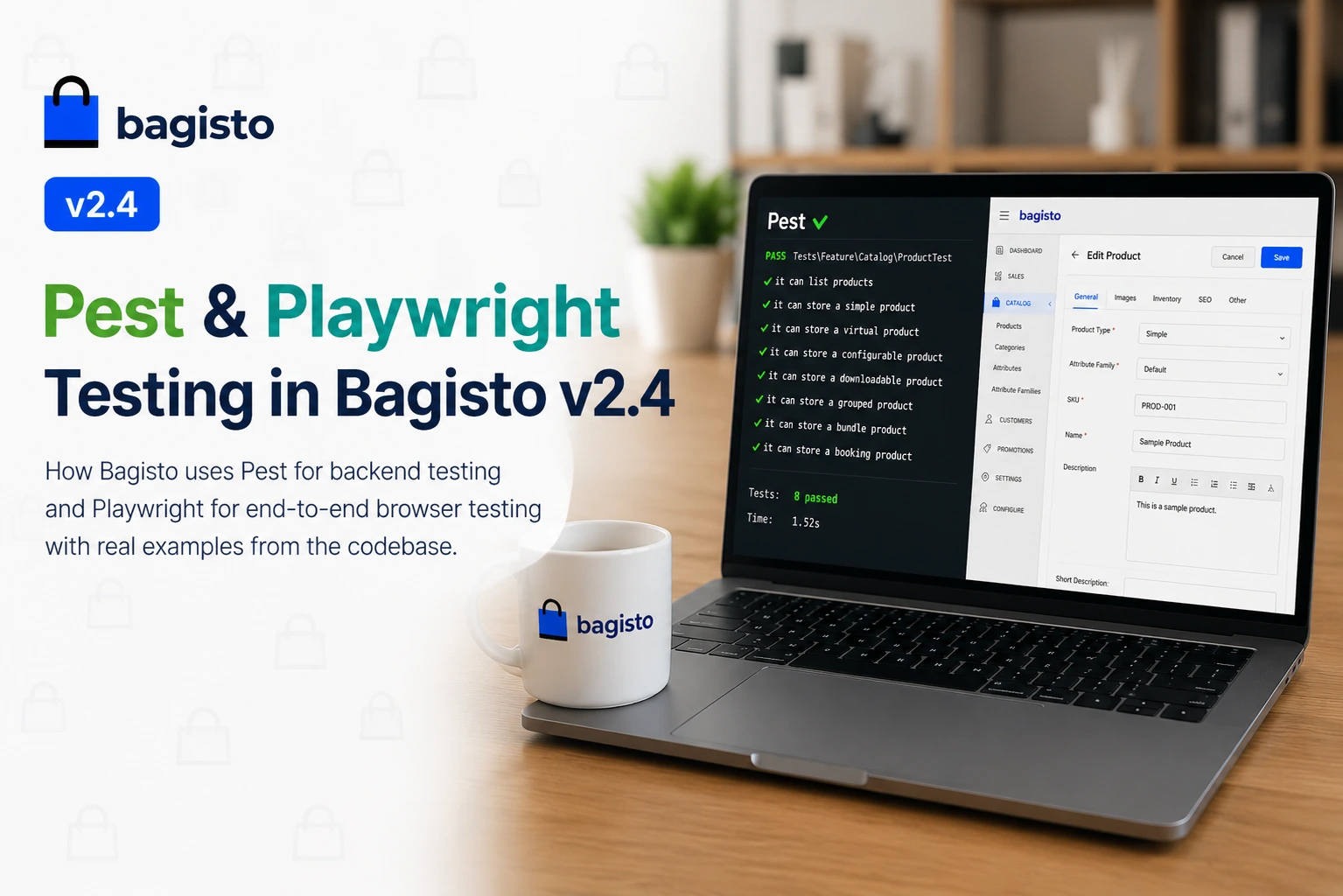
Bagisto ships with both Pest and Playwright in the core repository for comprehensive application testing.
Pest handles backend logic, while Playwright validates real browser-based user interactions.
Together, they provide complete testing coverage from a single codebase.

Bagisto testing with Pest and Playwright
What Each Tool Does in Bagisto Testing
Pest handles unit and feature testing for APIs, models, events, and validation.
Playwright covers end-to-end testing for the admin panel and storefront.
Pest verifies backend behavior and API responses.
Playwright verifies real user interactions in the browser.
Together, they provide complete testing coverage.
Pest in Bagisto Testing
How tests are organised

Bagisto testing — Pest code editor mockup
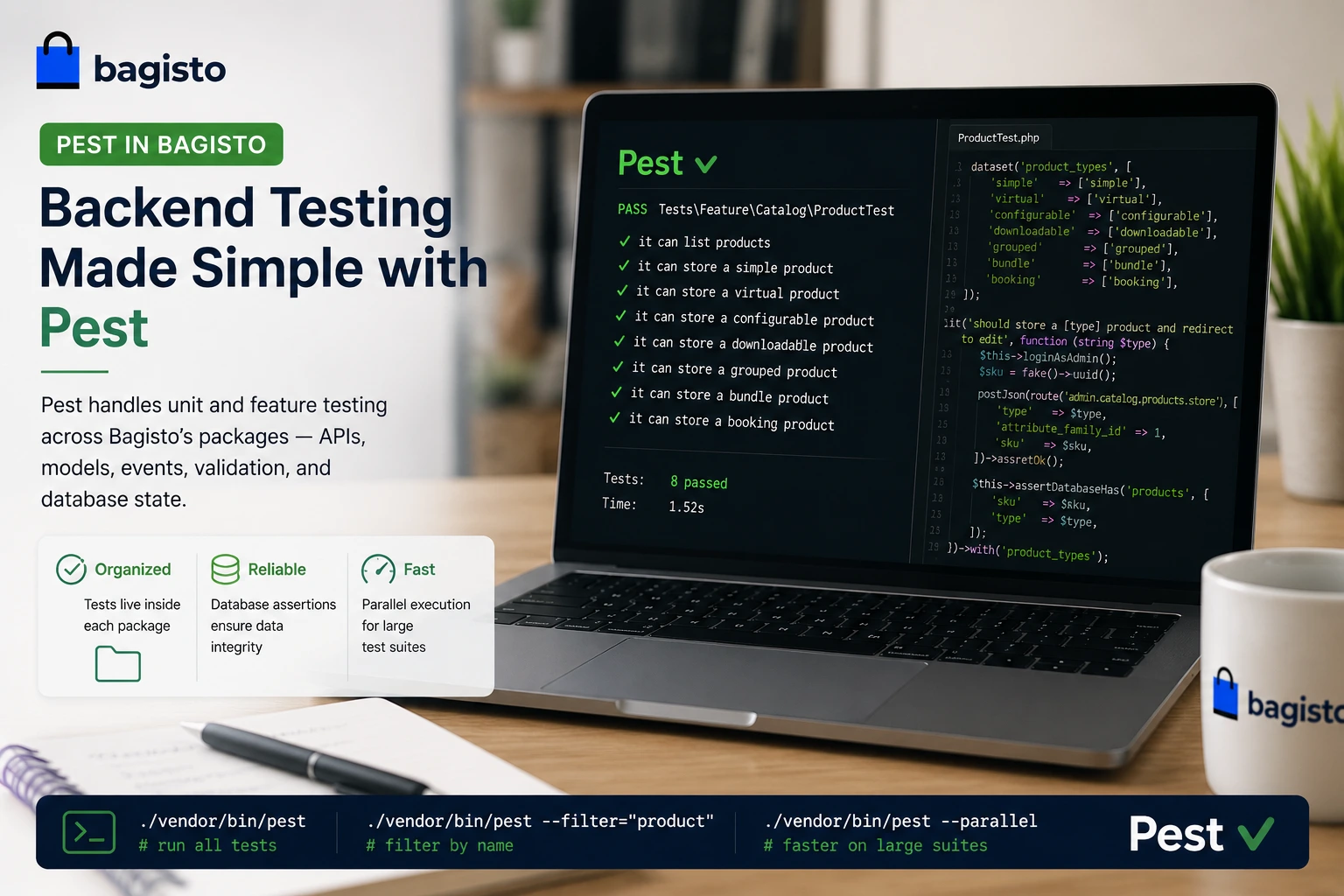
Pest tests live inside each package, not in a central folder:
|
1 2 3 |
packages/Webkul/Admin/tests/Feature/Catalog/ProductTest.php packages/Webkul/Shop/tests/Feature/Checkout/CheckoutTest.php<code> |
Datasets — test all product types in one go
One of the most useful Pest features Bagisto uses is datasets. Instead of writing a separate test for each product type, one test covers all seven:
|
1 2 3 4 5 6 7 8 9 10 11 12 13 14 15 16 17 18 19 20 21 22 23 24 25 26 |
dataset('product_types', [ 'simple' => ['simple'], 'virtual' => ['virtual'], 'configurable' => ['configurable'], 'downloadable' => ['downloadable'], 'grouped' => ['grouped'], 'bundle' => ['bundle'], 'booking' => ['booking'], ]); it('should store a [type] product and redirect to edit', function (string $type) { $this->loginAsAdmin(); $sku = fake()->uuid(); postJson(route('admin.catalog.products.store'), [ 'type' => $type, 'attribute_family_id' => 1, 'sku' => $sku, ])->assertOk(); $this->assertDatabaseHas('products', [ 'sku' => $sku, 'type' => $type, ]); })->with('product_types'); |
Pest runs this once per type and labels each run individually in the output.
Running Pest
Use these commands to run the test cases :
|
1 2 3 |
./vendor/bin/pest # run everything ./vendor/bin/pest --filter="product" # filter by name ./vendor/bin/pest --parallel # faster on large suites |
Playwright in Bagisto Testing
How tests are organised
Bagisto testing — Playwright browser mockup
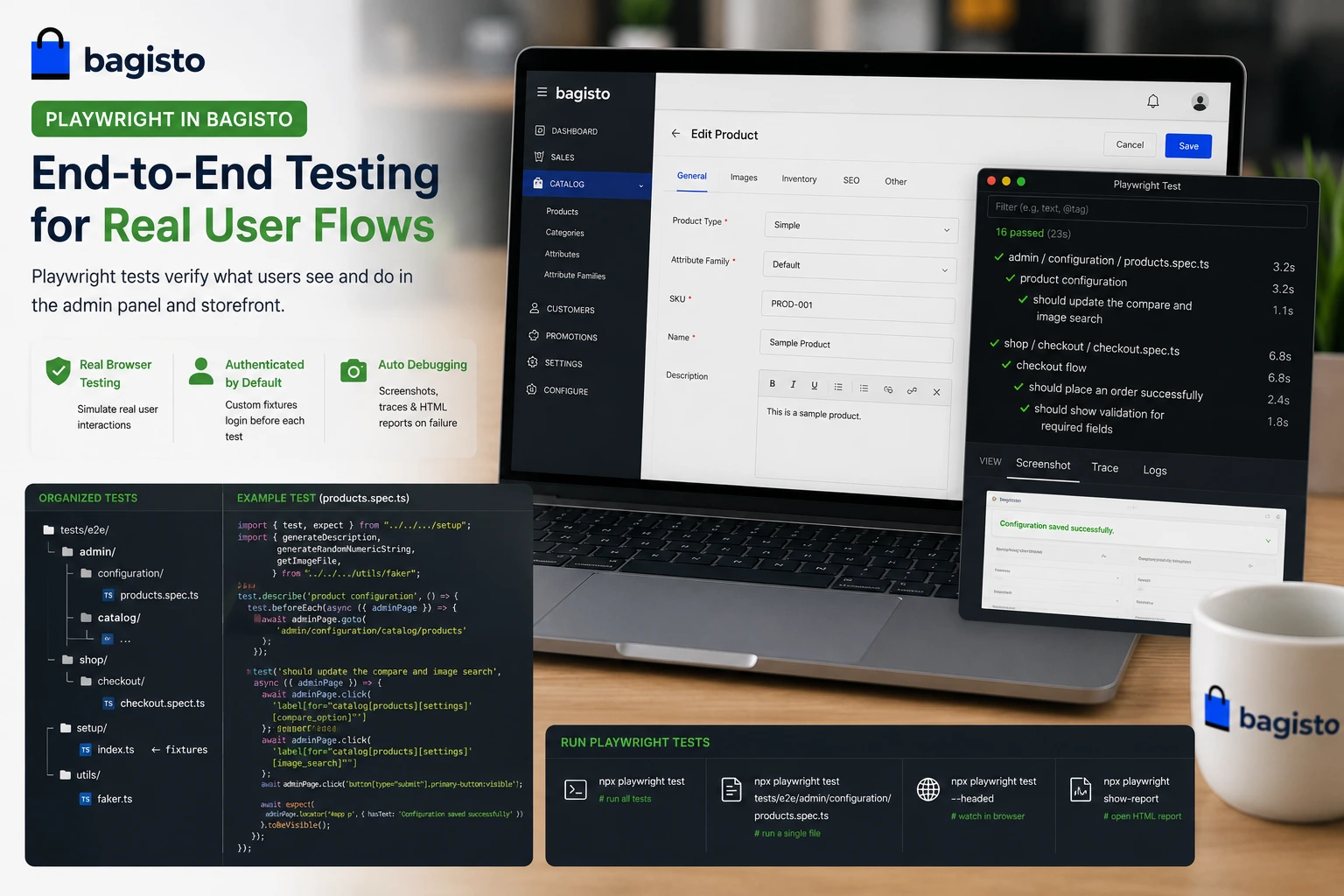
Playwright tests live in tests/e2e/, split by area:
|
1 2 3 4 5 6 7 8 9 10 11 12 13 |
tests/e2e/ admin/ configuration/ products.spec.ts catalog/ ... shop/ checkout/ ... setup/ index.ts ← custom fixtures: adminPage, shopPage utils/ faker.ts ← generateRandomNumericString(), getImageFile(), etc. |
Custom fixtures — always start authenticated
Bagisto uses custom Playwright fixtures instead of the default page fixture.
These fixtures provide adminPage and shopPage contexts that are already authenticated.
This removes the need to log in before every test.
|
1 2 3 4 5 6 |
import { test, expect } from "../../../setup"; import { generateDescription, generateRandomNumericString, getImageFile, } from "../../../utils/faker"; |
beforeEach handles navigation
All tests in a group share a beforeEach that navigates to the right page:
|
1 2 3 4 5 6 7 8 9 10 11 12 13 14 15 16 17 18 19 20 |
test.describe("product configuration", () => { test.beforeEach(async ({ adminPage }) => { await adminPage.goto("admin/configuration/catalog/products"); }); test("should update the compare and image search", async ({ adminPage }) => { await adminPage.click( 'label[for="catalog[products][settings][compare_option]"]', ); await adminPage.click( 'label[for="catalog[products][settings][image_search]"]', ); await adminPage.click('button[type="submit"].primary-button:visible'); await expect( adminPage.locator("#app p", { hasText: "Configuration saved successfully" }), ).toBeVisible(); }); });<code class="language-typescript"> |
Running Playwright:
|
1 2 3 4 |
npx playwright test # run all npx playwright test tests/e2e/admin/configuration/products.spec.ts # one file npx playwright test --headed # watch the browser npx playwright show-report # HTML report |
On failure, Playwright saves a screenshot and trace automatically. The trace viewer lets you replay the test step by step to see exactly what broke.
Thanks for reading this blog. Please comment below if you have any question.
Also you can hire laravel developers for your custom laravel projects. kindly explore our extensions.

