
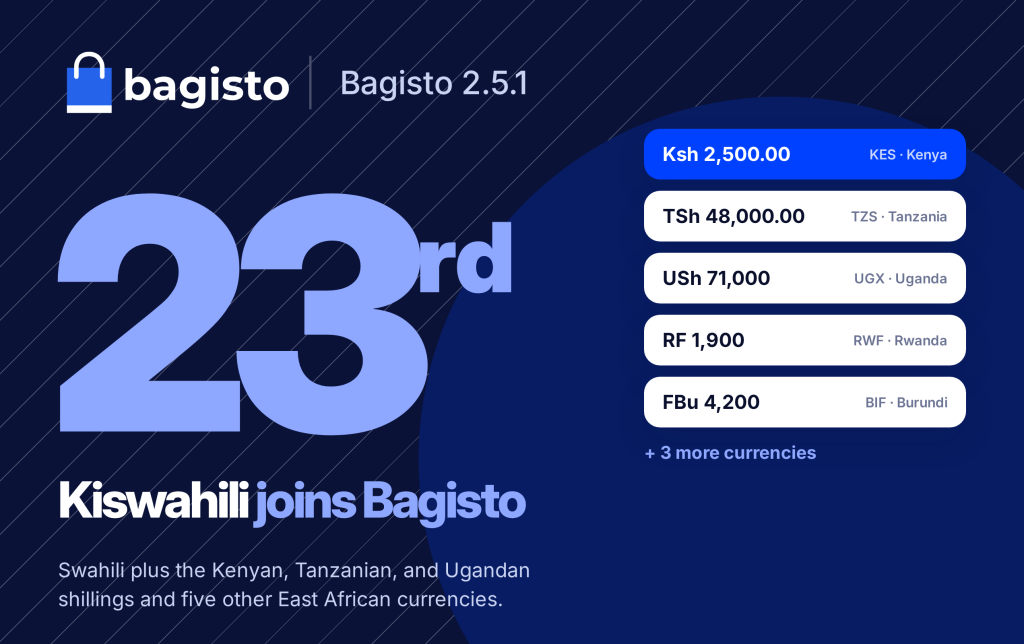
Swahili language support and eight East African currencies are now part of Bagisto v2.5.1, with nothing extra to install.
A buyer in Mombasa opens an online store. Every label is in English and every price is in US dollars.
Stores built on Bagisto now fix both problems out of the box.

Swahili Language Support in Bagisto v2.5.1
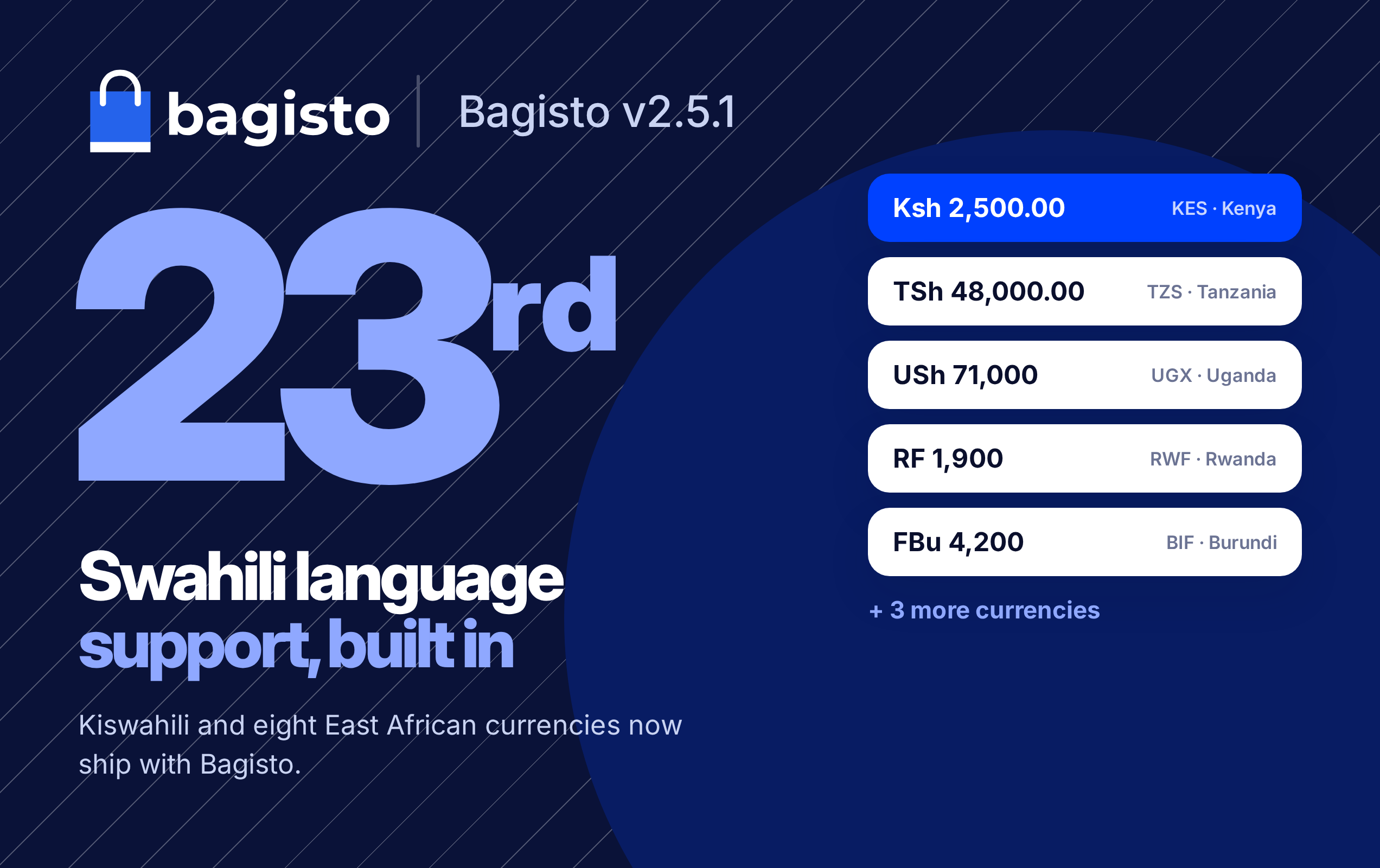
Bagisto v2.5.1 adds Kiswahili as a supported language and the currencies of the East African Community to the core.
You enable them like any other language or currency. No extension and no custom code is required.
The Bagisto v2.5.1 release note lists every change in this release.
Swahili Language Support: Bagisto’s 23rd Language
An English-only store asks a Swahili speaker to translate every button. Bagisto now does that work for them.
Swahili is the 23rd language Bagisto ships, with the locale code sw, written left to right.
Tens of millions of people across Tanzania, Kenya, and Uganda speak Swahili.

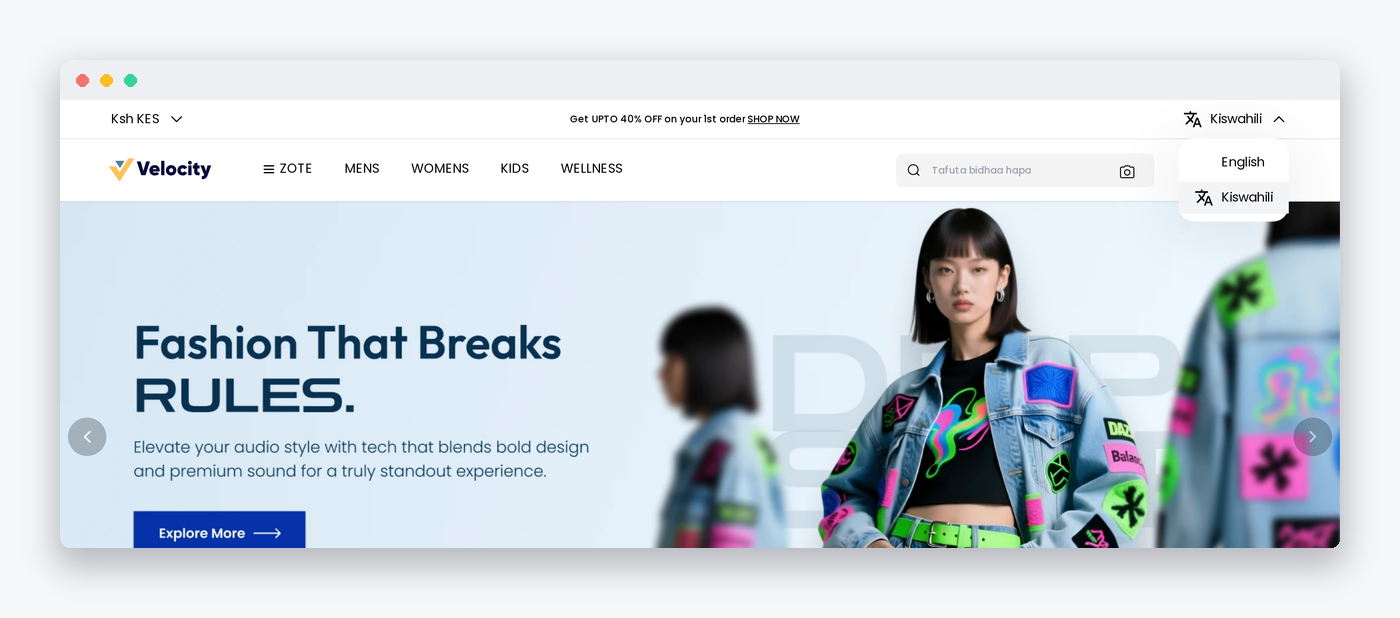
The translation covers the screens a merchant and a buyer use. No separate language pack is needed.
Kiswahili in the Admin Panel
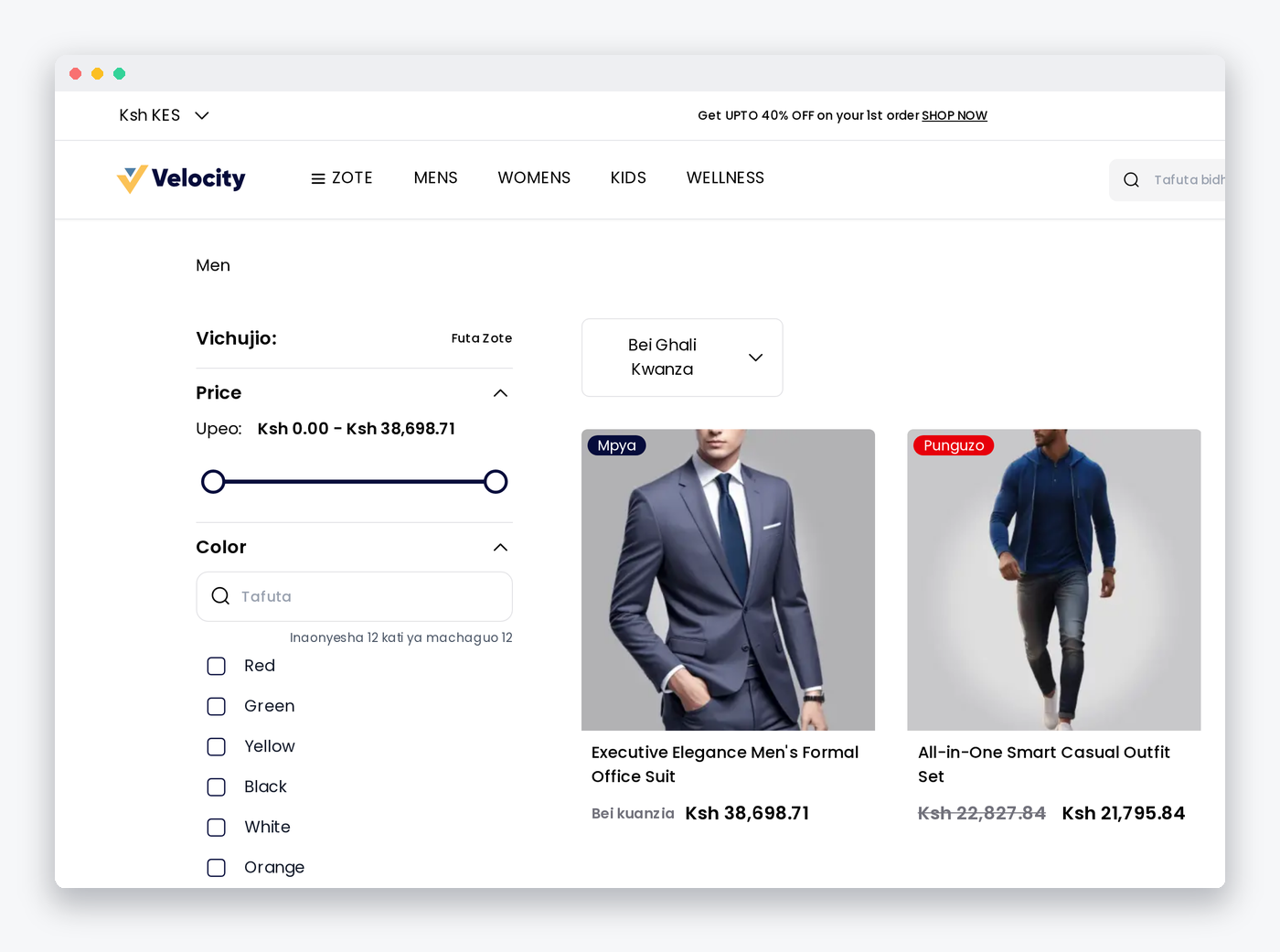
Your team manages products, orders, and customers in Kiswahili. Attribute, customer, and data transfer screens carry it too.
Kiswahili on the Storefront
Buyers browse, search, and check out in Kiswahili. The PayPal, Stripe, Razorpay, PayU, and PhonePe screens carry it too.

Kiswahili in the Installer
The installer itself speaks Kiswahili. Its currency names also appear in all 23 languages.
Kenyan, Tanzanian, and Ugandan Shillings
Prices in US dollars make a buyer in Nairobi do the math. Bagisto now offers the shilling directly.
- Kenyan shilling: KES, shown as Ksh, with two decimals.
- Tanzanian shilling: TZS, shown as TSh, with two decimals.
- Ugandan shilling: UGX, shown as USh, with no decimals.
Each currency keeps its own number of decimals. Bagisto stores them in SupportedCurrencies, next to the symbol:
|
1 2 3 |
// Each shilling keeps its own symbol and decimals. 'KES' => ['symbol' => 'Ksh', 'decimal' => 2], 'UGX' => ['symbol' => 'USh', 'decimal' => 0], |
Buyers switch currency from the menu at the top left of the storefront. Bagisto converts prices with the rate you set for each currency.

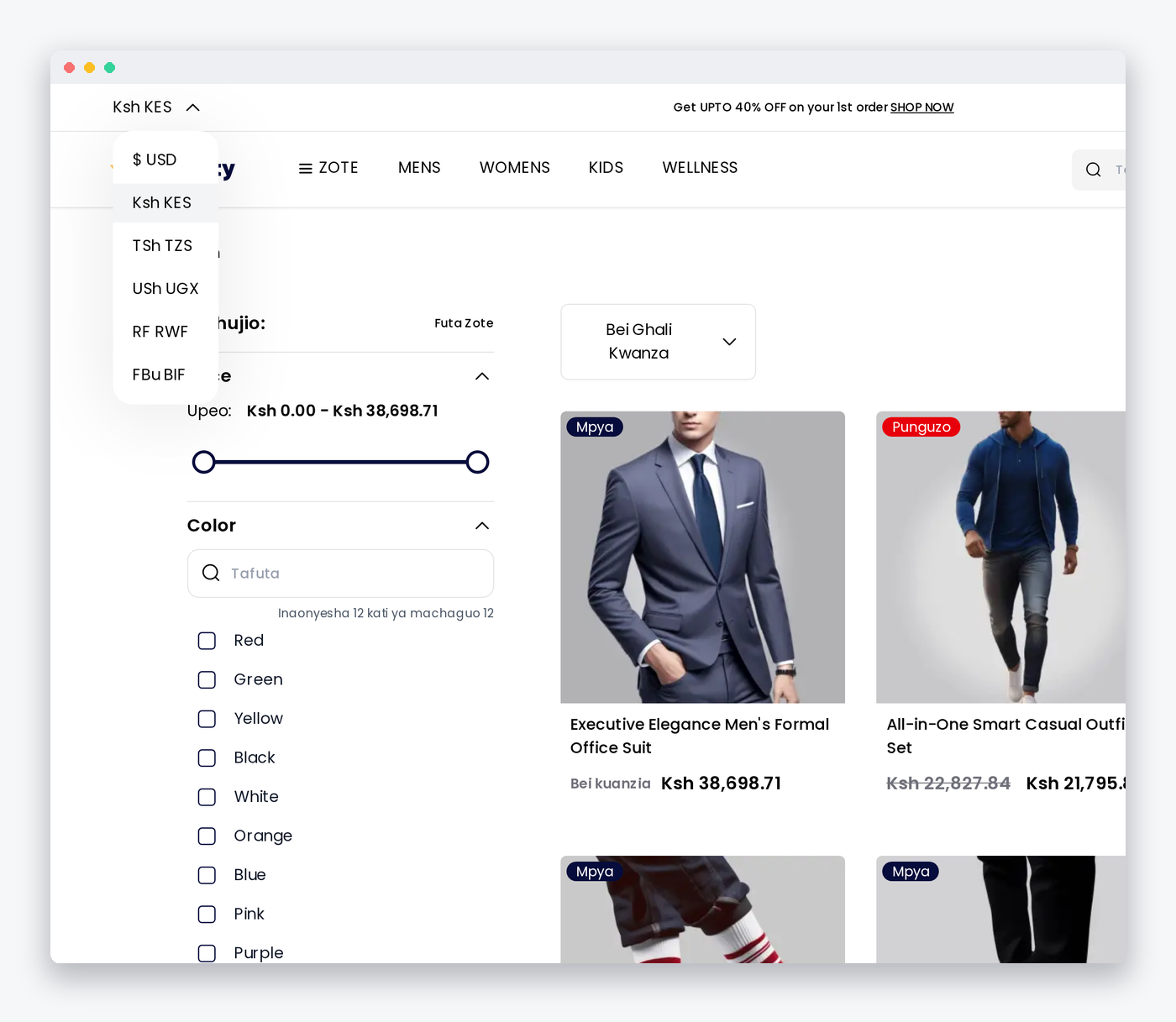
The Bagisto developer documentation explains how currencies and exchange rates work.
Five Other East African Currencies
Neighboring markets need their own money too. Five more currencies cover the rest of the region.
- Somali shilling: SOS, with two decimals.
- Rwandan franc: RWF, shown as RF, with no decimals.
- Burundian franc: BIF, shown as FBu, with no decimals.
- Congolese franc: CDF, shown as FC, with two decimals.
- South Sudanese pound: SSP, with two decimals.
Add only the currencies you sell in. Each one becomes a choice in the storefront menu.
Bagisto v2.5.0 added another market feature, EU Omnibus price disclosure.
Set Up Swahili Language Support
Choose the language and currency during installation, or set the defaults in the environment file before you run the installer.
|
1 2 |
APP_LOCALE=sw APP_CURRENCY=KES |
Already running a store? Open Settings > Locales, select Create Locale, and add the code sw.
Then add each shilling under Settings > Currencies, and set its rate under Settings > Exchange Rates.
Bagisto reads its language files through Laravel’s localization system.
Contributors can check that a new key exists in every language with this command:
|
1 2 |
# Fails when any of the 23 languages misses a key. php artisan bagisto:translations:check |
Start Selling in Kiswahili
Swahili language support and eight East African currencies let you serve Kenya, Tanzania, Uganda, and their neighbors in the words and money they use.
Get the code from the Bagisto repository and install Bagisto v2.5.1.