A multi-vendor marketplace lets businesses bring many sellers and products into one online space.
You see this model everywhere. B2C shopping sites, B2B trade hubs, and small local platforms all use it.
It is a simple way to offer more products without holding all the stock yourself.
Today you can pick from three routes: a hosted SaaS platform, an open-source codebase, or self-hosted marketplace software.
Each one gives you a different mix of control, freedom, and cost.
This guide compares the best multi-vendor marketplace platforms in 2026 and explains how to build one from scratch.

Quick Comparison of the Top 11 Marketplace Platforms
No single platform fits every marketplace.
A platform that carries a small startup can stall on B2B quoting, a large catalog, or a live ERP integration.
The table below gives a quick look at popular options in 2026.
| Platform | Type | Built-in AI & Agents | Best For | Pricing |
|---|---|---|---|---|
| Bagisto | Open-source Laravel marketplace | AI listings + MCP tools | Marketplaces that need scale and full source code | Free core, paid add-ons and services |
| Shopify + Marketplace Apps | SaaS platform | Sidekick + Storefront MCP | Owners who want easy setup | Monthly fee plus app costs |
| CS-Cart Multi Vendor | Self-hosted software | None | Owners who want a ready-made site | Paid license, optional services |
| Yo!Kart | Self-hosted platform | None | Startups and SMBs that want a fast launch | One-time license |
| Magento / Adobe Commerce | Open-source and enterprise | Adobe Commerce tier only | Large businesses with complex needs | Free version and paid enterprise tier |
| WooCommerce + Marketplace Plugin | WordPress-based marketplace | None | Businesses converting WooCommerce into a marketplace | Plugin license plus add-ons |
| EGSMA | Enterprise composable marketplace | On request | Enterprises running on their own infrastructure | Custom pricing per project |
| Odoo | ERP and ecommerce | None | Companies that want ERP and ecommerce together | Plan and module pricing |
| PrestaShop | Open-source ecommerce | None | Small and mid-size businesses | Free core, paid modules |
| OpenCart | Open-source ecommerce | None | Small businesses with basic needs | Free core, paid add-ons |
| Virto Commerce / Spryker | Enterprise composable commerce | None | Large businesses with advanced needs | Custom enterprise pricing |
Treat this as a shortlist. The right pick depends on your vendor rules, your integrations, your team, and your cost over five years.
Best Multi Vendor Marketplace Platforms in 2026
1. Bagisto
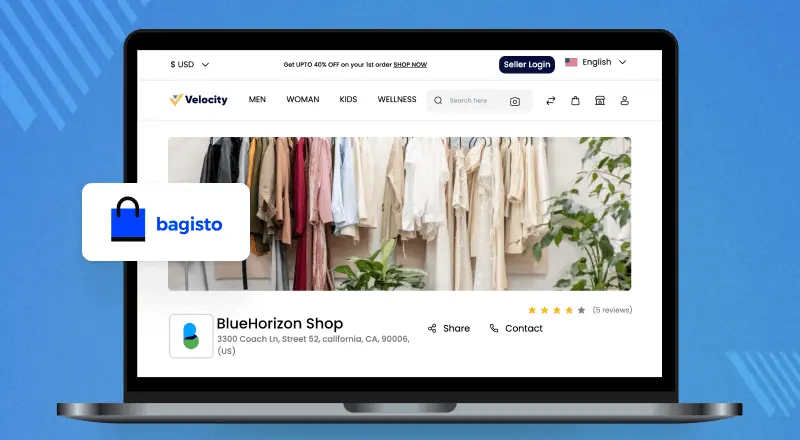
Bagisto is an open-source Laravel ecommerce platform. You can turn it into a multi-vendor marketplace with the Bagisto Marketplace add-on.
It suits owners who want the source code, custom workflows, and freedom over their own roadmap.
Sellers can also list products with AI. A short description and a few photos fill the product form field by field, ready for review.
The Generative AI feature suggests categories too, and admins cap how many generations each seller gets.
Bagisto is also agent-ready. WebMCP exposes storefront tools to AI agents, and Agent Skills teach coding agents the framework.

Best for
Teams that need a marketplace proven at scale, with source code they can read, fork, and extend.
Key strengths
- Built on Laravel, with full source code access.
- Vendor sign-up, dashboards, product management, and commissions through the marketplace add-on.
- Flexible for B2B, B2C, and regional models.
- Integrates with payment gateways, carriers, ERP, and CRM systems.
- AI product listings from a description and photos, across eight AI providers.
- MCP agent tools and Agent Skills ship with the platform, not as a paid add-on.
- Benchmarked by Bagisto at 10 million products and 2,000 sellers.
Limitations
- Deep customization needs Laravel skills or a development partner.
Pricing model
The core is open-source. Marketplace features, custom work, hosting, and support may cost extra.
Choose it if
Go with Bagisto when you want to own the code and shape the vendor workflow yourself.
2. Shopify + Marketplace Apps
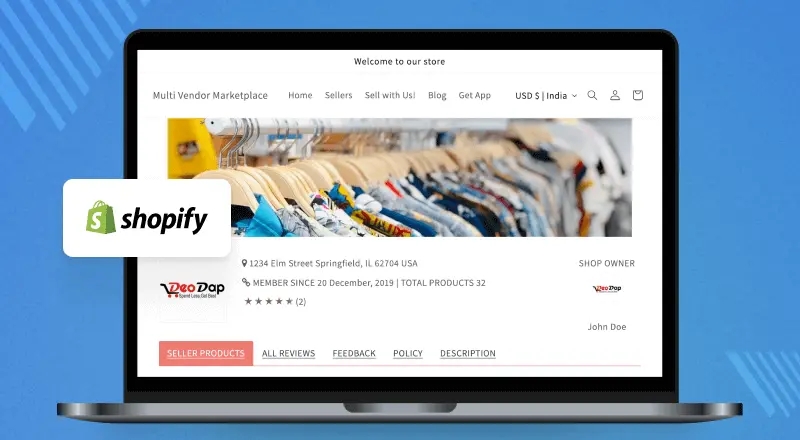
Shopify is a SaaS ecommerce platform. Marketplace features come from apps like the Shopify Multi Vendor Marketplace app.
Best for
Merchants who want the hosting managed and the technical work kept to a minimum.
Key strengths
- Easy admin panel.
- Managed hosting, security, and updates.
- A large app store and many ready integrations.
- Fast setup for standard needs.
Limitations
- Marketplace features often rely on third-party apps.
- Plan, app, and order fees can raise the total cost.
Pricing model
Monthly plans plus extra costs for marketplace apps and premium services.
Choose it if
Shopify suits owners who want the hosting managed and can live inside the app ecosystem.
3. CS-Cart Multi Vendor
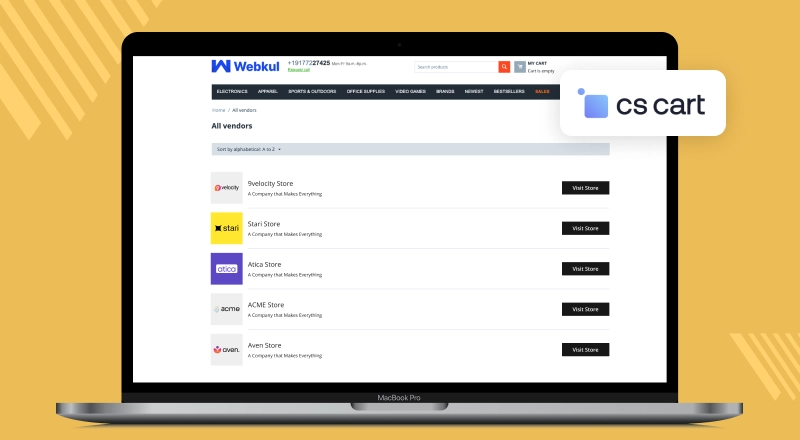
CS-Cart Multi Vendor is self-hosted software. It ships a ready-made storefront with the marketplace features already built in.
Best for
Anyone who needs to launch fast and would rather not build the core from scratch.
Key strengths
- Built-in vendor accounts, product management, and order handling.
- Commissions, vendor plans, and admin controls out of the box.
- Comes with themes, add-ons, and custom options.
Limitations
- Premium add-ons and services can raise the long-term cost.
- No built-in generative AI or agent tooling.
- Built on an in-house framework with Smarty templates, not a modern PHP framework like Laravel or Symfony.
Pricing model
Paid license with one-time pricing and optional paid services.
Choose it if
CS-Cart Multi Vendor makes sense if you want the core marketplace working on day one.
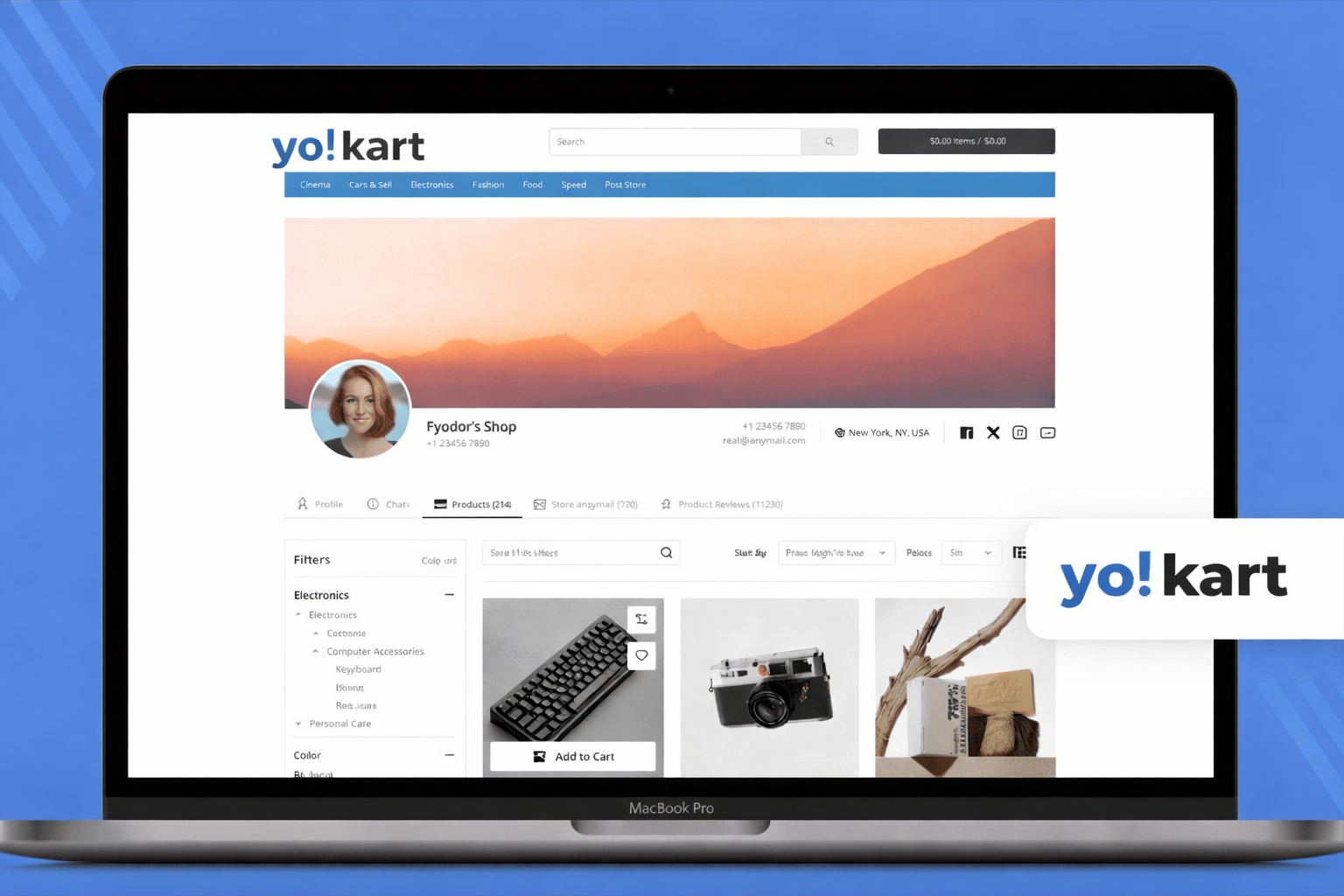
4. Yo!Kart
Yo!Kart is self-hosted marketplace software, aimed at startups and mid-size businesses that want a ready-to-launch site.

Best for
Startups and SMBs that want a fast launch with the core features included.
Key strengths
- Vendor accounts, product management, commissions, and order handling included.
- Supports B2B and B2C models.
- Offers key features with little upfront dev work.
Limitations
- Complex custom workflows still need development time.
- Smaller developer community than the larger platforms.
- No built-in generative AI or agent tooling.
- Scaling past a large catalog and seller base needs infrastructure work.
Pricing model
Paid one-time license with optional custom work and support.
Choose it if
Worth a look if you want a ready-made storefront and little upfront development.
5. Magento / Adobe Commerce
Magento and Adobe Commerce are flexible ecommerce platforms. Both run marketplaces through the Magento 2 Multi Vendor Marketplace extension.

Best for
Large businesses with complex requirements and a strong development team.
Key strengths
- Highly flexible build.
- Handles large catalogs and advanced workflows.
- A deep pool of extensions, integrations, and solution partners.
- Fits complex B2B and global trade.
Limitations
- Setup, upkeep, and dev costs can be high.
- Needs skilled developers for the long run.
- Adobe’s AI and agent features are Adobe Commerce only. Magento Open Source ships none.
Pricing model
Magento Open Source is free. Adobe Commerce uses paid enterprise pricing.
Choose it if
Magento or Adobe Commerce fits when the roadmap already includes enterprise-grade custom work.
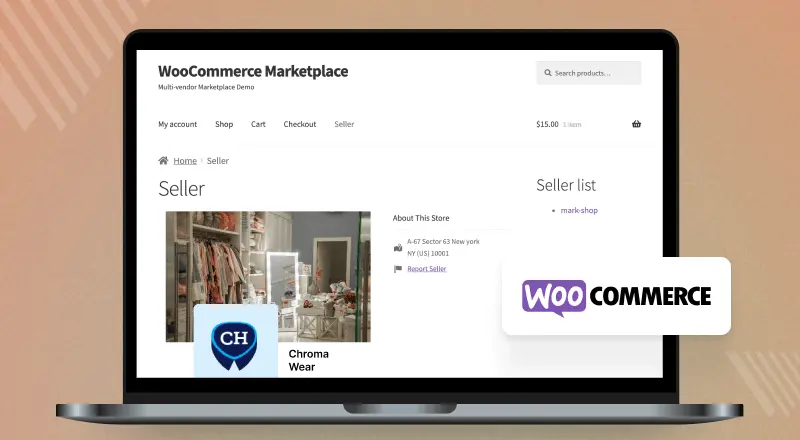
6. WooCommerce + Marketplace Plugin
You can turn WooCommerce into a complete multi-vendor marketplace with the Webkul Multi Vendor Marketplace Plugin.
It lets many sellers manage their products, orders, and earnings from their own dashboards while the store owner controls the marketplace.
Best for
Businesses wanting a scalable WooCommerce multi-vendor marketplace with full control over vendors, commissions, orders, and marketplace management.
Key strengths
- Dedicated vendor dashboards for product, order, and profile management.
- Flexible commission management for different business models.
- Vendor approval, product approval, and seller management controls.
- Supports shipping, tax settings, payouts, and many marketplace add-ons.
- Works well with WooCommerce and integrates with many WordPress extensions.
- Suitable for B2C, B2B, wholesale, and niche marketplace businesses.
Limitations
- Advanced marketplace features may require additional marketplace add-ons.
- Large marketplaces need strong hosting and steady performance work as the plugin stack grows.
- No built-in generative AI or agent tooling.
Pricing model
WooCommerce is free. The Webkul Multi Vendor Marketplace Plugin, optional add-ons, hosting, and support are available separately.
Choose it if
A good fit if you already run WooCommerce and want to add vendors without leaving WordPress.
7. EGSMA
EGSMA is an enterprise-grade multi vendor marketplace platform, and a fully owned subsidiary of Webkul.
It runs on a composable commerce architecture and covers B2C, B2B, C2C, booking, hyperlocal, and auction models.
Best for
Enterprises that need a marketplace shaped around their own data, infrastructure, and workflows.
Key strengths
- Composable architecture, so each tier scales on its own.
- Supports B2C, B2B, C2C, booking, hyperlocal, and auction marketplaces.
- Data stays on servers the business controls.
- Vendor onboarding, commission configuration, and real-time inventory built for enterprise volume.
Limitations
- No built-in AI today. It is scoped into the build on request.
- Delivered as an enterprise engagement, so the cost and timeline suit large projects.
Pricing model
Custom pricing, quoted per project.
Choose it if
The right fit when the marketplace has to run on infrastructure you control.
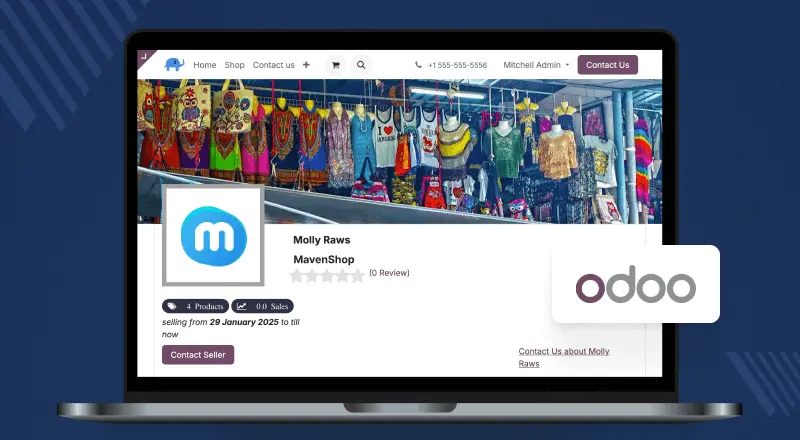
8. Odoo
Odoo blends ecommerce, ERP, CRM, stock, and accounting in one system. The Odoo Multi Vendor Marketplace module adds the seller side.
Best for
Businesses that need ecommerce and the rest of the operations stack in one place.
Key strengths
- Offers a wide range of business apps beyond ecommerce.
- Central control of stock, sales, buyers, and ops.
- Flexible through modules and dev add-ons.
- Suits companies that want ERP and ecommerce on one database.
Limitations
- Multi-vendor features often need extra modules or custom work.
- Advanced builds can get complex and costly.
- No built-in generative AI or agent tooling.
Pricing model
Offers a free community edition and paid enterprise plans with more features, hosting, and support.
Choose it if
The right call when ecommerce, ERP, CRM, and accounting need to share one database.
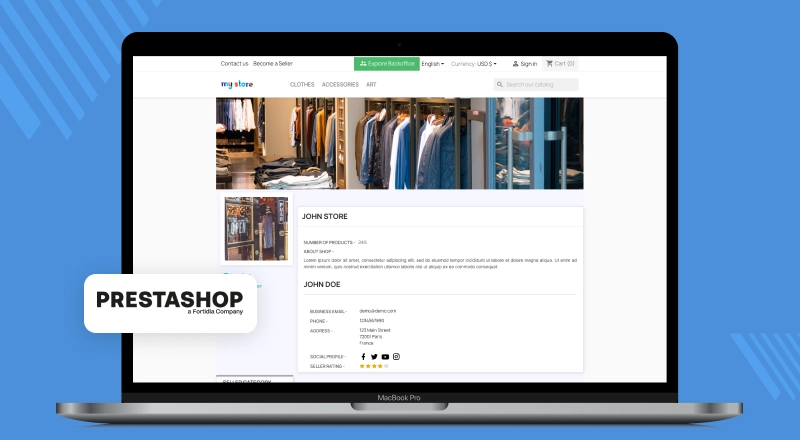
9. PrestaShop
PrestaShop is an open-source ecommerce platform. The PrestaShop Multi Vendor Marketplace module turns it into a multi-seller store.
Best for
Small and mid-size businesses that want an open-source base with marketplace options.
Key strengths
- Open-source build with custom freedom.
- Large pool of themes and modules.
- Supports global sales with many languages and currencies.
- Suits businesses with mid-level customization needs.
Limitations
- Marketplace features often rely on third-party modules.
- No built-in generative AI or agent tooling.
- Module-heavy marketplaces get harder to scale and maintain over time.
Pricing model
Free core, with extra costs for marketplace modules, themes, hosting, dev work, and support.
Choose it if
Sensible if you want an open-source base and do not mind adding marketplace modules.
10. OpenCart
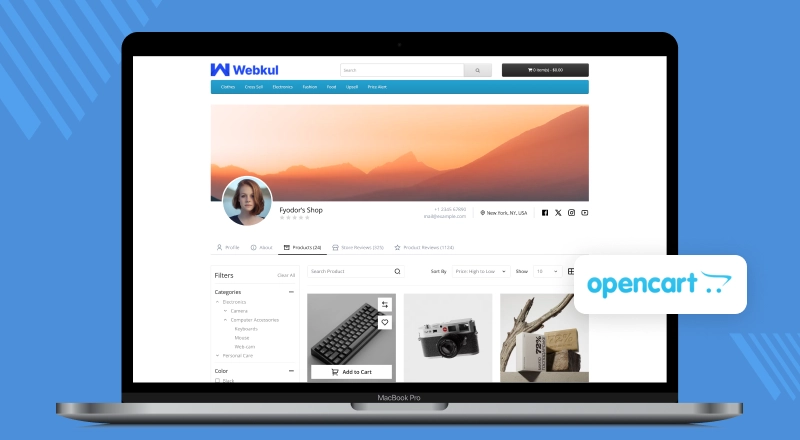
OpenCart is a light open-source ecommerce platform for small businesses. The OpenCart Multi Vendor Marketplace extension adds the vendor side.
Best for
Small businesses that want a simple, low-cost base.
Key strengths
- Free and open-source, with low upfront cost.
- Easy admin panel.
- Add-ons, themes, payment gateways, and carrier integrations.
- Fits small sites with simple needs.
Limitations
- Advanced vendor features and custom workflows usually need extra add-ons or development.
- Large catalogs need real performance work, and the core was not built for that scale.
- No built-in generative AI or agent tooling.
Pricing model
Free core, with extra costs for add-ons, themes, hosting, custom work, and upkeep.
Choose it if
Best kept for small marketplaces where a low-cost open-source base is the priority.
11. Virto Commerce / Spryker
Virto Commerce and Spryker are enterprise commerce platforms built for complex operations.
Both use a composable, API-first architecture, which is what makes a highly custom marketplace possible.
Best for
Large businesses that need advanced B2B features, custom workflows, and deep enterprise integrations.
Key strengths
- API-first and headless build.
- Handles complex B2B workflows and custom flows.
- Strong integrations with ERP, CRM, PIM, and more.
- Built for high order volumes and complex ops.
Limitations
- Needs skilled dev teams and longer build times.
- Enterprise license, dev, and upkeep costs can be high.
- No built-in generative AI or agent tooling.
Pricing model
Custom enterprise pricing based on scope, needs, and support.
Choose it if
Reach for Virto Commerce or Spryker only when an enterprise build justifies the cost.
What Is a Multi Vendor Marketplace?
A multi-vendor marketplace is an online store where many sellers can join, list their products, and sell to buyers in one place.
Buyers can shop from many sellers and check out in one spot.
The owner does not always hold stock. Instead, they manage the sellers, the listings, the payments, the commissions, and the buyer experience.
How a Multi Vendor Marketplace Works
A typical marketplace has three groups: the owner, the vendors, and the buyers.
The owner sets the rules, approves sellers, manages commissions, handles payments, and keeps the shopping smooth.
Vendors get their own dashboard. They use it to manage their products, stock, orders, and sales reports.
Buyers browse products from many sellers, place orders, pay, and get their items.
Most platforms also ship vendor management, commissions, payouts, split payments, shipping, and reporting.
Single Vendor vs Multi Vendor eCommerce
A single-vendor store is run by one business that sells its own products. That owner controls the stock, the prices, and how orders go out.
A multi-vendor marketplace is different. It lets many businesses sell on one site. The owner can earn through commissions, fees, or other models.
| Feature | Single Vendor Ecommerce | Multi Vendor Marketplace |
|---|---|---|
| Sellers | One seller | Many vendors |
| Product catalog | Limited to one business | Many sellers, many products |
| Revenue model | Direct sales | Commissions, fees, and plans |
| Vendor management | Not needed | Needed |
| Growth potential | Tied to own stock | Grows as you add sellers |
| Complexity | Lower | Higher, with multiple vendors and operations |
Types of Multi Vendor Marketplaces You Can Build
A marketplace can follow many models. The right one depends on your buyers, your products, and your reach.
This choice matters. It shapes how you manage vendors, set commissions, run payments, and serve buyers.
B2C Product Marketplace
A B2C marketplace connects many sellers with everyday buyers in one store. You see it in fashion, gadgets, groceries, beauty, and lifestyle goods.
These sites need vendor sign-up, vendor dashboards, product catalogs, order tracking, payments, and commissions.
B2B Marketplace
A B2B marketplace connects makers, wholesalers, and suppliers with other businesses.
These sites often need bulk orders, negotiated prices, quotes, company accounts, and approval workflows.
Hyperlocal or Regional Marketplace
A hyperlocal marketplace serves one city, area, or local group. It helps nearby sellers reach nearby buyers.
These sites often need local stock, local payments, delivery partners, and many languages.
How to Build a Multi Vendor Marketplace
A good marketplace takes more than picking the tech. Your model, your vendor rules, your payments, and your buyer experience all drive growth.
The pattern we see most often is a marketplace that launches fast, then runs into its own commission rules.
Tiered rates per category, or a separate split for one vendor group, turn out not to be supported. Payouts move to a spreadsheet.
Step 1: Choose Your Marketplace Model
Start by picking the type of marketplace you want. It could be a B2C store, a B2B hub, or a local site.
Your choice shapes how vendors sell, how buyers shop, and what features you need.
A B2B hub may need bulk orders, custom prices, and company accounts.
A B2C store may lean on product search, deals, and a fast checkout.
Step 2: Define Vendor Rules and Commission Model
Set clear rules for vendors. Cover sign-up, product approvals, prices, returns, and support.
Then decide how the marketplace makes money. Common ways include percent commissions, flat seller fees, plans, listing charges, or a mix.
Step 3: Choose the Right Marketplace Platform
Most owners choose a platform on setup speed and upfront cost. Neither counts for much a year in.
As vendors, products, and custom needs rise, growth, freedom, and long-term cost matter much more.
Open source buys you freedom and less reliance on one supplier. SaaS buys you a faster start and managed servers.
Step 4: Set Up Products, Payments, Shipping, and Taxes
Set up your product types, stock rules, payment methods, shipping, and tax rules to match your needs.
Many sites also add split payments, carrier integrations, GST or VAT rules, and local gateways to reach more markets.
Step 5: Launch with a Small Vendor Group First
Do not add hundreds of sellers on day one. Start with a small group of trusted vendors.
That lets you test onboarding, product approvals, orders, and the full buyer journey before you scale.
Early feedback from vendors and buyers shows you the gaps. You can then fix them fast.
Step 6: Track Seller Performance and Improve Buyer Experience
After launch, keep an eye on vendor performance, buyer feedback, product quality, order delivery, and your data.
Use what you learn to manage vendors better, tune commissions, lift buyer trust, and get ready for long-term growth.
Essential Features to Look for in Multi Vendor Marketplace Software
Choosing marketplace software is about more than a feature list and a price. It has to fit how you work today.
It should also scale as you add vendors, products, buyers, and regions.
Vendor Management
Vendor management is the base of every strong marketplace. Sign-up, approvals, roles, and tracking should all stay simple.
A vendor dashboard lets sellers run their products, stock, orders, and reports on their own. This takes work off your team.
Product and Catalog Management
Your marketplace should support flexible product types, attributes, stock controls, and product approval workflows.
As you grow, you want clean product data while vendors still manage their own listings. This gets harder at scale, so plan for it.
Commission and Payout Management
Commissions are the core of any multi-seller site. The platform should set rates by vendor, by product, by category, or by model.
It should also offer clear payouts, payment tracking, and integrations with providers that handle marketplace transactions and split payments.
Order, Shipping, and Return Management
Orders split across vendors get harder to track as you grow. Look for order tracking, shipping, returns, and vendor-buyer messaging.
Support for several carriers and local delivery partners matters for regional and global marketplaces.
Buyer Experience
A successful marketplace needs both vendors and buyers.
Features like search, filters, reviews, wishlists, mobile responsiveness, and smooth checkout improve the buyer experience.
For global sites, many languages and currencies matter too.
Integrations and Scalability
Your platform should integrate with payment gateways, carriers, ERP, CRM, accounting, and marketing systems.
The platform should absorb bigger catalogs, more vendors, more orders, and custom workflows without a rebuild.
SaaS vs Open Source vs Self Hosted Marketplace Platforms
No single platform fits every business. The right choice depends on your budget, technical skills, custom requirements, and growth plans.
You should also consider the total cost of ownership over time.
The table below compares the main types.
| Factor | SaaS Platforms | Open Source Platforms | Self Hosted Software |
|---|---|---|---|
| Ownership | The provider runs the software | You get the source code | You run the app and servers |
| Customization | Limited to settings and apps | Very flexible | Flexible, depends on the product |
| Initial Cost | Low upfront, monthly fees | Low license, needs dev work | Higher setup and server work |
| Long Term Cost | Fees may rise as you grow | More steady, more control | Based on servers and upkeep |
| Platform Dependency | High, tied to the provider | Low, you own the code | Low, you control it all |
| Technical Management | Run by the provider | Needs dev skills | Needs full server work |
When SaaS Marketplace Platforms Make Sense
SaaS platforms suit owners who want a fast launch, managed hosting, security updates, and little tech work.
They fit startups and businesses with standard needs. Apps, plan upgrades, and fees push the total cost up as you grow.
When Open Source Marketplace Platforms Make Sense
Open-source platforms suit owners who want control over features, integrations, and vendor workflows.
You get the source code, so your team can shape the platform around the business.
This works well for B2B sites, niche sites, and owners who want less reliance on one vendor.
When Self Hosted Marketplace Software Makes Sense
Self-hosted software suits teams who want full control over their servers, security, and speed.
This option fits companies with an in-house tech team, or a development partner who handles servers and updates.
When Enterprise or PaaS Platforms Make Sense
Enterprise and PaaS platforms target companies with complex needs, high order volumes, and deep system integrations.
They offer big scale, strong support, and wide custom options. But they often cost more to license, set up, and maintain.
Hidden Costs to Check Before Choosing a Marketplace Platform
Owners routinely miss the long-term cost of custom integrations, third-party apps, performance work, and new features.
It pays to weigh these early. That helps you dodge nasty surprises later.
Work out the full cost over time before you choose. Count software, servers, development, integrations, and upkeep.
License, Subscription, and App Costs
SaaS platforms charge monthly or yearly. Extra costs come from premium apps, advanced features, or caps on sellers, products, and orders.
Open source cuts the licence fee. You still pay for setup, customization, and support.
Transaction Fees and GMV Based Pricing
Some providers charge per-order fees or fees based on your sales volume (GMV). These may look small at first. But they can grow fast as you scale.
Always check how these fees hit your profit over time.
Development and Customization Costs
Every marketplace is different. You may need custom vendor workflows, unusual commissions, third-party integrations, or your own checkout.
Platforms with few customization options push you toward add-ons and workarounds. Open source and self-hosted leave more room to build.
Hosting, Maintenance, and Upgrade Costs
Self-hosted software needs spend on servers, security, monitoring, backups, and updates.
Even on SaaS, expect ongoing costs for premium services, advanced integrations, or higher usage caps.
Migration and Vendor Lock In Costs
Moving between platforms is never easy. It means data migration, a rebuild, reworked integrations, and some downtime.
Before you choose, check how much control you have over your data, your custom work, and your tech.
A platform with less lock-in leaves you more room as you grow.
Global Marketplace Features: Multi Currency, Multi Language & Regional Support
Does your marketplace serve buyers in many countries? Then local support and regional fit are a must.
The right features help vendors sell with ease and let buyers shop in comfort.
Multi Currency and Multi Language Support
A global marketplace should let buyers read in their own language and see prices in their own currency.
Many languages and currencies help you grow into new markets while you keep the local feel.
Tax Support for GST, VAT, and Sales Tax
Tax rules change by country and region. Your marketplace should support flexible tax rules for GST, VAT, sales tax, and more.
Solid tax handling keeps prices correct and keeps you in line with local rules.
RTL Support for Arabic and Hebrew Marketplaces
Firms that target the Middle East may need right-to-left (RTL) support for Arabic and Hebrew.
RTL support makes sure your layouts, menus, and screens feel natural to buyers.
Local Payment and Shipping Integrations
Buyers expect the payment and delivery options they know and use.
Integrations with local gateways, carriers, and logistics partners speed up delivery and keep buyers happy.
Common Mistakes to Avoid When Choosing a Marketplace Platform
A platform choice is a long-term call. Dodging a few common slips can save you a lot of time, money, and rebuild work later.
Choosing Only Based on Initial Price
A low start price does not always mean a low total cost. Weigh fees, add-ons, dev work, hosting, upkeep, and future upgrades before you choose.
Ignoring Vendor Payout and Commission Complexity
Vendor payouts, commissions, and money flows get more complex with every new seller.
Pick a platform that handles your commission types, your payout schedule, and your order-level money flows.
Depending Too Much on Apps or Plugins
Add-ons can bring new features fast. But too many apps or plugins can raise costs, fit issues, and upkeep work.
Check that the platform runs your core workflows without leaning on a stack of third-party add-ons.
Not Planning for Scale, Localization, or Custom Workflows
A site that starts small may soon span many regions, vendors, and product types.
Favour a platform that scales, handles local requirements, and bends to your own workflows.
Choosing a Platform Without Developer or Support Availability
Long-term success leans on access to developers, partners, docs, and support.
A strong ecosystem makes custom work, upkeep, and future upgrades much easier.
Final Checklist Before You Choose a Multi Vendor Marketplace Platform
Owners who map growth, vendor count, and integrations before launch rarely end up paying for a rebuild.
Use this checklist as you weigh your options:
- Does it support your model, like B2B, B2C, or regional sites?
- Does it offer vendor sign-up, dashboards, product management, and order handling?
- Does it support your commission types, payouts, and payment gateways?
- Can it scale with more vendors, products, buyers, and orders?
- Does it support many languages, currencies, and local tax rules?
- Can it integrate with ERP, CRM, accounting, shipping, and marketing systems?
- What is the total cost, including license, plans, add-ons, hosting, and upkeep?
- Does it give you enough room to shape your own workflows and cut lock-in?
- Is there a solid dev community, partner, or support team on hand?
The best platform is rarely the one with the most features. It is the one that fits your model, your budget, and your growth plan.
If you are planning to build your marketplace with Bagisto, the next step is to map the complete marketplace flow.
This includes vendor onboarding, product approval, commission rules, payments, shipping, order management, and launch requirements.
You can also read our complete guide on how to create an online marketplace platform to understand the full setup and launch process.
Conclusion
To choose the right multi-vendor marketplace platform, weigh your goals, your budget, your custom needs, and your long-term plans.
Some owners prefer SaaS for the fast start and managed servers. Others pick open source or self-hosted for freedom and control.
Before you decide, compare vendor features, commissions and payouts, integrations, scale, local support, and total cost.
Whether you build a B2B hub, a B2C store, or a regional marketplace, the platform has to fit today and still fit in three years.
Planning a Bagisto build? Talk to our team about vendor onboarding, commission rules, and your launch scope.

